Le Guide de l'IA par Zapier : Stratégies éprouvées pour 2026
IA
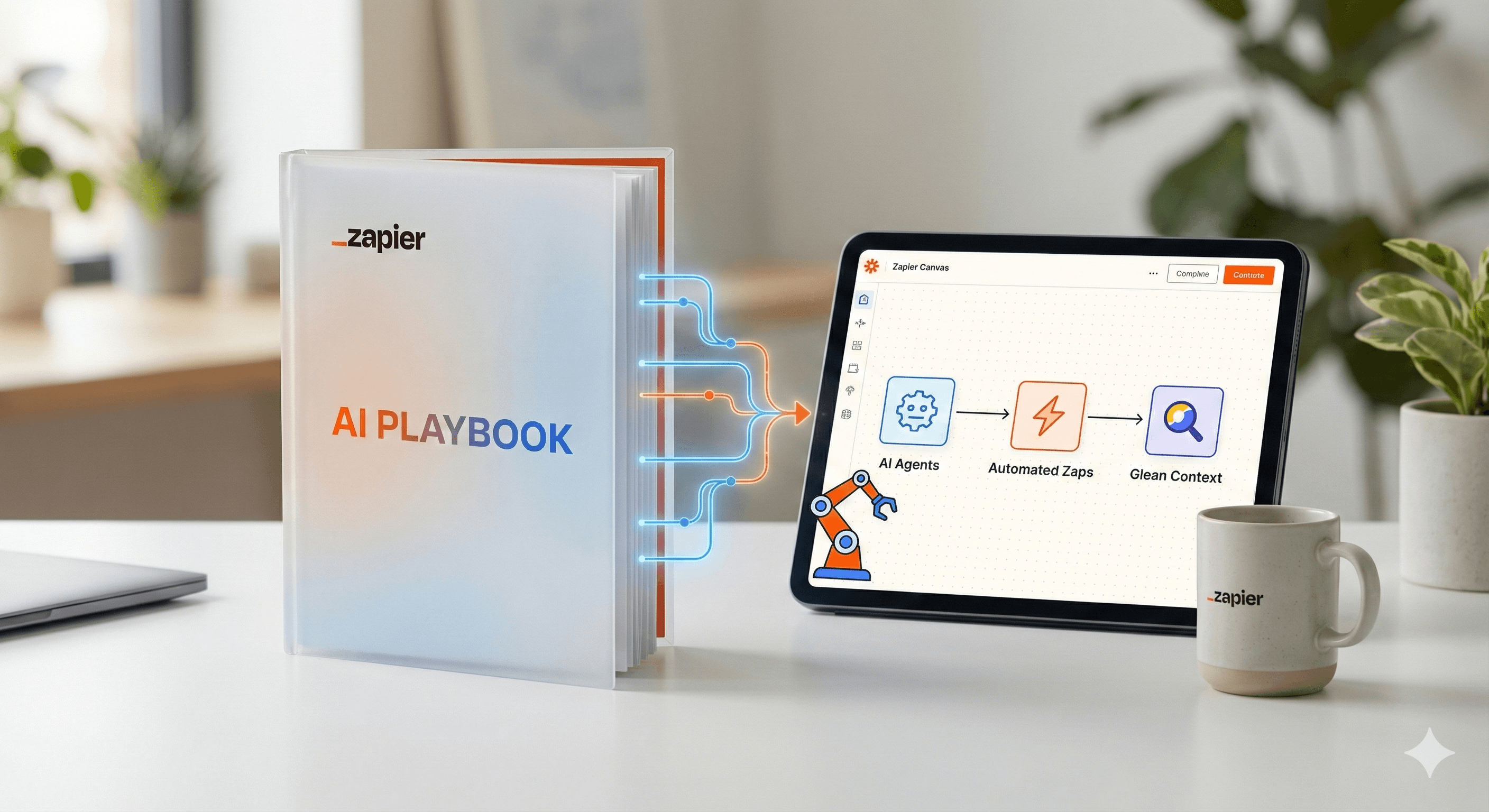
Pas sûr de quoi faire ensuite avec l'IA?Évaluez la préparation, les risques et les priorités en moins d'une heure.
➔ Téléchargez notre kit de préparation à l'IA gratuit
Explorez les idées les plus exploitables du Guide AI de Zapier—présenté en partenariat avec Glean—et apprenez comment passer des expériences à un impact commercial mesurable. Vous verrez comment Zapier a étendu l'adoption de l'IA à l'échelle de l'organisation et comment appliquer ces tactiques avec Agents, Canvas et des modèles d'orchestration dans votre propre équipe.
Pourquoi c'est important en 2026
Zapier a partagé publiquement comment il a favorisé l'adoption de l'IA à l'échelle de l'entreprise—atteignant 89% d'utilisation active au printemps 2025—et a depuis mis en open-source des tactiques supplémentaires, rapportant 97% d'utilisation hebdomadaire à travers l'entreprise. Leur guide met l'accent sur l'urgence (« Code rouge »), les fondations (balises, habilitation), et la construction d'habitudes (hackathons, champions). Utilisez la même approche pour transformer les pilotes en résultats de production.
Points clés / avantages
Déverrouillez de nouvelles efficacités. Orchestrer l'IA là où le travail se fait déjà—flux de travail, agents et chatbots—plutôt que de laisser l'IA dans des silos.
Améliorez la collaboration. Planifiez et communiquez des systèmes de bout en bout dans Canvas, puis réalisez des automatisations et agents conformes au plan.
Standardisez, puis étendez. Utilisez des modèles répétitifs, des sprints de maîtrise de l'IA et des hackathons pour diffuser les capacités au-delà d'une seule équipe.
Nouveautés ou comment cela fonctionne
Zapier comme plateforme d'orchestration de l'IA. Vous pouvez ajouter l'IA à trois niveaux—étapes de l'IA dans les Zaps, Agents, et chatbots clients—et la connecter à des milliers d'outils que vos équipes utilisent déjà. Cela unifie les invites, les données et les actions en un seul endroit.
Canvas pour la stratégie → construction. Canvas est un outil de création de diagrammes gratuit et alimenté par l'IA pour concevoir des processus, cartographier les dépendances et transformer les idées en automatisations avec des suggestions d'IA. Utilisez-le pour aligner les parties prenantes avant de créer des Zaps ou Agents.
Agents pour effectuer des tâches à plusieurs étapes. Avec les Agents de Zapier, vous pouvez créer des coéquipiers IA qui utilisent les connaissances de l'entreprise et agissent à travers 8 000+ applications, s'arrêtant pour une revue humaine aux points de décision et enregistrant ce qui s'est passé.
Étapes pratiques
Créer de l'urgence et une piste sûre
Annoncez une poussée sur une durée limitée (le moment « Code rouge » de Zapier), publiez des directives d'utilisation de l'IA et nommez des champions. Cela stimule l'élan tout en assurant la sécurité de l'utilisation des données.Exécuter un sprint de maîtrise de l'IA + hackathon
Offrez ~25 heures d'apprentissage en autonomie, puis organisez un hackathon d'entreprise pour convertir l'apprentissage en prototypes fonctionnels. Célébrez les victoires et documentez les modèles pour réutilisation.Concevez dans Canvas, expédiez avec Zaps et Agents
Atelier le flux de travail dans Canvas; convenez des déclencheurs, systèmes et approbations. Puis implémentez avec Zaps (pour les flux linéaires) ou Agents (pour le travail à étapes multiples dirigé par un objectif).Commencez avec 2 à 3 cas d'utilisation à fort impact
Exemples qui se généralisent bien :
Tri des courriels & de l'agenda : rédiger des réponses, acheminer les courriels et fixer des réunions.
Gestion des prospects : enrichir, qualifier et avertir les SDRs avec des résumés.
Déflexion du support : proposer des réponses avec citations, créer/mettre à jour des tickets.
Utilisez Glean pour faire émerger des connaissances internes et des citations dans ces flux.
Gérez et mesurez
Activez l'assistance humaine lorsque nécessaire, exigez des pistes d'audit et suivez le temps de réalisation, la précision, la déviation et le % d'approbations humaines. Transformez les victoires en modèles partagés et élargissez à des équipes adjacentes.
Exemples sur lesquels vous pouvez vous baser
Concierge de l'inbox AI
Créez le flux dans Canvas → l'Agent rédige des réponses, propose des étapes suivantes, et planifie avec votre application de calendrier; un Zap consigne les résultats dans CRM et Slack/Teams.Usine à contenu marketing
Utilisez des modèles d'orchestration pour transformer des notes d'appel et des webinaires en messages, mémos et courriels sur divers canaux—automatiquement.Boucle de connaissances de support
L'Agent recherche des connaissances internes (par exemple, Glean) avec citations, rédige des réponses et met à jour ServiceNow/Zendesk. Un Zap capture les cas non résolus pour une révision hebdomadaire.
FAQs
Q1 : Qu'est-ce que le Guide AI de Zapier?
R : C'est un ensemble de pratiques que Zapier a utilisées pour favoriser l'adoption de l'IA à l'échelle de l'entreprise—89% au printemps 2025—incluant l'urgence « Code rouge », les balises, l'habilitation, les hackathons et les champions. Zapier a depuis mis en open-source des tactiques supplémentaires (97% d'utilisation hebdomadaire). Zapier+1
Q2 : Comment l'IA améliore-t-elle l'efficacité des flux de travail avec Zapier?
R : Ajoutez l'IA là où elle s'intègre : comme une étape dans un Zap, un Agent dirigé par objectif, ou un chatbot client. Canvas aide à concevoir le système ; les Zaps/Agents exécutent ; tout se connecte aux applications utilisées par vos équipes. Zapier+1
Q3 : Quels outils sont recommandés pour commencer?
R : Canvas pour la cartographie, Zaps pour les automatisations linéaires, Agents pour le travail à étapes multiples qui bénéficie de contexte et points de pause, ainsi que des outils de connaissance comme Glean pour citations et réponses internes. Zapier+1
Résumé
Le Guide AI de Zapier offre un chemin pratique pour évoluer : créez de l'urgence, construisez sécurité et maîtrise, concevez dans Canvas, puis automatisez avec Zaps et Agents à travers 8 000+ applications—avec Glean fournissant un contexte d'entreprise et des citations. Vous voulez un déploiement guidé pour 2026 ? Generation Digital peut aider à concevoir votre programme, modèles, et gouvernance.
Recevez chaque semaine des nouvelles et des conseils sur l'IA directement dans votre boîte de réception
En vous abonnant, vous consentez à ce que Génération Numérique stocke et traite vos informations conformément à notre politique de confidentialité. Vous pouvez lire la politique complète sur gend.co/privacy.



Génération
Numérique

Bureau du Royaume-Uni
Génération Numérique Ltée
33 rue Queen,
Londres
EC4R 1AP
Royaume-Uni
Bureau au Canada
Génération Numérique Amériques Inc
181 rue Bay, Suite 1800
Toronto, ON, M5J 2T9
Canada
Bureau aux États-Unis
Generation Digital Americas Inc
77 Sands St,
Brooklyn, NY 11201,
États-Unis
Bureau de l'UE
Génération de logiciels numériques
Bâtiment Elgee
Dundalk
A91 X2R3
Irlande
Bureau du Moyen-Orient
6994 Alsharq 3890,
An Narjis,
Riyad 13343,
Arabie Saoudite







Numéro d'entreprise : 256 9431 77 | Droits d'auteur 2026 | Conditions générales | Politique de confidentialité