Cree prototipos de aplicaciones móviles rápidamente con Miro (2026)
Miro
¿No sabes por dónde empezar con la IA?Evalúa preparación, riesgos y prioridades en menos de una hora.
➔ Descarga nuestro paquete gratuito de preparación para IA
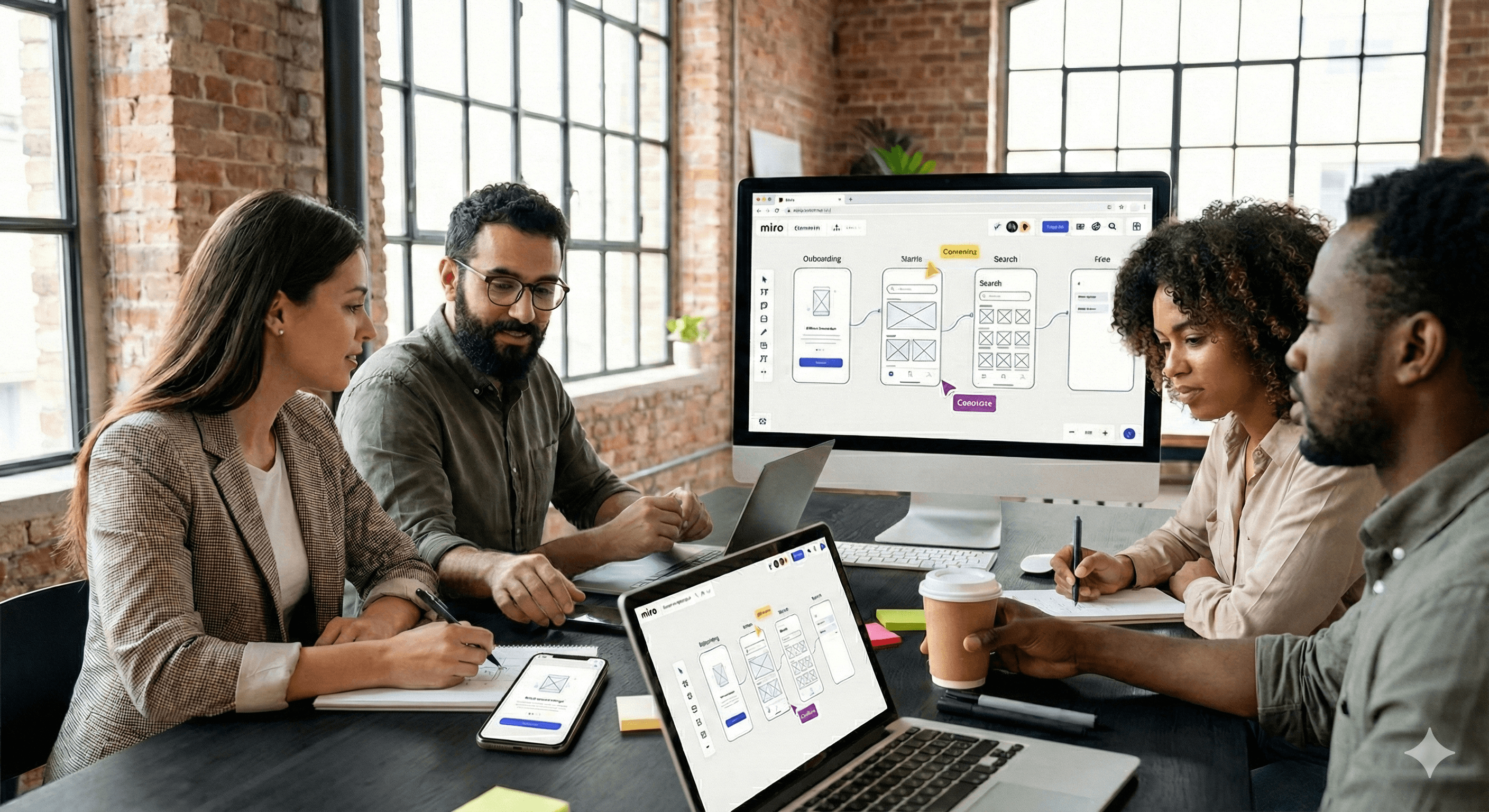
Miro permite a los equipos crear prototipos de aplicaciones móviles rápidamente usando plantillas predefinidas, un lienzo colaborativo infinito e integraciones para la entrega de diseño. Con plantillas aceleradas por IA y comentarios integrados, puedes mapear flujos, ensamblar pantallas y compartir prototipos interactivos para obtener opiniones, sin cambiar de herramientas.
Diseñar un prototipo de aplicación móvil no tiene que comenzar desde cero. Con Miro, puedes pasar de idea a flujos interactivos en minutos, utilizando plantillas, aceleración por IA y colaboración en tiempo real para mantener al equipo alineado. Las actualizaciones recientes añaden Adobe Express directamente en Miro y nuevos espacios de trabajo enfocados en IA, para que puedas crear e iterar sin cambiar de contexto.
¿Por qué prototipar aplicaciones móviles en Miro?
Comienza más rápido con plantillas
Abre un prototipo de aplicación móvil o una plantilla de boceto y tendrás marcos de dispositivos, pantallas y flujos para personalizar de inmediato. Las plantillas reducen el tiempo de preparación y fomentan la consistencia a lo largo de tus recorridos.
Un lienzo compartido para colaboración en tiempo real
Invita a diseñadores, PMs, ingenieros y partes interesadas a co-crear, comentar y votar, en vivo o de manera asincrónica. Los comentarios y menciones de Miro mantienen las opiniones en contexto, en el tablero.
Navegación interactiva para flujos de usuarios
Usa enlaces entre marcos para simular comportamientos de clic y simplificar la navegación durante revisiones y pruebas. Es ideal para sesiones de validación temprana antes del diseño de alta fidelidad.
Integraciones y entregas fluidas
Conéctate a Figma para UI detallada y sincroniza con Jira o Asana para convertir decisiones en tareas de entrega, sin copiar y pegar.
¿Qué hay de nuevo en 2026?
Plantilla de prototipo de aplicación móvil con IA
Evita el inicio lento. Genera flujos y pantallas con aceleración por IA y luego refina la estructura que necesita tu equipo. Está diseñado para llevarte rápidamente de la idea a los bocetos.
Adobe Express dentro de Miro
Limpia capturas de pantalla, elimina fondos o crea activos acorde a la marca sin salir de tu tablero. Ideal para pulir estados UI y artefactos de presentación durante las críticas.
Espacio de innovación con IA y aceleración de productos
Nuevos flujos de trabajo orientados a IA ayudan a los equipos de producto, ingeniería y diseño a pasar de conceptos a resultados entregados más rápido, manteniendo la ideación, alineación y decisiones en el mismo lienzo.
Paso a paso: Construye un prototipo de aplicación móvil en Miro
Elige un punto de partida
Abre Prototipo de Aplicación Móvil o Boceto de Aplicación Móvil en la biblioteca de plantillas. Si deseas comenzar con una estructura, prueba el Prototipo de Aplicación Móvil con IA.Mapea tu flujo de usuario principal
Coloca pantallas clave (por ejemplo, Inicio de sesión → Inicio → Búsqueda → Detalle → Compra). Usa flechas y etiquetas para aclarar decisiones y estados.Ensamblar pantallas con componentes
Arrastra bloques de UI (encabezados, tarjetas, formularios) y anota comportamientos. Mantenlo de baja fidelidad para fomentar opiniones, luego agrega detalle progresivamente donde sea importante.Hazlo interactivo
Agrega enlaces entre marcos para que los revisores puedan navegar por el camino feliz y casos límite. Crea flujos separados para el inicio de sesión, manejo de errores y estados vacíos.Colabora y recopila opiniones
Invita a compañeros de equipo, agrega comentarios directamente en componentes y menciona a los dueños. Usa votos o reacciones rápidas para priorizar cambios.Pulir visuales cuando sea necesario
Abre Adobe Express en Miro para recortar, limpiar o adaptar imágenes para las revisiones, sin necesidad de una pestaña extra.Entrega al desarrollo
Exporta tableros o conéctate a Figma para diseños de alta fidelidad y a Jira/Asana para los tickets. Mantén especificaciones, decisiones y recursos rastreables desde el descubrimiento hasta la entrega.
Ejemplos prácticos que puedes copiar
Revisión de flujo MVP: Utiliza la plantilla de Prototipo de Aplicación Móvil para coordinar el alcance del “primer envío”. Agrega comentarios para capturar compromisos y etiqueta a PM/ingeniería para estimaciones.
Prueba de camino de usabilidad: Enlaza marcos para simular navegación y realiza una caminata de 15 minutos basada en tareas con las partes interesadas. Anota puntos de fricción directamente en el flujo.
Crítica de diseño con ediciones visuales rápidas: Mantén el tablero abierto mientras un diseñador usa Adobe Express en Miro para arreglar capturas antes de la aprobación final.
Consejos para mejores prototipos
Mantén la baja fidelidad por más tiempo: Los wireframes fomentan opiniones honestas sobre el flujo, no sobre los píxeles.
Nombrar marcos y flujos claramente: Mejora la navegabilidad y la comprensión de las partes interesadas durante las revisiones.
Cierra el ciclo: Convierte decisiones en tickets a través de integraciones de Jira/Asana para que no se pierda el impulso tras la revisión.
Resumen
Miro te brinda un camino rápido y colaborativo hacia prototipos de aplicaciones móviles, con plantillas aceleradas por IA, flujos interactivos, edición de imágenes integrada y entrega al uso de herramientas que tu equipo ya conoce. Comienza con una plantilla, enlaza tus pantallas, recopila opiniones en contexto y avanza hacia la entrega sin perder velocidad.
Preguntas Frecuentes
P1: ¿Puedo crear prototipos interactivos en Miro?
Sí. Usa enlaces internos entre marcos para simular navegación, ideal para demostraciones de flujo de usuario y validación temprana.
P2: ¿Qué plantillas debo usar para comenzar?
Prueba Prototipo de Aplicación Móvil o Boceto de Aplicación Móvil para mapear flujos y pantallas rápidamente. Las plantillas aceleradas por IA pueden preestructurar tu aplicación.
P3: ¿Cómo apoya Miro la colaboración?
Miro ofrece coedición en tiempo real, comentarios, menciones y fácil compartición, manteniendo las opiniones en contexto en el tablero.
P4: ¿Cómo entrego a herramientas de diseño y desarrollo?
Usa integraciones con Figma para UI de alta fidelidad y Jira/Asana para convertir decisiones en tareas rastreadas.
Próximos Pasos
¿Listo para avanzar más rápido? Contacta a Generation Digital para implementar Miro, conectar tu cadena de herramientas y entrenar a los equipos para prototipar y entregar con confianza.
Recibe noticias y consejos sobre IA cada semana en tu bandeja de entrada
Al suscribirte, das tu consentimiento para que Generation Digital almacene y procese tus datos de acuerdo con nuestra política de privacidad. Puedes leer la política completa en gend.co/privacy.



Generación
Digital

Oficina en Reino Unido
Generation Digital Ltd
33 Queen St,
Londres
EC4R 1AP
Reino Unido
Oficina en Canadá
Generation Digital Americas Inc
181 Bay St., Suite 1800
Toronto, ON, M5J 2T9
Canadá
Oficina en EE. UU.
Generation Digital Américas Inc
77 Sands St,
Brooklyn, NY 11201,
Estados Unidos
Oficina de la UE
Software Generación Digital
Edificio Elgee
Dundalk
A91 X2R3
Irlanda
Oficina en Medio Oriente
6994 Alsharq 3890,
An Narjis,
Riad 13343,
Arabia Saudita







Número de la empresa: 256 9431 77 | Derechos de autor 2026 | Términos y Condiciones | Política de Privacidad