Implementar habilidades de Claude a gran escala: administración, directorio, estándar abierto
Claude
Antropico
¿No sabes por dónde empezar con la IA?Evalúa preparación, riesgos y prioridades en menos de una hora.
➔ Descarga nuestro paquete gratuito de preparación para IA
¿Qué son las habilidades de Claude?
Habilidades son paquetes modulares y reutilizables (instrucciones, recursos y guiones opcionales) que enseñan a Claude cómo funciona tu organización—como una guía de introducción para un asistente. Reducen la necesidad de indicaciones únicas y hacen que los resultados sean consistentes en todos los equipos.
Novedades: implementación, descubrimiento y portabilidad más sencillas
Gestión a nivel organización: Los administradores en planes de Equipo y Empresa pueden proporcionar, restringir y auditar habilidades de manera centralizada.
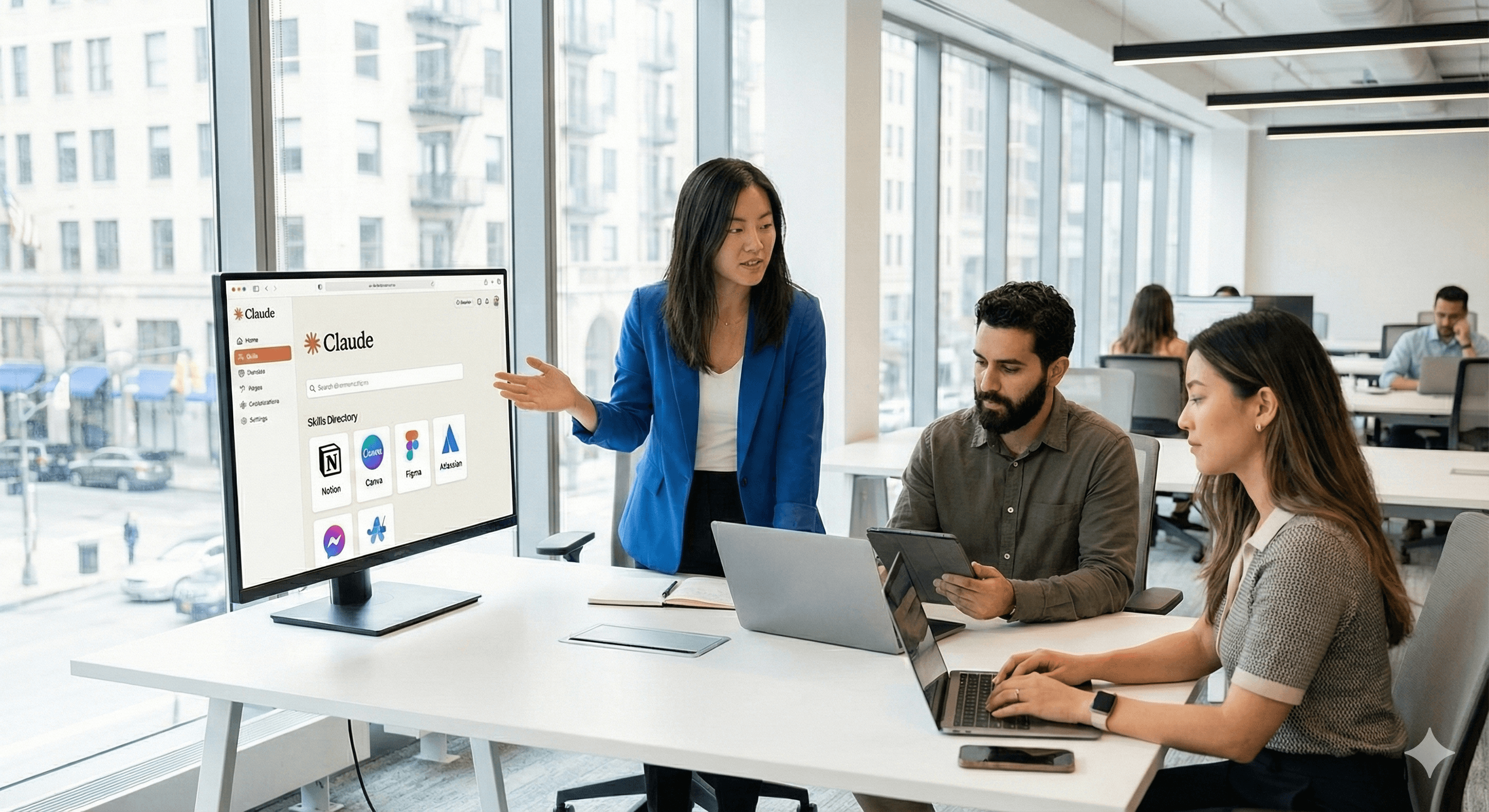
Directorio de habilidades: Explora habilidades creadas por socios de Notion, Canva, Figma, Atlassian y otros; instala en unos pocos clics.
Estándar abierto: La especificación Agent/Skills de Anthropic permite habilidades multiplataforma que pueden funcionar más allá de Claude (por ejemplo, otros asistentes y agentes IDE).
Cómo ayuda el estándar abierto
Un formato de carpeta/especificación compartida significa que puedes crear una habilidad una vez y ejecutarla donde sea que el estándar sea adoptado—reduciendo la dependencia de proveedores y acelerando las revisiones de gobernanza.
Controles de administración adaptados a la empresa
Los administradores pueden asignar habilidades a grupos, definir quién puede publicarlas o modificarlas, y mantener la implementación auditable—para que los flujos de trabajo escalen sin caos. Esto aborda un obstáculo común: indicaciones fragmentadas, usuario por usuario.
El Directorio de Habilidades: inicios rápidos de socios confiables
Lanza con habilidades listas para usar de Notion, Canva, Figma, Atlassian y más—ideal para generación de documentos, flujos de trabajo de diseño, consultas de conocimientos y actualizaciones de proyectos estructurados.
Despliegue práctico (paso a paso)
Define la gobernanza: elige entornos (Equipo/Empresa), derechos de publicación y barreras de revisión.
Comienza con el Directorio: instala un pequeño conjunto (por ejemplo, Notion para PRDs, Canva para activos de marca) y mapea con los flujos de trabajo existentes.
Construye una habilidad personalizada: captura la guía de estilo o lista de aprobación de tu organización utilizando la especificación publicada (agentskills.io).
Mide la adopción: rastrea el tiempo ahorrado en tareas, tasas de error y tasas de aprobación en revisiones.
Escala y estandariza: plantifica habilidades de alto valor; utiliza el acceso basado en roles y el control de versiones para el control de cambios.
Compatibilidad y plataformas
Las habilidades se ejecutan en todas las superficies de Claude (Claude.ai, Claude Code, API/SDK), con socios que extienden capacidades dentro de sus plataformas. El estándar abierto tiene como objetivo habilitar la interoperabilidad con otros asistentes donde se adopte.
Resumen
Las habilidades de Claude ahora se implementan como características empresariales maduras: administración central, un directorio de socios y una especificación abierta y portátil. Comienza con un piloto gobernado, mide los beneficios y expande a un catálogo basado en estándares de flujos de trabajo de IA en toda tu organización.
Próximos pasos: Habla con Generation Digital para diseñar un despliegue de habilidades—gobernado, medible y alineado con tu conjunto de herramientas.
Preguntas frecuentes
P1: ¿Cuáles son las nuevas habilidades de Claude?
Paquetes de flujo de trabajo reutilizables que codifican tus procesos (instrucciones/recursos/guiones) para que Claude entregue resultados consistentes. Anthropic
P2: ¿Cómo pueden gestionarlas los administradores?
Con controles a nivel organización en planes de Equipo y Empresa: asigna habilidades, establece permisos y audita el uso desde una consola central. AI Business
P3: ¿Qué plataformas son compatibles?
El Directorio de Habilidades incluye socios como Notion, Canva, Figma y Atlassian; el estándar abierto permite el uso multiplataforma donde se adopte. Claude+1
Recibe noticias y consejos sobre IA cada semana en tu bandeja de entrada
Al suscribirte, das tu consentimiento para que Generation Digital almacene y procese tus datos de acuerdo con nuestra política de privacidad. Puedes leer la política completa en gend.co/privacy.



Generación
Digital

Oficina en Reino Unido
Generation Digital Ltd
33 Queen St,
Londres
EC4R 1AP
Reino Unido
Oficina en Canadá
Generation Digital Americas Inc
181 Bay St., Suite 1800
Toronto, ON, M5J 2T9
Canadá
Oficina en EE. UU.
Generation Digital Américas Inc
77 Sands St,
Brooklyn, NY 11201,
Estados Unidos
Oficina de la UE
Software Generación Digital
Edificio Elgee
Dundalk
A91 X2R3
Irlanda
Oficina en Medio Oriente
6994 Alsharq 3890,
An Narjis,
Riad 13343,
Arabia Saudita







Número de la empresa: 256 9431 77 | Derechos de autor 2026 | Términos y Condiciones | Política de Privacidad