Devstral 2 y Mistral Vibe CLI: Codificación Más Rápida y Eficaz
Mistral
¿No sabes por dónde empezar con la IA?Evalúa preparación, riesgos y prioridades en menos de una hora.
➔ Descarga nuestro paquete gratuito de preparación para IA
¿Por qué Devstral 2 + Vibe son importantes ahora?
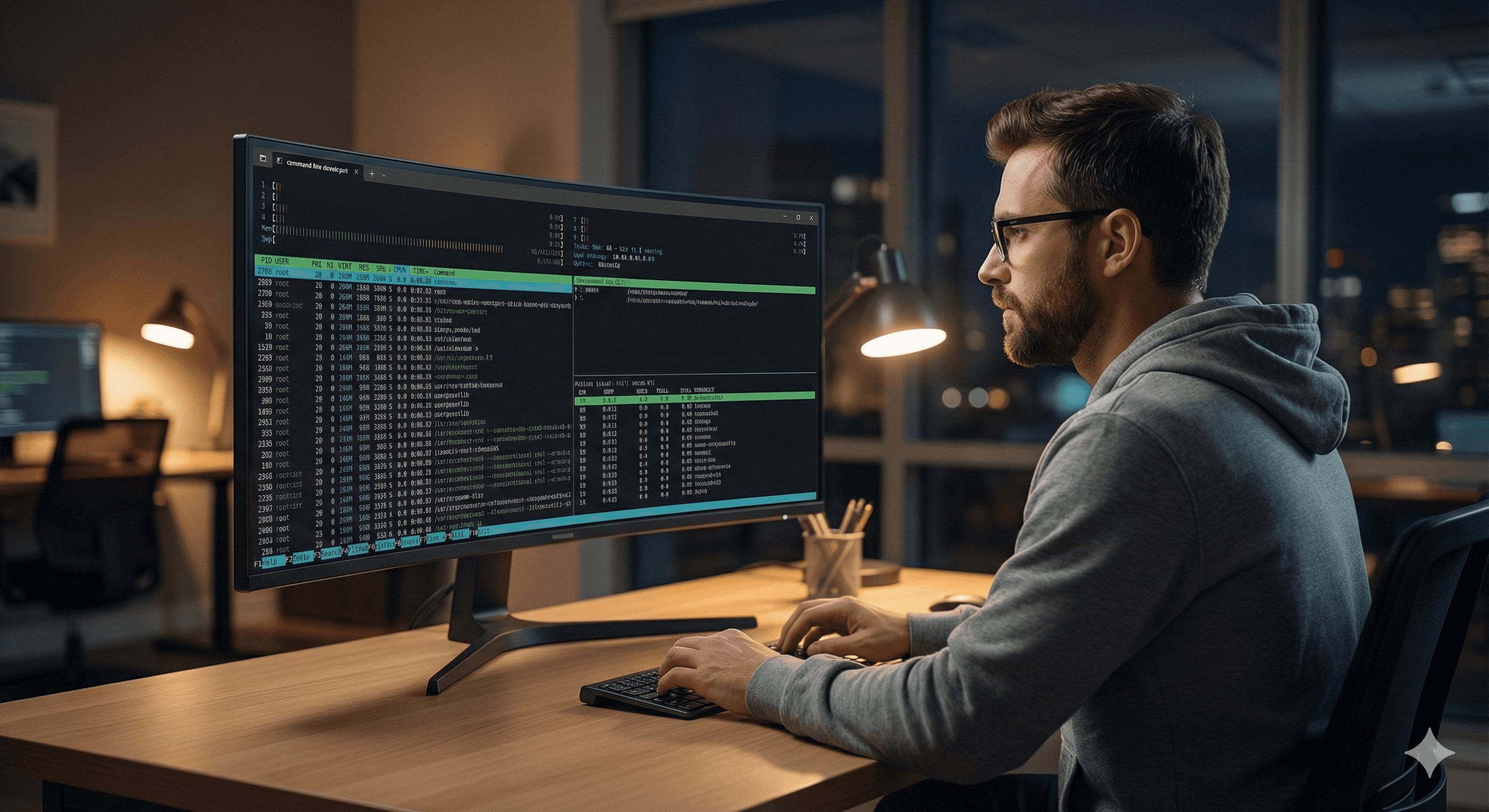
Los asistentes modernos de codificación deben hacer más que producir fragmentos; necesitan navegar por una base de código, planificar pasos, llamar herramientas deliberadamente y verificar cambios. La nueva pila de Mistral combina Devstral 2 (diseñado para codificación agente) con Vibe CLI, un agente de terminal nativo que opera directamente contra tu repositorio.
¿Qué hay de nuevo?
Familia de modelos Devstral 2 (peso abierto): Diseñada para agentes de ingeniería de software—ediciones multiarchivo, uso de herramientas y contexto largo (hasta 256k tokens). Disponible en variantes grandes y pequeñas (por ejemplo, 123B Instruct en Hugging Face; 24B "Small 2" para despliegues más ligeros).
Rendimiento y eficiencia verificadas en SWE-bench: Mistral reporta un 72.2% en SWE-bench Verified y afirma hasta 7× mejor eficiencia de costos que algunos modelos competidores en tareas reales. Tratar como informado por el proveedor pero útil direccionalmente.
Mistral Vibe CLI (código abierto): Un CLI Python que te permite charlar con tu base de código, con herramientas integradas para leer/escribir/editar archivos, buscar, ejecutar comandos shell, gestionar un todo, y más—con licencia Apache-2.0.
Nota sobre la licencia: "Código abierto" aquí se refiere al proyecto Vibe CLI (Apache-2.0). Los modelos de Devstral 2 son peso abierto (pesos disponibles bajo términos específicos).
Principales beneficios
Codificación agente de fábrica: El modelo descompone tareas, inspecciona archivos primero y aplica cambios en múltiples ubicaciones—ideal para refactorizaciones y corrección de errores.
Trabaja donde los desarrolladores se encuentran: Vibe corre en el terminal que ya usas y se integra con tu entorno/local herramientas.
Escala desde laptop a servidor: Una opción 24B Small vía API/despliegue local y una opción más grande 123B para máxima calidad; el contexto de 256k ayuda con repositorios grandes/PRs.
Cómo funciona (a simple vista)
Inicia una sesión Vibe en tu repositorio.
Charla en lenguaje natural (“escanea APIs obsoletas y corrige usos”).
Vibe utiliza herramientas: lee/busca archivos, propone diferencias, ejecuta comandos y gestiona un todo hasta que esté completado.
Devstral 2 proporciona el razonamiento/la columna vertebral agente con contexto largo y habilidad de uso de herramientas.
Pasos prácticos: empieza en 10 minutos
Instala Vibe CLI (Python)
Autentica con tu clave API de Mistral (variable de entorno o configuración según la documentación).
Lánzalo en un repositorio
Pide: “Lista archivos que usan XYZ obsoleto y prepara un parche.” Vibe leerá, buscará, propondrá ediciones y gestionará un todo.
Elige un modelo Devstral 2
Nube/API: IDs de modelo en la documentación de Devstral 2 (contexto de 256k; consulta precios).
Local: descarga los pesos Devstral-2-123B-Instruct-2512 (HF) o utiliza entradas de la biblioteca Ollama donde estén disponibles.
Frenos y revisión
Ejecuta pruebas/lint después de parches; stage diffs; requiere revisión de PR.
Mantén Vibe en una rama no prod.
Registra ejecuciones de comandos y cambios de archivos para auditoría (CI). (Mejor práctica operacional; no específica del proveedor.)
Casos de uso ejemplo
Migración de API a gran escala: Búsqueda/reemplazo con conciencia de contexto; actualiza importaciones, corrige sitios de llamadas y ejecuta pruebas del proyecto.
Priorización de errores desde texto de problema: Pega una prueba fallida; deja que Vibe localice archivos culpables, proponga una corrección y conecte una prueba de regresión.
Revisión de documentación: Genera/edita READMEs y documentación interna a través de paquetes en una sola sesión.
Notas de Empresa/Plataforma
Catálogo de modelos & disponibilidad: Consulta la página de Modelos de Mistral para considerar la alineación actual (familias Large/Medium/Codestral junto con Devstral 2).
Referencias y ROI: Usa afirmaciones del proveedor (SWE-bench, eficiencia) como punto de partida; valida en tus propias tareas a nivel repositorio.
Opciones de nube: Presencia Devstral/Codestral en plataformas de nube (por ejemplo, Vertex AI) indica ecosistema en maduración; evalúa para gobernanza y escalabilidad.
Preguntas frecuentes (legible para humanos)
¿Qué es Devstral 2?
Familia de modelos de codificación de peso abierto optimizados para tareas agente (ediciones multiarchivo, uso de herramientas) con hasta 256k contexto; disponible en varios tamaños (por ejemplo, 24B "Small 2", 123B Instruct). Documentación Mistral AI
¿Qué es Mistral Vibe CLI?
Un agente de codificación de línea de comando código abierto que conversa con tu repositorio y puede leer/escribir archivos, buscar, ejecutar comandos shell y rastrear tareas—impulsado por modelos Mistral. Documentación Mistral AI
¿Cómo mejora Vibe la productividad?
Reduce el cambio de contexto: solicitas cambios, inspecciona la base de código, propone diferencias y ejecuta comandos—manteniendo el flujo de trabajo dentro de tu terminal. Documentación Mistral AI
¿Son estas herramientas de código abierto?
Vibe CLI es código abierto (Apache-2.0). Devstral 2 es peso abierto—los pesos del modelo están disponibles bajo los términos de Mistral en lugar de una licencia permisiva OSS. GitHub
¿Puedo ejecutar Devstral 2 localmente?
Sí—descargar los pesos de Hugging Face o usar corredores comunitarios como Ollama donde listados; consulta requisitos de hardware. Hugging Face
Recibe noticias y consejos sobre IA cada semana en tu bandeja de entrada
Al suscribirte, das tu consentimiento para que Generation Digital almacene y procese tus datos de acuerdo con nuestra política de privacidad. Puedes leer la política completa en gend.co/privacy.



Generación
Digital

Oficina en Reino Unido
Generation Digital Ltd
33 Queen St,
Londres
EC4R 1AP
Reino Unido
Oficina en Canadá
Generation Digital Americas Inc
181 Bay St., Suite 1800
Toronto, ON, M5J 2T9
Canadá
Oficina en EE. UU.
Generation Digital Américas Inc
77 Sands St,
Brooklyn, NY 11201,
Estados Unidos
Oficina de la UE
Software Generación Digital
Edificio Elgee
Dundalk
A91 X2R3
Irlanda
Oficina en Medio Oriente
6994 Alsharq 3890,
An Narjis,
Riad 13343,
Arabia Saudita







Número de la empresa: 256 9431 77 | Derechos de autor 2026 | Términos y Condiciones | Política de Privacidad