Gemini 3 Pensamiento Profundo: cómo funciona y cómo activarlo
Géminis
¿No sabes por dónde empezar con la IA?Evalúa preparación, riesgos y prioridades en menos de una hora.
➔ Descarga nuestro paquete gratuito de preparación para IA
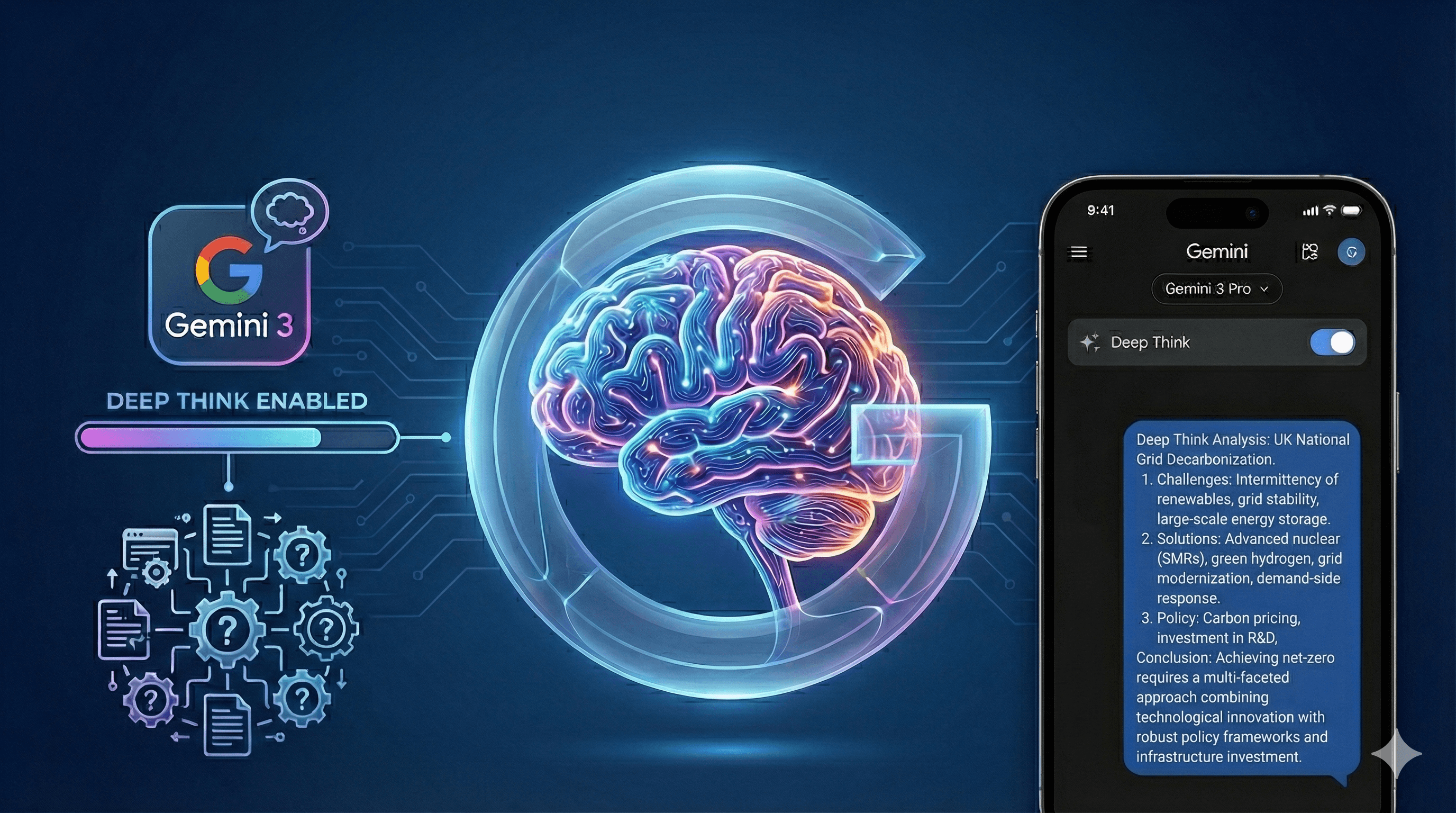
Google ha activado Deep Think para Gemini 3 dentro de la aplicación Gemini, diseñada para resolver problemas más difíciles y de múltiples pasos donde se requiere deliberación en lugar de velocidad. Los suscriptores de Ultra pueden activarlo desde el selector de modelos. blog.google
Qué cambia con Deep Think
Deep Think le pide a Gemini 3 que razone de manera más deliberada antes de responder, lo que ayuda con la síntesis, la planificación, la refactorización de código y los análisis paso a paso.
Cómo activarlo (pasos rápidos)
Abre la aplicación Gemini
Selecciona Gemini 3 Pro
Toca Deep Think en la barra de indicaciones
Haz una pregunta compleja y rica en contexto.
Dónde está disponible
Gemini 3 Pro se está implementando en la aplicación Gemini y en el Modo AI en más países; los suscriptores de Ultra (y en algunos casos de Pro) obtienen límites más altos y funciones anticipadas. Verifique su plan y región en la aplicación.
Casos de uso para equipos del Reino Unido
Planificación trimestral y análisis de compensaciones
Comparaciones de políticas y registros de decisiones
Revisión de código y planes de refactorización
Registros de riesgos y opciones de mitigación
¿Quieres lanzamientos controlados de asistentes de IA? Generation Digital ayuda a las organizaciones del Reino Unido a diseñar flujos de trabajo de IA seguros y medibles.
Preguntas Frecuentes
¿Es gratuito Deep Think?
No. Está disponible en la aplicación Gemini para suscriptores Ultra al usar Gemini 3 Pro. blog.google
¿Cómo lo habilito?
Selecciona Gemini 3 Pro, luego activa Deep Think en la barra de indicaciones. blog.google
¿Funciona en el Modo AI?
Las funcionalidades de Gemini 3 se están expandiendo en el Modo AI en más países; verifica tu región y plan. blog.google
Recibe noticias y consejos sobre IA cada semana en tu bandeja de entrada
Al suscribirte, das tu consentimiento para que Generation Digital almacene y procese tus datos de acuerdo con nuestra política de privacidad. Puedes leer la política completa en gend.co/privacy.



Generación
Digital

Oficina en Reino Unido
Generation Digital Ltd
33 Queen St,
Londres
EC4R 1AP
Reino Unido
Oficina en Canadá
Generation Digital Americas Inc
181 Bay St., Suite 1800
Toronto, ON, M5J 2T9
Canadá
Oficina en EE. UU.
Generation Digital Américas Inc
77 Sands St,
Brooklyn, NY 11201,
Estados Unidos
Oficina de la UE
Software Generación Digital
Edificio Elgee
Dundalk
A91 X2R3
Irlanda
Oficina en Medio Oriente
6994 Alsharq 3890,
An Narjis,
Riad 13343,
Arabia Saudita






Número de la empresa: 256 9431 77 | Derechos de autor 2026 | Términos y Condiciones | Política de Privacidad