Claude Code: Preview, Review & Merge Without Tool-Switching
Claude
Pas sûr de quoi faire ensuite avec l'IA?Évaluez la préparation, les risques et les priorités en moins d'une heure.
➔ Téléchargez notre kit de préparation à l'IA gratuit
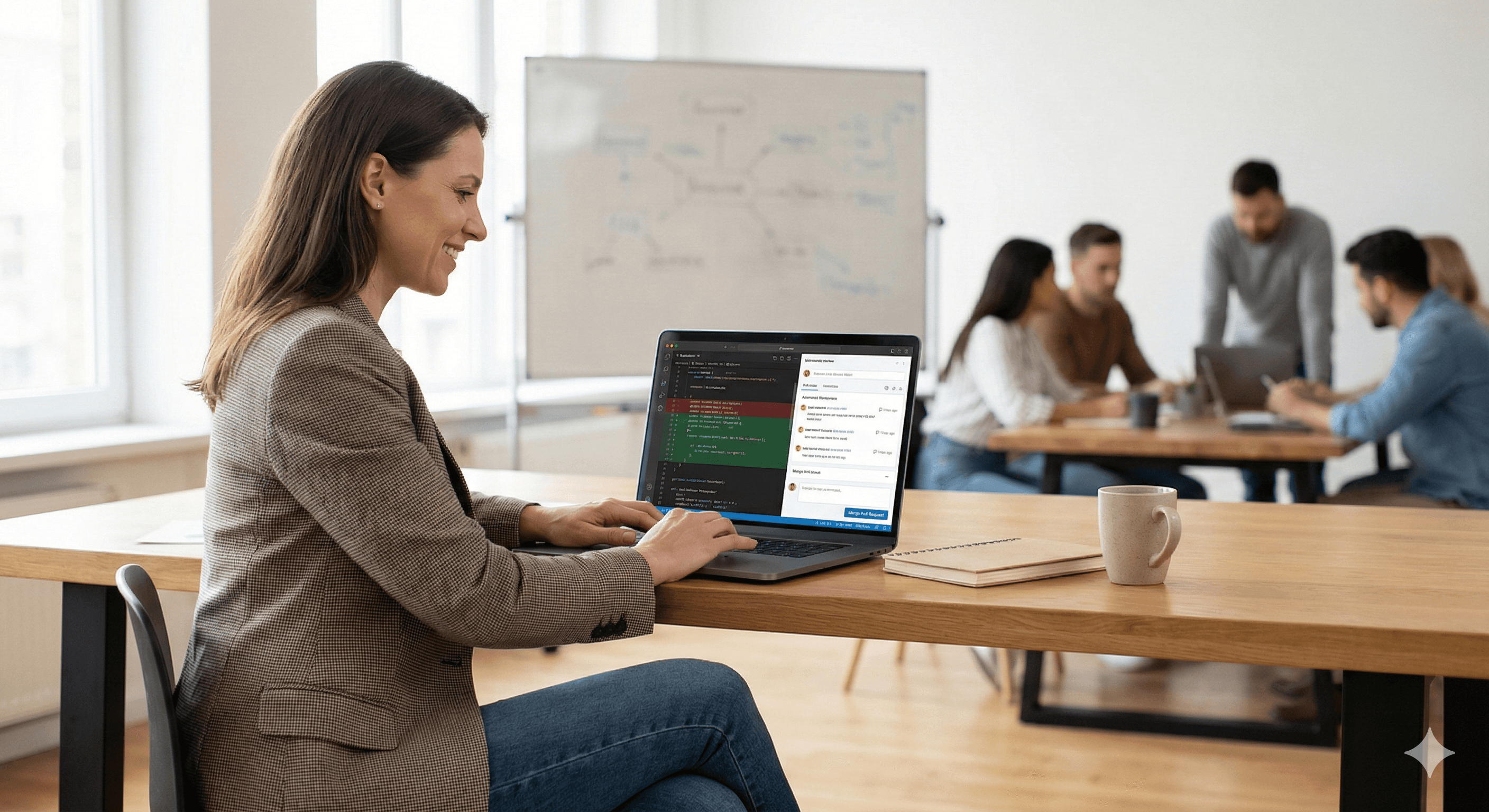
Claude Code’s desktop app now supports an end-to-end workflow from coding to merging: preview your running app, review changes in a visual diff, generate automated review notes, and monitor GitHub pull requests and CI checks in one place. For teams, it reduces tool-switching and speeds up review cycles—while keeping merge decisions auditable.
Most teams don’t lose time because they can’t write code. They lose time in the gaps: switching between editor, terminal, preview, PR, CI checks, review comments, and merge approvals.
Anthropic’s latest update to Claude Code on desktop aims to close that loop. You can now preview, review, and merge without bouncing between tools—using a single desktop workflow that brings together live previews, diff review, automated review notes, and PR monitoring.
This article explains what’s new, how the workflow fits modern GitHub-based teams, and how to roll it out safely.
What’s new in Claude Code: preview, review and merge in one place
According to Anthropic’s release notes and documentation, Claude Code desktop now supports:
1) Live app preview
Run your application and preview it directly from the desktop workflow—useful when you want quick feedback without jumping to separate browser windows or complex local setups.
2) Visual diff review
When Claude makes changes across your repo, you can review them file-by-file in a dedicated diff view (with line additions/removals and inline commenting). This makes it easier to sanity-check multi-file edits before you open a pull request.
3) Automated review of diffs
Claude can produce review notes against a changeset: likely issues, risky patterns, missing tests, and style concerns—so you get an early quality pass before a teammate even sees the PR.
4) GitHub pull request monitoring (plus auto-merge)
From the desktop app, you can monitor PR status and checks. With auto-merge enabled, Claude can merge once required checks pass (and in some workflows, attempt to resolve failing checks when you’ve explicitly enabled auto-fix).
The point isn’t to remove human judgement. The point is to remove needless friction.
Why this matters: the fastest way to speed up engineering is to speed up review
For many teams, the slowest step is no longer coding—it’s the review cycle:
slow feedback on whether a change works
noisy diffs that hide the important decisions
PR checks that fail after a reviewer has already spent time
context switching between tools and threads
A preview → diff → review → PR → CI → merge loop in one place helps because it:
reduces handoffs and waiting
improves the signal-to-noise ratio in changes
catches basic issues earlier (before the PR becomes a bottleneck)
Practical steps: how to adopt Claude Code safely
Step 1: Decide where Claude can help (and where it can’t)
Start with a clear policy:
Good candidates: refactors, small features, bug fixes, documentation, test scaffolding, CI triage
Handle carefully: auth flows, payments, encryption, permission models, safety-critical logic
Step 2: Standardise the review prompts
Treat automated review as a repeatable checklist. Example prompts:
“Review this diff for security issues, permission mistakes, and secrets.”
“Flag breaking changes and missing migrations.”
“List test gaps and suggest specific test cases.”
“Summarise risk: what could go wrong in production?”
Step 3: Make diffs smaller by default
Claude is most useful when PRs are reviewable. Encourage:
one PR per change
clear commit messages
PR templates that capture risk and tests
Step 4: Keep auto-merge behind guardrails
Auto-merge can be brilliant—but only when your engineering system is healthy.
Guardrails to consider:
branch protection rules
required reviews for high-risk paths
required CI checks and test coverage thresholds
ownership rules (CODEOWNERS)
Step 5: Use preview as your fast feedback loop
Preview early for UX/UI changes and app behaviour. If it doesn’t look right in preview, don’t burn reviewer time.
Day-to-day examples
Example A: Fix a bug without a context-switch marathon
Ask Claude to reproduce and propose a fix
Review the multi-file diff in the desktop diff view
Generate an automated review note focused on edge cases
Open the PR and monitor CI
Merge once checks pass (or fix failing checks before it hits a teammate)
Example B: Reduce review load on the team
Ask Claude to suggest tests based on the diff
Run the tests and preview the change
Post Claude’s review summary as a PR comment
Let reviewers focus on architecture and product intent
Where Generation Digital helps
If you’re rolling AI assistants into engineering workflows, the key question isn’t “can it write code?”—it’s “can we use it with control?”
Generation Digital supports teams with:
governance and safe-by-default workflows for AI-assisted development
review/merge guardrails that still keep velocity high
enablement so teams get consistent outcomes (not prompt lottery)
Summary
Claude Code’s new desktop workflow brings preview, diff review, automated review notes, PR monitoring, and auto-merge into one place. Used well, it reduces tool-switching, improves review quality, and shortens the cycle from “code written” to “code shipped”.
Next steps
Pilot with one repo and a well-defined change type (bug fixes or refactors).
Define your review prompt templates and merge guardrails.
Measure impact: lead time to merge, CI failure rate, review time, defect rate.
If you want help designing a safe rollout, contact Generation Digital.
FAQs
Q1: How does Claude Code improve coding efficiency?
A: By bringing preview, diff review, automated review notes, PR monitoring and merging into one workflow, it reduces context switching and shortens the path from change to deployment.
Q2: Is Claude Code only available on desktop?
A: Claude Code is available in multiple surfaces, including terminal and IDE. The preview/review/merge workflow described here is specifically part of the desktop experience.
Q3: What makes Claude Code different from other coding tools?
A: It’s designed as an agentic workflow: it can read and modify your codebase, show a visual diff for review, and integrate with PR workflows so teams can move from coding to merge with fewer tool handoffs.
Q4: Is auto-merge safe to use?
A: It can be safe if your repo has strong branch protections, required checks, and clear ownership rules. Treat it as an automation layer, not a substitute for engineering judgement.
Q5: What should we review manually even with automated reviews?
A: Architecture decisions, security-sensitive changes (auth, payments, permissions), and anything affecting customer-facing behaviour or compliance should still get human review.
Recevez chaque semaine des nouvelles et des conseils sur l'IA directement dans votre boîte de réception
En vous abonnant, vous consentez à ce que Génération Numérique stocke et traite vos informations conformément à notre politique de confidentialité. Vous pouvez lire la politique complète sur gend.co/privacy.



Génération
Numérique

Bureau du Royaume-Uni
Génération Numérique Ltée
33 rue Queen,
Londres
EC4R 1AP
Royaume-Uni
Bureau au Canada
Génération Numérique Amériques Inc
181 rue Bay, Suite 1800
Toronto, ON, M5J 2T9
Canada
Bureau aux États-Unis
Generation Digital Americas Inc
77 Sands St,
Brooklyn, NY 11201,
États-Unis
Bureau de l'UE
Génération de logiciels numériques
Bâtiment Elgee
Dundalk
A91 X2R3
Irlande
Bureau du Moyen-Orient
6994 Alsharq 3890,
An Narjis,
Riyad 13343,
Arabie Saoudite







Numéro d'entreprise : 256 9431 77 | Droits d'auteur 2026 | Conditions générales | Politique de confidentialité