Claude + Diode Zener. Des conceptions de références PCB plus rapides et améliorées
Claude
Pas sûr de quoi faire ensuite avec l'IA?Évaluez la préparation, les risques et les priorités en moins d'une heure.
➔ Téléchargez notre kit de préparation à l'IA gratuit
Pourquoi ce partenariat est important
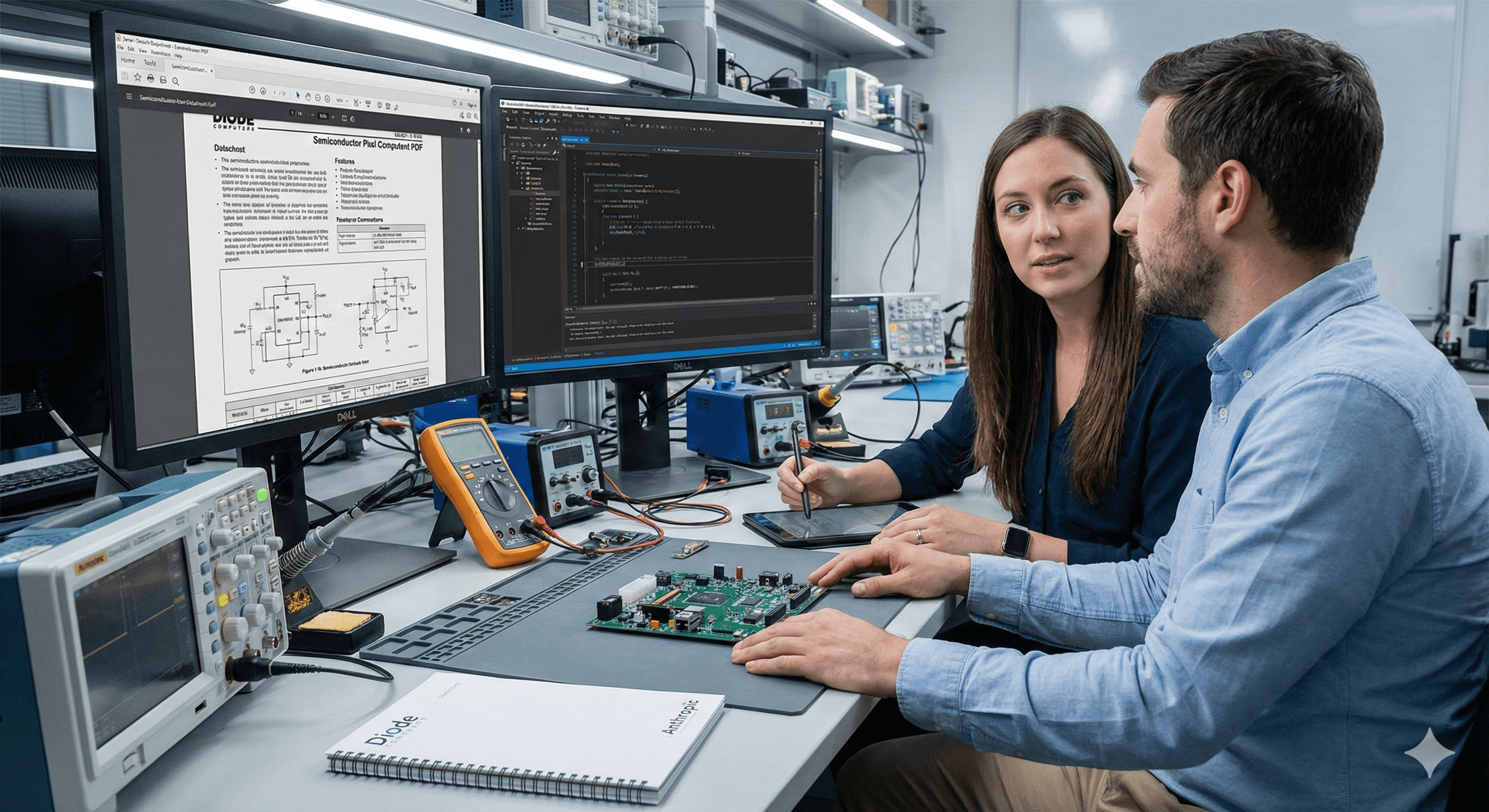
Concevoir des références de conception de PCB fiables à partir de fiches techniques de puces est ardu : les ingénieurs lisent des centaines de pages, interprètent des figures et câblent correctement les composants de support. En collaborant avec Diode Computers, Anthropic a focalisé Claude sur cette tâche agentique précise : lire la documentation des puces et produire un schéma Zener complet et configurable.
Qu'est-ce que Zener—et pourquoi l'utiliser ?
Zener est le langage spécifique au domaine de Diode (basé sur Starlark) pour décrire les schémas PCB sous forme de code. Les outils ouverts de Diode, y compris l'interface de ligne de commande pcb, compile Zener vers des outils EDA comme KiCad, apportant des fonctionnalités de linting, de versionnage et d'automatisation de style logiciel à la conception matérielle.
Quoi de neuf : gains mesurables avec Sonnet 4.5
Anthropic et Diode ont défini un flux de travail réaliste utilisant l'outil : Claude lit/écrit des fichiers, exécute le compilateur Zener et consulte la documentation du langage—puis produit une conception de référence qui est évaluée avec un banc d'essai (par exemple, « ≥ 22 µF entre la puissance et la masse » plutôt que des vérifications fragiles de composants exacts). Lors d'évaluations en aveugle, les sorties de Sonnet 4.5 ont été privilégiées 8 fois sur 10 par les ingénieurs de Diode. Séparations détaillées : 60 % contre 40 % contre Opus 4 et 82 % contre 18 % contre Sonnet 4.
Principaux avantages (pour les équipes adoptant l'approche)
Moins d'erreurs de fiches techniques : Meilleure capture des petites nuances de configuration et des sémantiques de schéma.
Schémas orientés code : Zener permet des différences, des revues, des vérifications d'intégration continue et des modèles—puis exporte vers des outils EDA familiers.
Prêt pour un flux de travail orienté agent : La configuration reflète les modèles de production d'agents (appel d'outils, opérations de fichiers, résultats évalués).
Comment cela fonctionne (en un coup d'œil)
Fournissez à Claude la fiche technique de la puce et un squelette de projet Zener.
Permettez l'utilisation contrôlée des outils : docs Zener,
compilateur pcb, lecture/écriture, shell limité.Demandez à Claude de générer un design de référence complet et configurable en Zener.
Évaluez avec un banc d'essai qui encode les exigences au niveau des résultats (capacitance, modes).
Exportez vers KiCad pour une révision humaine, DRC et vérifications BOM.
Étapes pratiques que vous pouvez exécuter cette semaine
Configurez Zener + pcb : Suivez le démarrage rapide de Diode et l'extension VS Code; créez un projet d'exemple.
Créez un harnais de notation : Encodez des exigences de niveau supérieur (par exemple, plages autorisées, placements) afin que le modèle reçoive des signaux utiles.
Commencez avec une famille de puces étroite : Fournissez 1 à 2 fiches techniques représentatives et une bibliothèque de pièces minimale pour réduire l'ambiguïté.
Exécutez une petite boucle H2L (human-to-loop) : Révisez la sortie de Claude, corrigez les mauvaises interprétations et renvoyez des exemples en tant que modules de référence.
Exportez et vérifiez dans KiCad : Effectuez ERC/DRC, générez un BOM et documentez les écarts par rapport aux circuits d'application de la fiche technique.
À quoi faire attention
Fiches techniques insuffisamment spécifiées : Certaines exigences ne sont pas explicites; l'approche de banc d'essai gradué aide à éviter l'adaptation excessive à des vérifications fragiles.
Sémantique du langage : Les échecs précoces incluaient une mauvaise compréhension des conventions Zener—conservez un bref « guide de style » avec des motifs courants pour votre équipe.
Approbation humaine : Considérez la sortie de Claude comme un brouillon; effectuez toujours une revue technique et une vérification de la chaîne d'outils avant la fabrication.
Pourquoi c'est crédible
Diode a construit une pile de conception de PCB orientée code et a récemment levé des fonds pour accélérer la conception de cartes assistée par IA, la positionnant comme un acteur sérieux dans les outils adjacents à l'EDA.
FAQs
Quelles améliorations Claude a-t-il apportées à la conception de PCB ?
Avec le flux de travail Zener et un banc d'essai noté, Claude capture mieux les nuances des fiches techniques et les sémantiques Zener; les conceptions de Sonnet 4.5 étaient préférées 8 fois sur 10 par rapport aux anciens modèles Claude. website.claude.com
Qui a collaboré avec Anthropic pour cette amélioration ?
Diode Computers, créateurs du langage Zener et de la chaîne d'outils pcb qui compile vers KiCad. website.claude.com+1
Quels gains mesurables ont été réalisés ?
Lors d'évaluations à l’aveugle par les ingénieurs de Diode : 60 % contre 40 % par rapport à Opus 4 et 82 % contre 18 % par rapport à Sonnet 4 ; dans l'ensemble, Sonnet 4.5 était préféré 8 fois sur 10. website.claude.com
Les équipes peuvent-elles essayer cela dès aujourd'hui ?
Oui – installez Zener/pcb, configurez un environnement d'agent contrôlé (I/O de fichiers, accès au compilateur), et commencez avec une seule famille de puces plus un harnais de notation. docs.pcb.new+1
Recevez chaque semaine des nouvelles et des conseils sur l'IA directement dans votre boîte de réception
En vous abonnant, vous consentez à ce que Génération Numérique stocke et traite vos informations conformément à notre politique de confidentialité. Vous pouvez lire la politique complète sur gend.co/privacy.



Génération
Numérique

Bureau du Royaume-Uni
Génération Numérique Ltée
33 rue Queen,
Londres
EC4R 1AP
Royaume-Uni
Bureau au Canada
Génération Numérique Amériques Inc
181 rue Bay, Suite 1800
Toronto, ON, M5J 2T9
Canada
Bureau aux États-Unis
Generation Digital Americas Inc
77 Sands St,
Brooklyn, NY 11201,
États-Unis
Bureau de l'UE
Génération de logiciels numériques
Bâtiment Elgee
Dundalk
A91 X2R3
Irlande
Bureau du Moyen-Orient
6994 Alsharq 3890,
An Narjis,
Riyad 13343,
Arabie Saoudite







Numéro d'entreprise : 256 9431 77 | Droits d'auteur 2026 | Conditions générales | Politique de confidentialité