Adaptive AI Tutors Boost Language Fluency with Praktika
OpenAI
Uncertain about how to get started with AI?Evaluate your readiness, potential risks, and key priorities in less than an hour.
➔ Download Our Free AI Preparedness Pack
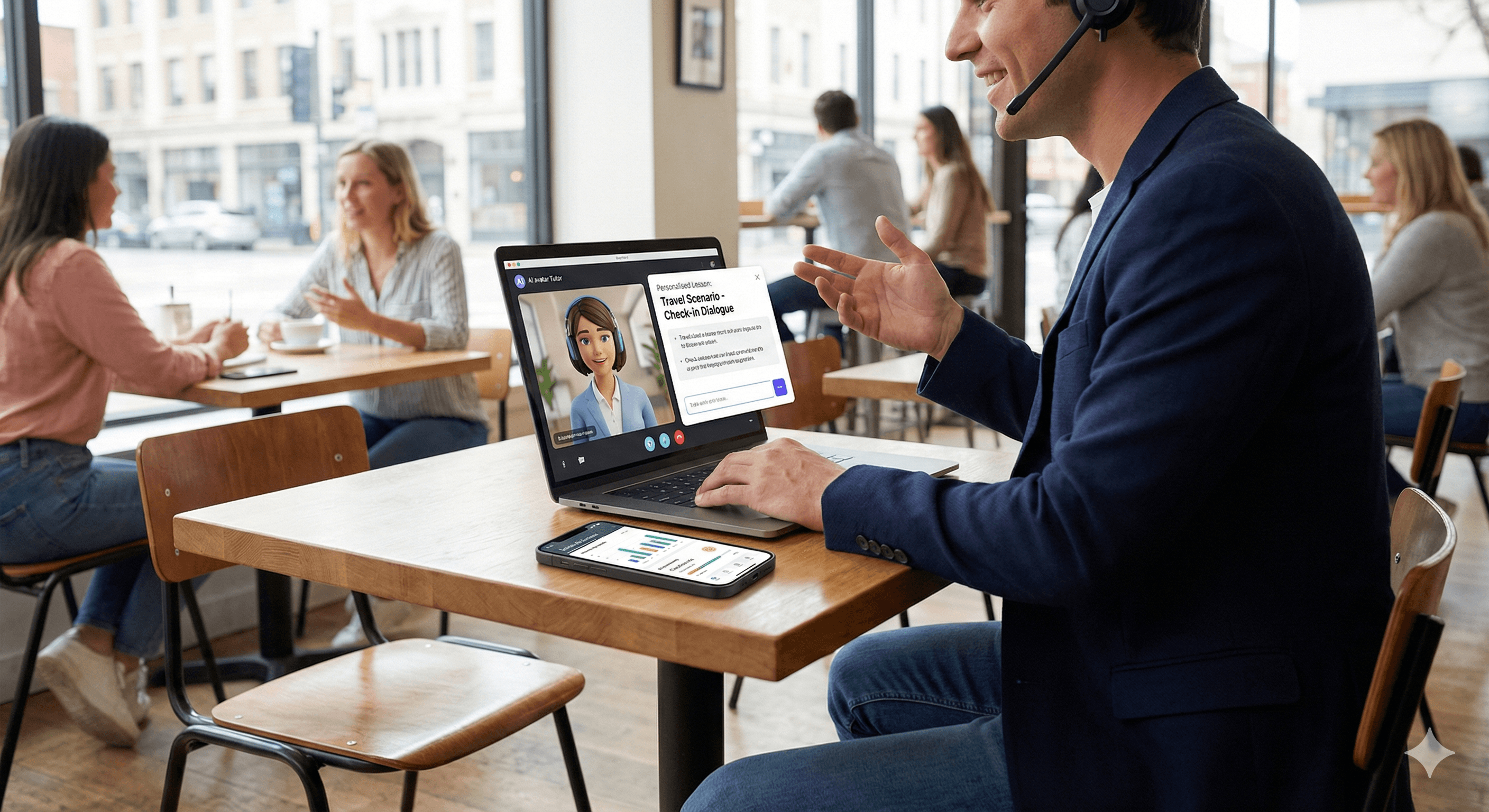
Praktika’s adaptive AI tutors, using GPT-4.1 and GPT-5.2, tailor lessons, monitor errors and progress, and provide real-world conversation simulations. Learners receive instant feedback, specific practice, and clear objectives—achieving fluency faster with an experience that aligns with their pace, interests, and native language.
What's New and How It Works
Multi-agent tutoring. Different agents manage live conversations, error tracking, and long-term lesson planning, working together to ensure practice is applicable and stimulating.
Adaptive feedback. Tutors identify patterns (pronunciation, grammar, vocabulary) and modify the difficulty, topics, and exercises in real-time.
Real-world practice. Role-plays and scenarios imitate everyday encounters—such as bookings, interviews, travel, and customer service—with immediate advice and corrections.
Progress tracking. Dashboards display improved skills, areas needing improvement, speaking streaks, and suggested future lessons; students can review errors and track progress over time.
Practical Setup (Step-by-Step)
Set goals and level
Select CEFR level and target outcomes (e.g., B2 interview readiness). Opt-in for daily reminders and speaking streaks.Personalise inputs
Choose topics or contexts (work, travel, exams) and preferred tutor style. Enable the tutor to explain using your native language if useful.Practise and review
Engage in short daily conversations; review instant feedback; undertake focused exercises created from your errors.Track KPIs
Monitor weekly speaking time, accuracy on past mistakes, vocabulary retention, and level advancement.For teams/schools
Implement with a goal pack, baseline assessment, and bi-weekly reports. Use rostered accounts and shared goal templates.
Example Sessions
Interview preparation: Practice with mock questions and detailed follow-ups; tutors assess clarity and grammar and suggest improvements.
Travel scenario: Simulate check-in dialogues; tutors identify tense mistakes and offer a 5-minute corrective exercise.
Customer support: Engage in role-playing with tone coaching and vocabulary reinforcement.
Risks and Best Practices
Over-reliance on AI: Pair with human interaction or group practice; schedule regular live speaking assessments.
Privacy: Limit personal data in profiles; regularly check app privacy settings; export learning data if necessary.
Plateau risk: Automatically increase difficulty, rotate topics, and review past errors using spaced repetition.
FAQs
How does Praktika tailor lessons?
It evaluates your interactions and customizes content, difficulty, and exercises according to your progress and preferences.
What models drive Praktika's tutors?
GPT-4.1 and GPT-5.2 are leveraged in a multi-agent framework for conversations, tracking, and lesson planning.
Can I monitor my progress?
Yes—dashboards reveal speaking streaks, accuracy improvements, and recommended future lessons; you can review mistakes at any time.
Receive weekly AI news and advice straight to your inbox
By subscribing, you agree to allow Generation Digital to store and process your information according to our privacy policy. You can review the full policy at gend.co/privacy.



Generation
Digital

Canadian Office
33 Queen St,
Toronto
M5H 2N2
Canada
Canadian Office
1 University Ave,
Toronto,
ON M5J 1T1,
Canada
NAMER Office
77 Sands St,
Brooklyn,
NY 11201,
USA
Head Office
Charlemont St, Saint Kevin's, Dublin,
D02 VN88,
Ireland
Middle East Office
6994 Alsharq 3890,
An Narjis,
Riyadh 13343,
Saudi Arabia







Business Number: 256 9431 77 | Copyright 2026 | Terms and Conditions | Privacy Policy