ChatGPT Images: Quick and Accurate AI Image Generation (2026)
ChatGPT
Uncertain about how to get started with AI?Evaluate your readiness, potential risks, and key priorities in less than an hour.
➔ Download Our Free AI Preparedness Pack
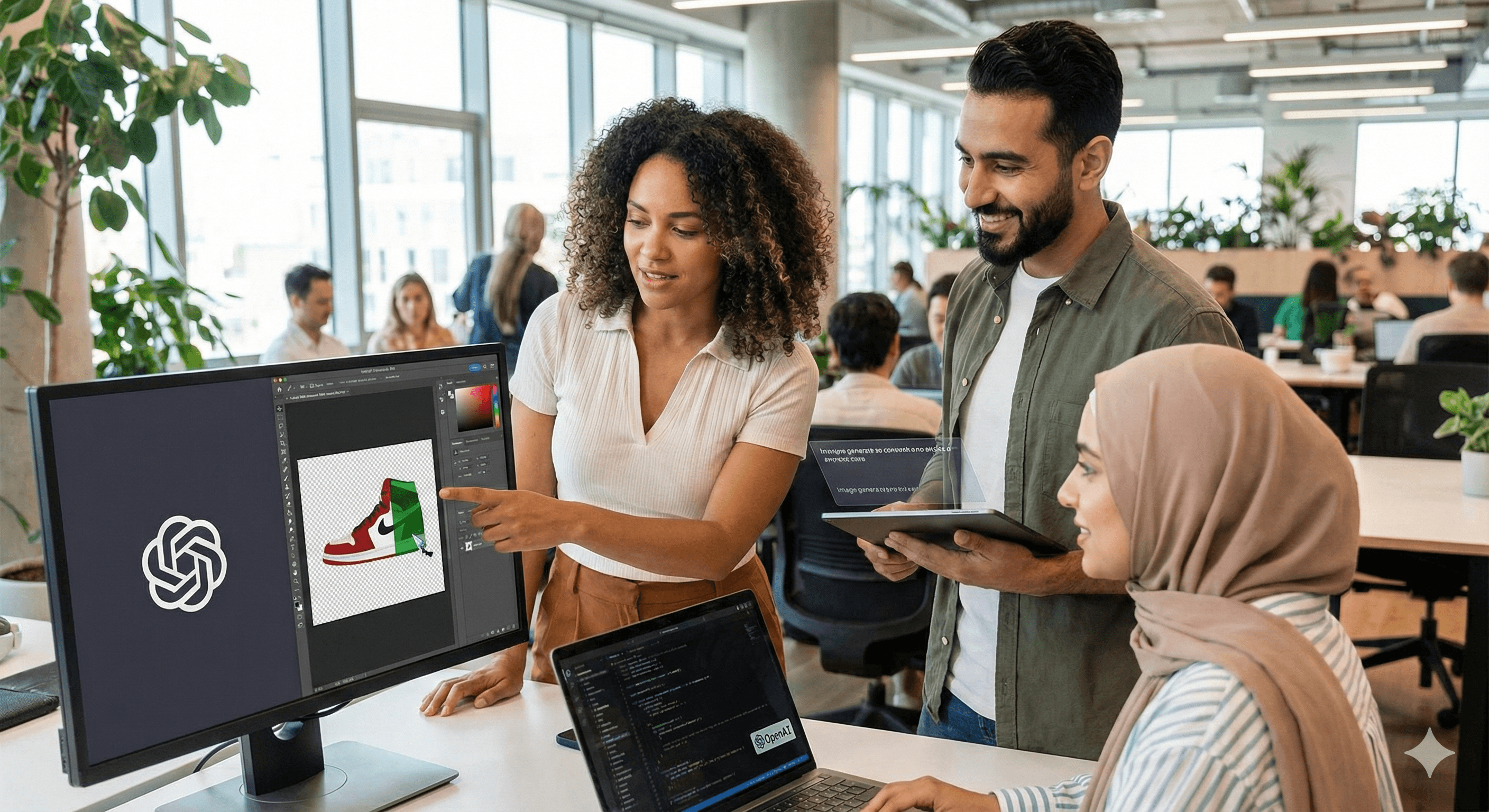
ChatGPT Images is OpenAI’s experience for creating and editing images using GPT-Image-1.5. It provides faster generation (up to 4×), more precise mask-based edits, and consistent detail. It's accessible within ChatGPT and through the OpenAI API for developers building imaging workflows.
Why it matters now
AI visuals are transitioning from novelty to essential production assets. ChatGPT Images, driven by GPT-Image-1.5, allows high-quality image creation and editing to be quick and reliable—perfect for concept development, marketing mockups, ecommerce visuals, or slide imagery, all without leaving ChatGPT.
Key benefits
Up to 4× faster generation for quick iterations and transitions.
More precise edits utilizing selection/mask tools coupled with prompt-driven adjustments.
Consistent detail and prompt adherence for dependable styling across sets.
Broad availability: in ChatGPT and via the OpenAI API as gpt-image-1.5.
What’s new / how it works
The upgraded GPT-Image-1.5 model enhances realism, follows prompts effectively, and supports editability. In ChatGPT, you can start from scratch or select an area of an image to modify; via the API, invoke the gpt-image-1.5 model with current snapshots for programmatic generation or editing.
Quick start
In ChatGPT (no code)
Start a chat and describe the image you envision; you can also upload a reference.
To edit, select a portion of the image and describe the modification (e.g., “replace the background with a cityscape”).
Regenerate for variations; save or insert into your document or presentation.
In the API (developers)
Use gpt-image-1.5 from the Models list (check the latest snapshot/alias).
Send a prompt for generation, or provide an image + mask for editing in a single call.
Adjust latency/quality trade-offs to suit your workflow and rate limits.
Practical examples
Marketing: create hero images and then mask-edit product colours for different regions.
Product: iterate UI mock visuals maintaining consistent lighting and perspective.
E-commerce: generate bulk background variations while preserving logos and facial features for brand integrity.
Availability & pricing (at a glance)
ChatGPT: new image experience being widely rolled out in product. OpenAI
API: gpt-image-1.5 is available with versioned snapshots; check documentation for current pricing and limits. OpenAI Platform
Summary
ChatGPT Images integrates production-grade generation and editing into your daily workflow—fast, consistent, and easy to use, whether in ChatGPT or the API. Consult Generation Digital for rollout, governance, and training for your marketing or product teams.
FAQs
What improvements does GPT-Image-1.5 offer?
Enhanced prompt adherence, realism, and editability; it also accelerates generation, with outputs up to 4× faster in common workflows. OpenAI Cookbook+1
Who can access ChatGPT Images?
It's being deployed in ChatGPT and is available via the API as gpt-image-1.5 for developers. OpenAI+1
How do precise edits work?
Use the ChatGPT Images editor to highlight an area and describe the change; ChatGPT applies the edit, allowing for iteration. OpenAI Help Center
Is it suitable for professional workflows?
Yes—OpenAI emphasizes enhanced consistency and detail that support pipelines from concept to production in design and commerce. OpenAI
Receive weekly AI news and advice straight to your inbox
By subscribing, you agree to allow Generation Digital to store and process your information according to our privacy policy. You can review the full policy at gend.co/privacy.



Generation
Digital

Canadian Office
33 Queen St,
Toronto
M5H 2N2
Canada
Canadian Office
1 University Ave,
Toronto,
ON M5J 1T1,
Canada
NAMER Office
77 Sands St,
Brooklyn,
NY 11201,
USA
Head Office
Charlemont St, Saint Kevin's, Dublin,
D02 VN88,
Ireland
Middle East Office
6994 Alsharq 3890,
An Narjis,
Riyadh 13343,
Saudi Arabia







Business Number: 256 9431 77 | Copyright 2026 | Terms and Conditions | Privacy Policy