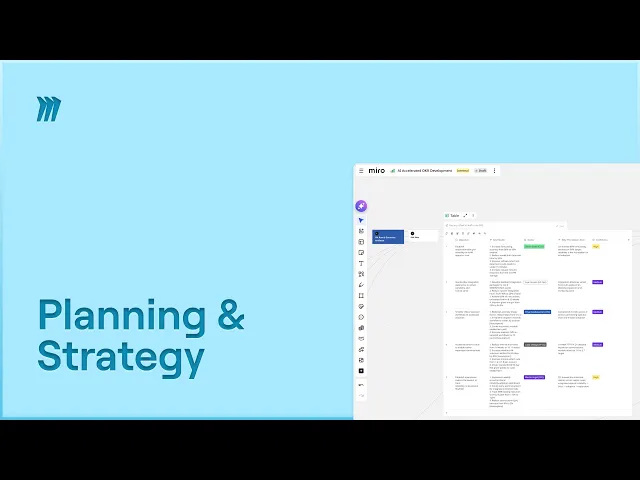
Accélérez l'élaboration des OKR trimestriels dans Miro : modèles, IA et astuces
Miro
IA
Pas sûr de quoi faire ensuite avec l'IA?Évaluez la préparation, les risques et les priorités en moins d'une heure.
➔ Téléchargez notre kit de préparation à l'IA gratuit
Miro aide les équipes à établir plus rapidement des OKR trimestriels en combinant des modèles OKR prêts à l'emploi avec une IA directement sur le canevas et des intégrations. Vous pouvez rédiger des objectifs, aligner les parties prenantes en temps réel et suivre les résultats clés dans les tableaux Miro synchronisés avec Jira ou Asana, de sorte que les mises à jour de progression et d'attribution restent visibles tout au long du trimestre.
Les OKR trimestriels gardent les équipes concentrées, mais le vrai défi est de transformer une page blanche en objectifs partagés et mesurables rapidement. Avec Miro, vous pouvez passer du brainstorming à l'engagement des OKR dans un seul espace collaboratif, en utilisant des modèles, l'IA et des intégrations en direct qui synchronisent le travail.
Pourquoi choisir Miro pour les OKR maintenant
Les dernières mises à jour de Miro apportent l'IA directement sur le canevas (AI Canvas, Create with AI) et élargissent l'ensemble d'outils OKR avec le suiveur OKR construit sur les tableaux Miro. Ajoutez des intégrations bidirectionnelles avec Jira et Asana et vous avez la planification et le suivi en un seul endroit, sans mises à jour en double.
Le chemin rapide vers les OKR trimestriels avec Miro
1) Commencez avec le bon modèle
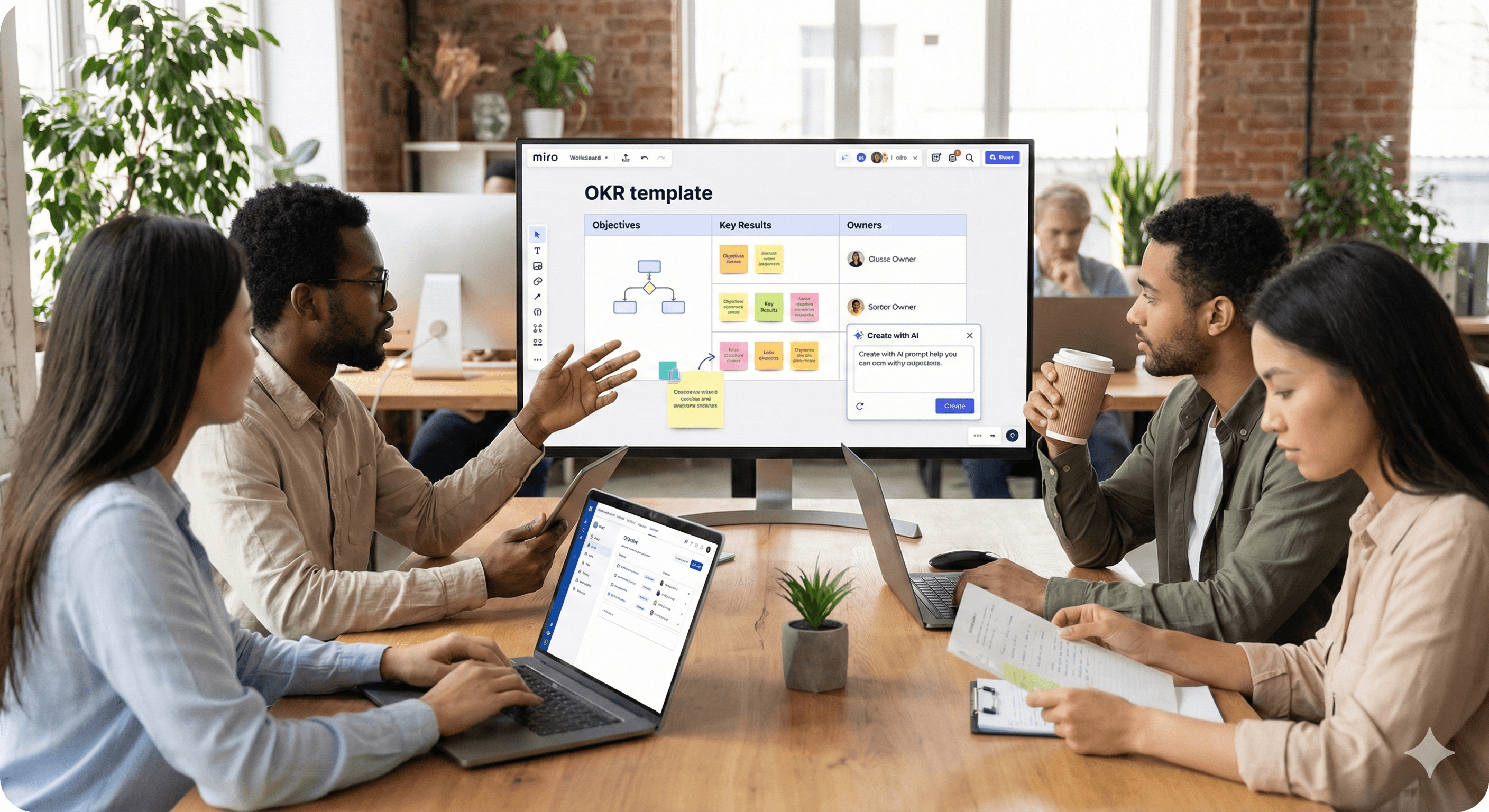
Ouvrez le modèle Planification OKR pour mener votre session, du travail préliminaire à l'alignement et l'approbation. Pour un suivi continu, passez au modèle Suivi OKR (Tableaux Miro) pour gérer les objectifs, les résultats clés, les responsables, les dates d'échéance et le statut en une seule vue.
Astuce : Si vous êtes nouveau aux OKR, le guide de Miro « Qu'est-ce qu'un OKR ? » et les modèles de rédaction Miroverse proposent des structures et des suggestions d'amélioration que vous pouvez adapter.
2) Capturer les entrées et rédiger avec l'IA
Utilisez Create with AI pour résumer les idées des post-its et les transformer en brouillon d'objectifs et résultats clés candidats. Puisque l'IA lit le contexte à partir des sélections sur le canevas, elle peut proposer des OKR à partir des notes, regroupements ou diagrammes que vous mettez en évidence.
Exemple de demande : « À partir du groupe sélectionné de résultats de recherche, rédigez trois objectifs basés sur les résultats avec deux résultats clés mesurables chacun. »
3) Animer un atelier ciblé
Organisez une session de 90 minutes en utilisant les cadres du modèle de Planification : démarrage (but & priorités de l'entreprise), Q&A, brainstorming, propositions de brouillons, et convergence. Limitez le temps avec le minuteur de tableau, utilisez les commentaires pour des entrées asynchrones, et ajoutez les éléments non résolus à un cadre backlog. (Voir le guide d'atelier OKR de Miro pour le déroulement et les rôles.)
4) Aligner et attribuer les propriétaires
Déplacez les OKR finalisés dans le Suivi OKR. Attribuez un propriétaire à chaque objectif/résultat clé et convenez de réunions hebdomadaires. Les tableaux rendent visible la propriété et le statut; les vues peuvent être filtrées par équipe ou priorité pour des revues de direction.
5) Connecter Jira, Asana ou Azure DevOps
Ajoutez des cartes Jira/Asana/Azure afin que le travail de livraison vive à côté de vos OKR. Avec la synchronisation bidirectionnelle, les changements de statut dans Jira ou Asana sont répercutés sur le tableau, réduisant ainsi la surcharge de rapport et gardant les scores de confiance honnêtes.
6) Gardez-le humain et visuel
Soutenez la motivation avec des visuels légers : barres de progression pour les résultats clés, simples feux tricolores pour la confiance, et emoji pour le sentiment rapide. Si vous devez peaufiner les visuels, l'intégration Adobe Express vous permet de modifier les images directement sur le tableau.
Flux trimestriel d'exemple (12 semaines)
Semaine 0-1 : Planifier
Préparation : collectez les entrées, les retours des clients, les résultats des KRs antérieurs.
Atelier : utilisez le modèle de Planification, rédigez avec l'IA, convergez sur 3-5 objectifs.
Semaine 2-10 : Exécuter & Suivre
Hebdomadaire : les responsables mettent à jour les valeurs des KRs dans les Tableaux; l'équipe révise la confiance.
Livraison : les tickets Jira/Asana sont liés; le burndown/velocity informe la progression des KRs.
Semaine 11-12 : Revoir & Réinitialiser
Revoir les résultats, les apprentissages, et les reports; archivez dans un cadre « OKR passés ».
Commencez le prochain cycle avec des bases améliorées (les cycles OKR typiques sont trimestriels).
Bons OKRs vs Mauvais OKRs (Vérifications rapides)
Basé sur les résultats, pas sur les tâches.
Mesurable : résultats clés numériques avec responsables et dates.
Moins nombreux, plus clairs : maximum 3-5 objectifs pour garder le focus.
Traçables à la livraison : les tickets liés ou les projets soutiennent chaque résultat clé.
Quoi de neuf pour accélérer le processus
IA sur le canevas : Générer, réécrire, et résumer directement à partir des objets sélectionnés (notes, cadres, diagrammes).
Suiveur OKR basé sur les Tableaux : Conçu pour la propriété, le statut, et les intégrations (par exemple, Jira).
Intégrations plus profondes : Synchronisation bidirectionnelle avec Jira/Confluence/Azure; aperçu des intégrations populaires.
Finitions créatives : Adobe Express à l'intérieur de Miro pour des visuels en accord avec l'image de marque.
Résumé & Prochaines étapes
Avec la planification OKR + le suiveur OKR de Miro, l'IA sur le canevas, et la synchronisation Jira/Asana, vous pouvez planifier, aligner, et suivre vos OKR trimestriels sans quitter le tableau. Si vous souhaitez une aide pour adapter ce flux à votre équipe et pile technologique, Génération Digital peut concevoir et animer votre prochain cycle OKR.
FAQ
Q1 : Qu'est-ce que les OKR ?
Les objectifs et résultats clés (OKR) sont un cadre de définition d'objectifs qui clarifie ce que vous voulez atteindre (objectifs) et comment vous mesurerez le succès (résultats clés), généralement dans un cycle trimestriel.
Q2 : Miro a-t-il des modèles OKR ?
Oui, utilisez le modèle de Planification OKR pour le flux de l'atelier et le Suivi OKR (Tableaux Miro) pour le suivi et le rapport continu.
Q3 : Comment Miro AI aide-t-il avec les OKR ?
Create with AI peut transformer des groupes de post-its et des diagrammes en brouillons d'OKR, résumer des discussions, et suggérer des modifications, car il lit le contexte à partir de ce que vous sélectionnez sur le tableau.
Q4 : Miro peut-il s'intégrer à Jira ou Asana pour les mises à jour des résultats clés ?
Oui. Les intégrations vous permettent de visualiser et éditer les éléments Jira/Asana depuis Miro. Les modifications se synchronisent dans les deux sens, réduisant la nécessité de rapporter manuellement les statuts.
Q5 : Combien d'objectifs devons-nous définir ?
La plupart des équipes s'engagent à 3-5 objectifs par trimestre, chacun avec 2-4 résultats clés mesurables pour maintenir le focus et la responsabilité.
Recevez chaque semaine des nouvelles et des conseils sur l'IA directement dans votre boîte de réception
En vous abonnant, vous consentez à ce que Génération Numérique stocke et traite vos informations conformément à notre politique de confidentialité. Vous pouvez lire la politique complète sur gend.co/privacy.



Génération
Numérique

Bureau du Royaume-Uni
Génération Numérique Ltée
33 rue Queen,
Londres
EC4R 1AP
Royaume-Uni
Bureau au Canada
Génération Numérique Amériques Inc
181 rue Bay, Suite 1800
Toronto, ON, M5J 2T9
Canada
Bureau aux États-Unis
Generation Digital Americas Inc
77 Sands St,
Brooklyn, NY 11201,
États-Unis
Bureau de l'UE
Génération de logiciels numériques
Bâtiment Elgee
Dundalk
A91 X2R3
Irlande
Bureau du Moyen-Orient
6994 Alsharq 3890,
An Narjis,
Riyad 13343,
Arabie Saoudite







Numéro d'entreprise : 256 9431 77 | Droits d'auteur 2026 | Conditions générales | Politique de confidentialité