Transformez rapidement les commentaires en informations exploitables
Miro
Asana
Exploiter
Notion
IA
Pas sûr de quoi faire ensuite avec l'IA?Évaluez la préparation, les risques et les priorités en moins d'une heure.
➔ Téléchargez notre kit de préparation à l'IA gratuit
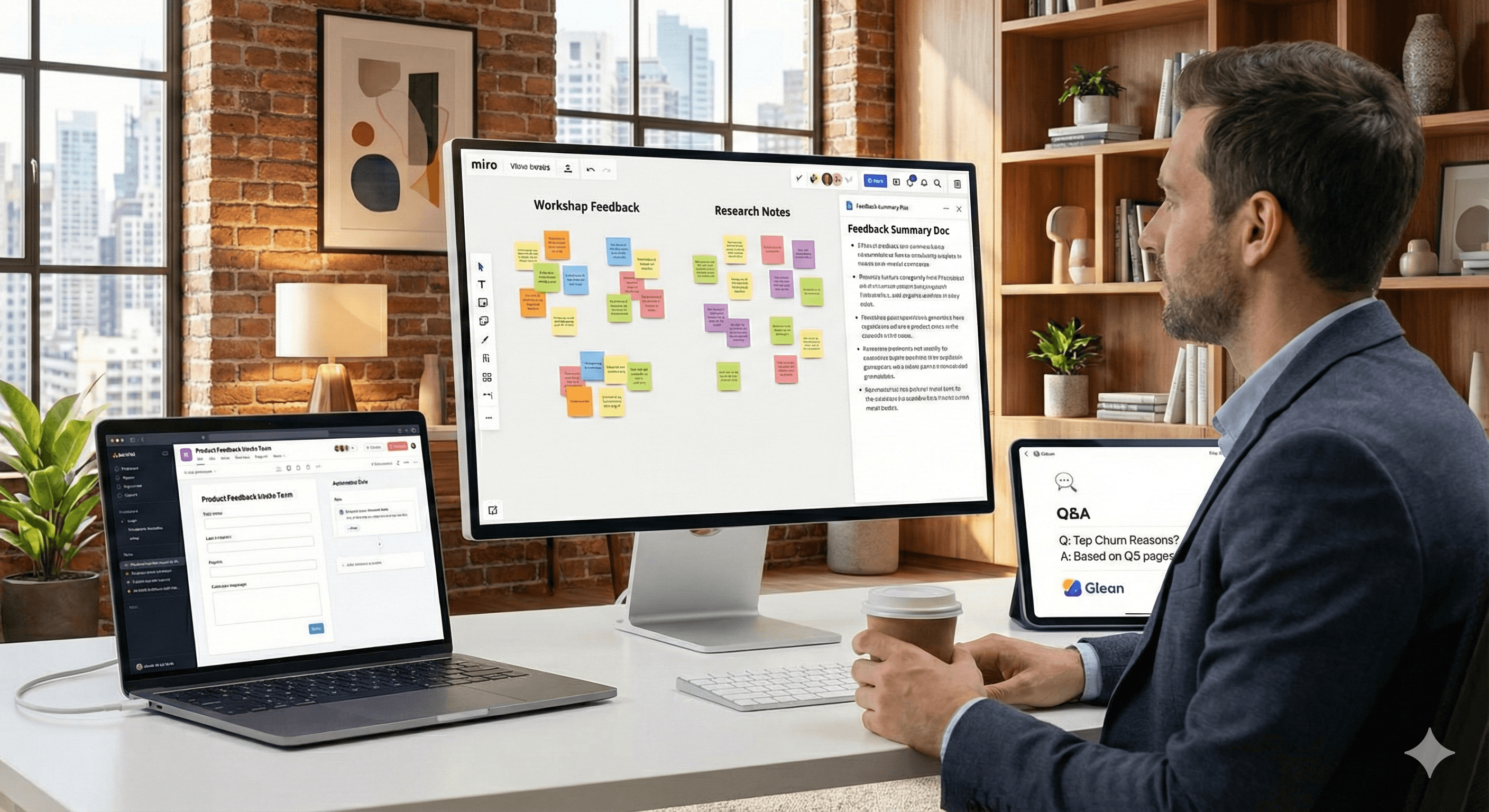
Lorsque les commentaires s'accumulent, qu'ils proviennent d'ateliers, de tickets ou de recherches, il est facile de stagner. Le chemin le plus rapide vers la clarté combine trois actions : résumer ce que vous avez collecté, standardiser la façon dont ils arrivent et interroger ce que vous savez déjà. Les recommandations officielles de Miro, Asana, Notion et Glean montrent comment faire cela sans réinventer votre pile.
Points clés
Synthèse plus rapide : Regroupez les notes adhésives et générez des documents concis directement sur le canevas avec Miro AI.
Réception propre → action plus rapide : Les Formulaires Asana standardisent les demandes; les Règles automatisent le tri et les affectations.
Réponses instantanées à partir de vos connaissances : Notion Q&A et Glean fournissent des réponses contextuelles à partir du contenu existant.
Comment ça marche
Miro AI (synthèse sur canevas) : Sélectionnez les notes adhésives → Miro AI → Document → Résumé pour produire un digest ou créer un document à partir des notes sélectionnées — idéal après les ateliers ou les partages de recherches.
Réception et automatisation Asana : Les formulaires capturent les bonnes données dès le départ; les règles déclenchent des actions (assigner, définir des champs, notifier) pour que rien ne passe entre les mailles du filet.
Réponses aux connaissances là où vous travaillez : Le Q&A de Notion répond aux questions à partir des pages de l'espace de travail; Glean recherche dans plus de 100 outils et retourne des résultats respectueux des permissions.
Étapes pratiques ou exemples
Synthèse dans Miro
Standardiser la réception dans Asana
Répondre aux questions à partir des connaissances existantes
Dans Notion, utilisez Q&A pour poser des questions en langage naturel (« Quelles étaient les principales raisons d'attrition le dernier trimestre ? ») et obtenir des réponses de vos pages.
Dans Glean, recherchez dans vos outils connectés (par exemple, Google Workspace, Microsoft 365, Slack, Salesforce) pour une vue immédiate, respectueuse des permissions.
FAQ
Q1 : Comment puis-je résumer rapidement les notes d'atelier ?
R : Dans Miro, sélectionnez les notes adhésives et choisissez Miro AI → Document → Résumé pour générer un compte-rendu concis directement sur le tableau. Centre d'aide Miro
Q2 : Comment pouvons-nous éviter les retours de faible qualité ou incomplets ?
R : Utilisez les Formulaires Asana pour standardiser la réception, puis attachez des Règles pour un acheminement automatique, l'assignation et l'ajout de champs — afin que chaque soumission soit exploitable. Aide.asana.com
Q3 : Nous avons déjà des réponses quelque part. Comment les trouver plus rapidement ?
R : Utilisez Notion Q&A pour interroger les pages de votre espace de travail, ou Glean pour rechercher dans plus de 100 outils avec des résultats permis pour un contexte instantané. notion.com
Résumé
Transformer les commentaires en décisions est un flux reproductible. Si vous souhaitez obtenir de l'aide pour adapter cela à l'infrastructure et à la gouvernance de votre équipe, contactez Generation Digital.
Prêt à opérationnaliser ce flux ? Contactez Generation Digital pour concevoir une pipeline de retour d'information vers l'insight léger et régulé.
Recevez chaque semaine des nouvelles et des conseils sur l'IA directement dans votre boîte de réception
En vous abonnant, vous consentez à ce que Génération Numérique stocke et traite vos informations conformément à notre politique de confidentialité. Vous pouvez lire la politique complète sur gend.co/privacy.



Génération
Numérique

Bureau du Royaume-Uni
Génération Numérique Ltée
33 rue Queen,
Londres
EC4R 1AP
Royaume-Uni
Bureau au Canada
Génération Numérique Amériques Inc
181 rue Bay, Suite 1800
Toronto, ON, M5J 2T9
Canada
Bureau aux États-Unis
Generation Digital Americas Inc
77 Sands St,
Brooklyn, NY 11201,
États-Unis
Bureau de l'UE
Génération de logiciels numériques
Bâtiment Elgee
Dundalk
A91 X2R3
Irlande
Bureau du Moyen-Orient
6994 Alsharq 3890,
An Narjis,
Riyad 13343,
Arabie Saoudite







Numéro d'entreprise : 256 9431 77 | Droits d'auteur 2026 | Conditions générales | Politique de confidentialité