Servicios de Migración de Lattice a Notion
Notion
¿No sabes por dónde empezar con la IA?Evalúa preparación, riesgos y prioridades en menos de una hora.
➔ Descarga nuestro paquete gratuito de preparación para IA
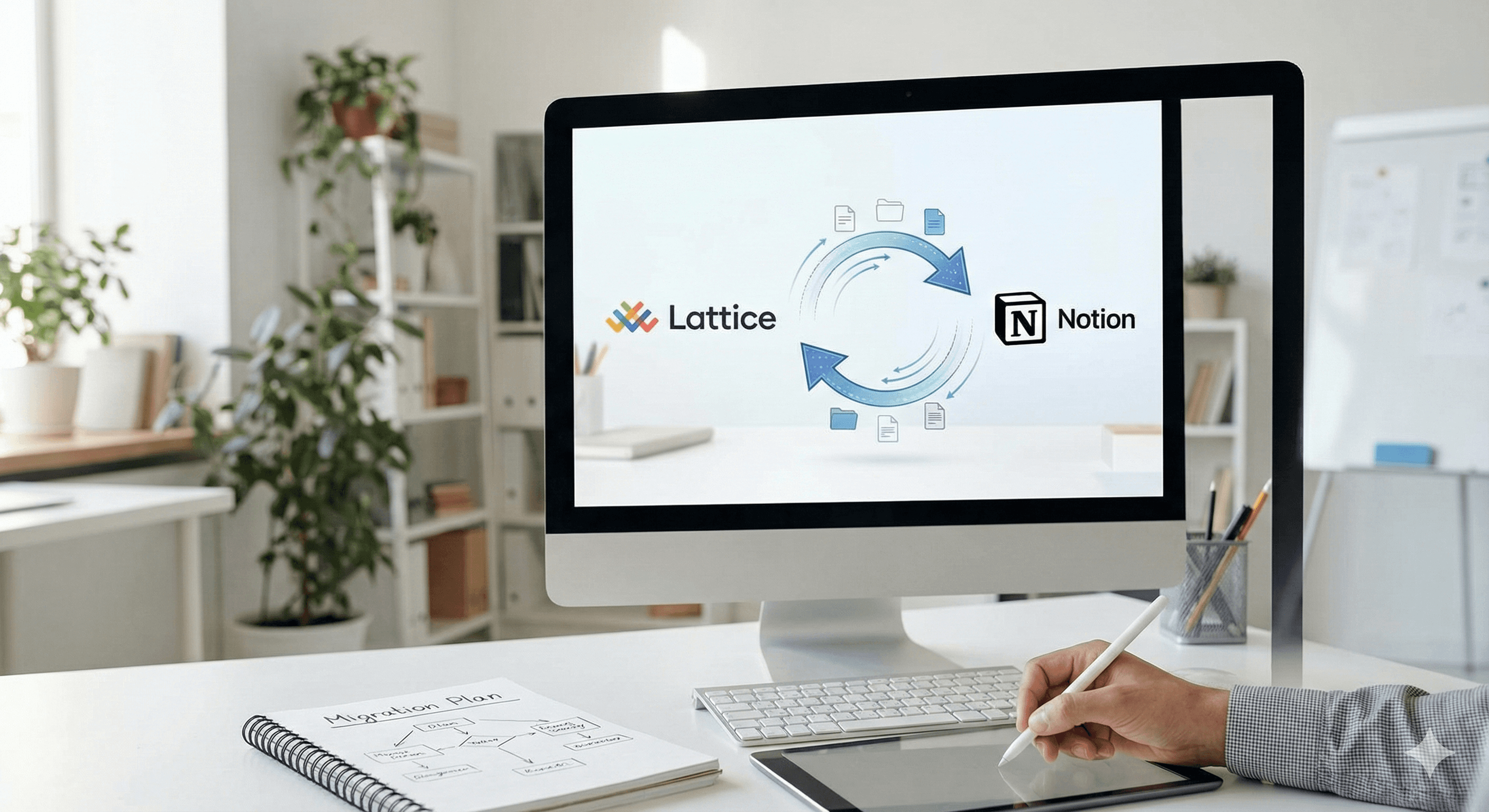
Lattice es excelente para la gestión del rendimiento y OKRs; Notion es ideal para un sistema operativo flexible y todo en uno para equipos. Si estás consolidando herramientas o deseas una mayor alineación entre estrategia, proyectos y conocimiento, migrar de Lattice a Notion puede tener sentido, siempre que exportes los datos correctos, los remodeles bien y recrees los flujos de trabajo clave.
Mejoras en esta guía
Mapeo claro de los objetos de Lattice (Metas/OKRs, Revisiones, 1:1s, Comentarios) a bases de datos y plantillas escalables en Notion.
Un plan de migración paso a paso y de bajo riesgo (opciones CSV/API, limpieza de datos, importaciones, automatizaciones).
Límites conocidos, soluciones alternativas, y plan de éxito post-implementación—basado en documentos actuales.
Cambios recientes
Lattice soporta exportaciones CSV para Metas y Revisiones y una API pública para recuperación programática (Usuarios, Metas, Comentarios, Revisiones, etc.).
Notion importa CSVs (incluido “Fusión con CSV”) y ofrece una API con ~3 solicitudes/segundo por integración, además de un modelo de base de datos/fuente de datos revisado.
Por qué las organizaciones se trasladan de Lattice a Notion
Consolidación y contexto: Integrar estrategia, proyectos, documentos y reportes en un mismo sistema operativo, reduciendo costos de cambio.
Flujos de trabajo personalizados: Las bases de datos, relaciones y plantillas de Notion permiten procesos de OKR y revisión adaptados.
Visibilidad: Vincula OKRs directamente a hojas de ruta, actualizaciones de proyectos y notas de reuniones.
Nota: Lattice destaca en ciclos de rendimiento estructurados y análisis de personas; asegúrate de no perder cumplimiento o análisis que dependas antes de desactivar. (Lattice soporta datos de rendimiento/compromiso centralizados y asistencias de IA; recrea solo lo que realmente necesites en Notion.)
Qué datos se transfieren típicamente (fuente → destino)
De Lattice | Exportación típica | A Notion | Notas |
|---|---|---|---|
Metas / OKRs | CSV o API | Base de datos “OKRs” + tableros de resumen | Exportación de Metas de Lattice a CSV; reconstruir jerarquía y estado. |
Ciclos de revisión | CSV por ciclo | Base de datos “Revisiones de rendimiento” (páginas por revisión) | Exporta datos de revisión por ciclo; adjunta PDFs donde sea necesario. |
1:1s / Actualizaciones | API (donde se permita) | Base de datos “1:1s y Actualizaciones” + plantillas de reuniones | Considerar reglas de privacidad y retención. |
Comentarios / Elogios | API | Base de datos “Comentarios” con enlaces a Personas y Revisiones | Etiqueta a individuos/equipos. |
Usuarios / Equipos | HRIS→Lattice o manual | Bases de datos de “Personas” y “Equipos” | Si actualmente sincronizas desde HRIS (e.g., BambooHR), decide si/qué duplicar en Notion. |
Límites conocidos e implicaciones prácticas
Alcance de importación CSV: Notion soporta importación de CSV y “Fusión con CSV,” pero algunos tipos de propiedades (e.g., Relaciones/Personas) no se mapean directamente desde CSV—planifica para vinculación post-importación o población mediante API.
Capacidad de la API: La API de Notion promedia ~3 solicitudes/segundo por integración—agrupar sabiamente e incluir lógica de reintento.
Cambios de modelo: La API de Notion 2025 introduce fuentes de datos dentro de las bases de datos—usa los puntos finales actuales al automatizar.
Plan de migración paso a paso
1) Descubrimiento y alcance (1–2 semanas)
Inventario de lo que usas en Lattice ahora (Metas/OKRs, Revisiones, Comentarios, 1:1s), lo que debe mantenerse, y cualquier enlace HRIS.
Decidir si algunos procesos permanecen en Lattice o se trasladan por completo a Notion.
2) Exportación de datos desde Lattice
OKRs/Metas: Administradores/usuarios pueden exportar a CSV; API también disponible para extracciones programáticas.
Revisiones: Exporta datos de ciclo de revisión (CSV) por ciclo.
Directorio/Personas: Exporta el directorio si es necesario (CSV) o extrae desde HRIS.
3) Transformar y limpiar
Normaliza propietarios, equipos, fechas, estados; convierte objetivos/resultados clave en un esquema consistente (Objetivo, Resultado Clave, Progreso, Confianza, Periodo).
Mapea campos de Lattice a propiedades de Notion (Título, Seleccionar/Estado, Número, Fecha, Relación).
Prepara tablas de búsqueda para equipos/personas para habilitar Relaciones post-importación.
4) Arquitectura de Notion (modelo destino)
Bases de datos:
OKRs (Objetivos, Resultados Claves, Periodo, Propietario, Alineación)
Revisiones de Rendimiento (Ciclo, Revisado, Gerente, Calificaciones, Resultados)
Personas (Nombre, Cargo, Equipo)
Equipos (Nombre, Líder)
1:1s y Actualizaciones (Fecha, Participantes, Agenda, Acciones)
Plantillas: Plantilla de paquete de revisión, plantilla de agenda 1:1, plantilla trimestral de OKR.
Tableros: Vistas de compañía, departamento, individual; vincula OKRs a proyectos y notas de reuniones. (Notion ofrece ejemplos de flujos de trabajo de OKR para construir.)
5) Importación a Notion
Usa importación CSV (o Fusión con CSV) para cargas iniciales.
Para Relaciones/Personas o actualizaciones incrementales, utiliza la API de Notion para crear páginas y establecer propiedades, respetando el modelo de base de datos/fuente de datos actual y los límites de tasa.
6) Automatizaciones e integraciones
Reconstruye automatizaciones críticas (e.g., resumen semanal de OKR, recordatorios de revisión) usando la API de Notion y tu pila de automatización. Incluye retroceso/reintento por límites de tasa.
Si tu HRIS solía alimentar Lattice (e.g., BambooHR), decide si reflejar campos clave en Notion a través de CSV nativo, conectores de terceros, o middleware personalizado ligero.
7) Seguridad, privacidad y retención
Confirma qué debe conservarse de las revisiones de rendimiento y comentarios; alinea con políticas internas. Decide qué necesita archivo antes del apagado.
8) Piloto, formación, iteración
Pilota con un departamento. Valida mapeos, permisos y tableros.
Capacita a los gerentes en flujos de OKR y revisión en Notion; proporciona videos cortos y plantillas.
Cómo ayuda Generación Digital
Evaluación y diseño – Realizamos talleres de descubrimiento, catalogamos objetos y dependencias de Lattice, y diseñamos tu arquitectura de información y gobernanza en Notion.
Tubería de datos – Gestionamos la extracción Lattice CSV/API, mapeo de campos y transformaciones—luego importamos a Notion vía CSV/API con capacidad de auditoría.
Recreación de flujos de trabajo – Reconstruimos tableros OKR, plantillas de revisión y agendas 1:1; conectamos OKRs a proyectos, documentos y reuniones en Notion.
Automatizaciones – Reestablecemos empujes clave y reportes usando la API de Notion en línea con los límites de tasa y modelo de API actual.
Cambio y habilitación – Capacitamos a gerentes y administradores, escribimos manuales de operaciones, y ejecutamos una transferencia medida.
Soporte – Atención post implementación, además de optimización trimestral.
Resultado: un espacio de trabajo sostenible en Notion donde estrategia, proyectos, rendimiento y conocimiento están estrechamente conectados—sin pérdida de datos o sorpresas desagradables.
Preguntas Frecuentes
¿Podemos trasladar nuestros OKRs existentes de Lattice a Notion?
Sí. Exporta Metas de Lattice como CSV o usa la API, luego importa a una base de datos OKR en Notion y reconstruye relaciones/tableros.
¿Qué pasa con los datos de revisión y comentarios históricos?
Lattice admite exportaciones CSV de ciclos de revisión; puedes almacenarlas como páginas en Notion con propiedades y adjuntos para paquetes, o mantener un archivo solo lectura junto con resúmenes en Notion.
¿Existen inconvenientes con las importaciones CSV a Notion?
El CSV funciona bien para cargas iniciales, pero las Relaciones/Personas normalmente requieren población mediante API o vinculación post-importación; planifica para eso.
¿La API de Notion será lo suficientemente rápida para espacios de trabajo más grandes?
Sí, con agrupamiento y reintentos. La API promedia ~3 solicitudes/segundo por integración, así que diseña los trabajos en consecuencia.
Próximos pasos
Planifica tu migración de Lattice a Notion con Generación Digital.
Evaluaremos tu uso actual de Lattice, diseñaremos una arquitectura adecuada de Notion, realizaremos el traslado de datos, recrearemos flujos de trabajo clave y entrenaremos a tus equipos—de principio a fin, con sede en el Reino Unido, liderado por socios.
→ Reserva una llamada de alcance de migración de 30 minutos.
Recibe noticias y consejos sobre IA cada semana en tu bandeja de entrada
Al suscribirte, das tu consentimiento para que Generation Digital almacene y procese tus datos de acuerdo con nuestra política de privacidad. Puedes leer la política completa en gend.co/privacy.



Generación
Digital

Oficina en Reino Unido
Generation Digital Ltd
33 Queen St,
Londres
EC4R 1AP
Reino Unido
Oficina en Canadá
Generation Digital Americas Inc
181 Bay St., Suite 1800
Toronto, ON, M5J 2T9
Canadá
Oficina en EE. UU.
Generation Digital Américas Inc
77 Sands St,
Brooklyn, NY 11201,
Estados Unidos
Oficina de la UE
Software Generación Digital
Edificio Elgee
Dundalk
A91 X2R3
Irlanda
Oficina en Medio Oriente
6994 Alsharq 3890,
An Narjis,
Riad 13343,
Arabia Saudita







Número de la empresa: 256 9431 77 | Derechos de autor 2026 | Términos y Condiciones | Política de Privacidad