Servicios de Migración de Slab a Notion
Notion
¿No sabes por dónde empezar con la IA?Evalúa preparación, riesgos y prioridades en menos de una hora.
➔ Descarga nuestro paquete gratuito de preparación para IA
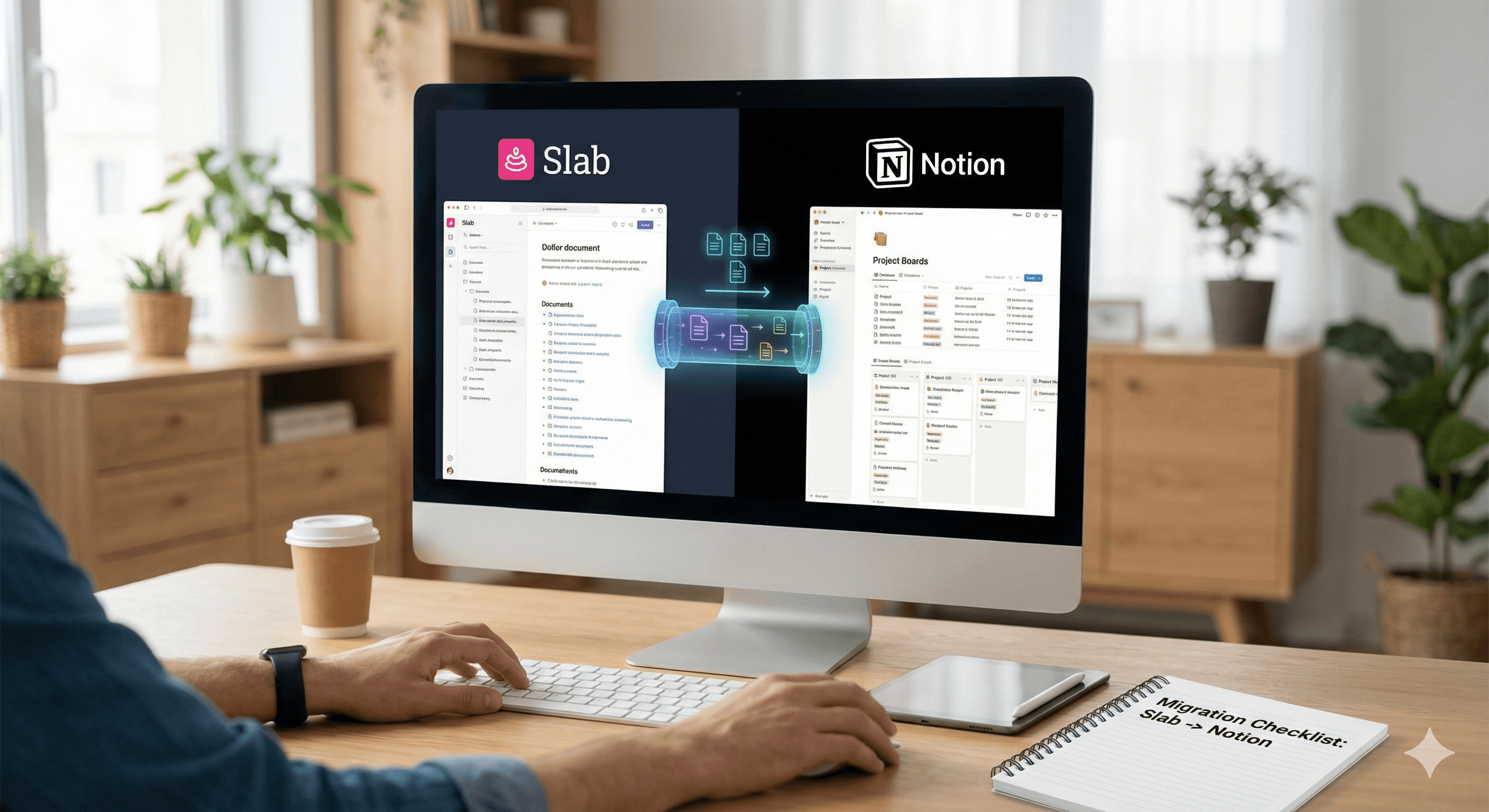
Slab es una wiki limpia y sencilla para conocimiento de formato largo. Notion es un sistema operativo flexible para el trabajo que conecta el conocimiento con proyectos, bases de datos y flujos de trabajo. Si tu objetivo es consolidar herramientas y poner la documentación junto a OKRs, proyectos y notas de reuniones, migrar de Slab a Notion puede ser un movimiento inteligente, siempre que exportes el contenido adecuado, remodeles tu arquitectura de información y reconstruyas la navegación y permisos clave.
Para migrar de Slab a Notion: exporta el contenido de Slab (Markdown/Docx) y los recursos; normaliza los nombres de archivos y enlaces; diseña una arquitectura de conocimiento en Notion (Inicio, Colecciones, Bases de datos); importa Markdown en Notion con plantillas de página; reconstruye la navegación, permisos y redireccionamientos; valida con un grupo piloto; luego capacita editores y despliega.
Por qué las organizaciones se trasladan de Slab a Notion
Única fuente de verdad: Conocimiento, proyectos, tareas y actualizaciones conviven en Notion, reduciendo el cambio de contexto.
Estructurado + flexible: Notion combina páginas ricas con bases de datos relacionales y paneles para políticas, instructivos, registros de cambios y documentos de proyectos.
Mejor descubrimiento: Las relaciones, resúmenes y bloques sincronizados mantienen el contenido conectado y actualizado.
Nota: Slab es excelente para escritura rápida y sin distracciones, y una estructura simple. Antes de prescindir de Slab, confirma los requisitos de cumplimiento y retención, y planifica cómo preservarás las URLs canónicas o proporcionarás redireccionamientos.
Qué se mueve típicamente (origen → destino)
Desde Slab | Exportación típica | Hacia Notion | Notas |
|---|---|---|---|
Publicaciones (publicadas) | Markdown o Docx (en bloque), PDF por publicación cuando sea necesario | Páginas de Notion usando plantillas internas (Política, Cómo hacerlo, Manual, Anuncio) | Mantén el autor/fecha original en las propiedades de la página. Almacena PDFs solo donde sea requerido. |
Tópicos / Colecciones | Estructura de carpetas en la exportación | Páginas de nivel superior de Notion y taxonomía de bases de datos (Colecciones, Categorías, Etiquetas) | Reconstruye la navegación con páginas índice, migas de pan y vistas enlazadas. |
Imágenes y adjuntos | Incluidos en el archivo de exportación | Subidos a las páginas de Notion (preserva los nombres de archivo; revisa enlaces rotos) | Considera una base de datos de biblioteca de medios para recursos reutilizables. |
Usuarios / Editores | Directorio vía exportación de administrador | Miembros y grupos de Notion | Mapea permisos (Espacio de trabajo, Espacios de equipo, Nivel de página) para reflejar el acceso de Slab. |
Límites conocidos e implicaciones prácticas
Fidelidad de Markdown: Slab exporta Markdown/Docx limpio; activos incrustados y enlaces internos pueden necesitar ajustes después de la importación, especialmente si cambian los títulos o slugs.
Relaciones de bases de datos: Notion no establece Relaciones desde importaciones de Markdown; planea crear bases de datos (p. ej., Políticas, Instructivos) y enlazar páginas post-importación o través de API.
Cambios de URL: Las URLs de Slab no coincidirán con las rutas de Notion: decide una estrategia de redireccionamiento (proxy inverso, hub de enlaces o página de mapa del sitio) y actualiza los enlaces internos.
Plan de migración paso a paso
1) Descubrimiento y alcance (1–2 semanas)
Catalogar espacios de Slab: número de publicaciones, tópicos/colecciones, volumen de adjuntos, autores clave, patrones de permiso.
Decidir arquitectura de destino: Notion Inicio, Espacios de equipo y bases de datos (Políticas, Instructivos, Notas de reuniones, Registro de cambios, Glosario).
Identificar viajes críticos (nuevo empleado, ingeniero, frente al cliente) para informar sobre la navegación.
2) Exportar desde Slab
Usa la exportación a granel del administrador para Publicaciones publicadas en Markdown (preferido) o Docx; incluye tópicos/colecciones y adjuntos.
Para necesidades puntuales (p. ej., legales), exporta publicaciones específicas como PDF para archivar con la página correspondiente en Notion.
3) Transformar y limpiar
Normaliza los nombres de archivo (kebab-case), elimina caracteres no admitidos y aplana jerarquías excesivamente profundas.
Convierte enlaces relativos a futuras rutas Notion o anclajes temporales; genera un mapa de corrección de enlaces (CSV).
Agrega metadata básica (autor, propietario, última revisión, etiquetas) para acelerar la asignación de propiedades en Notion.
4) Arquitectura de destino en Notion
Nivel superior: Inicio, Manual, Producto, Ingeniería, GTM, Operaciones (como Espacios de equipo o páginas principales).
Bases de datos:
Políticas (Propietario, Tipo, Fecha efectiva, Estado, Próxima revisión)
Instructivos / SOPs (Área, Pasos, Sistema, Última revisión)
Registro de cambios / Actualizaciones (Fecha, Área, Versión, Enlace a página)
Glosario (Término, Definición, Enlaces)
Plantillas: Plantilla de políticas (metadata básica), Plantilla de Instructivo (bloques de pasos + llamadas), Plantilla de Manual (gravedad, impacto, pasos, reversión).
5) Importar a Notion
Importa Markdown en lotes al Espacio de equipo correcto o área de preparación.
Convierte secciones clave en bases de datos donde sea beneficioso (p. ej., Políticas de páginas → base de datos).
Usa Fusionar con CSV para cualquier lista que hayas tabulado (personas, glosario, redireccionamientos).
Recrea enlaces internos con Relaciones y crea resúmenes para “Políticas relacionadas”, “SOPs relacionados”.
6) Automatizaciones y búsqueda
Usa trabajos de API de Notion para: establecer propiedades (dueño, próxima revisión), crear relaciones y añadir enlaces de retroceso.
Programa recordatorios de revisión (cada 6–12 meses) con automatizaciones.
Integra opcionalmente búsqueda empresarial (p. ej., Glean) para descubrimiento entre herramientas.
7) Gobernanza, permisos y URLs
Mapea editores/visualizadores de Slab a miembros y grupos de Notion; establece valores predeterminados de Espacio de equipo.
Publica un Manual Principal con enlaces rápidos, registros de cambios e instrucciones de “sugiere una edición”.
Proporciona un hub de enlaces heredados o redirecciones de proxy inverso para tus URLs más visitadas de Slab.
8) Piloto, capacitación, iteración
Piloto con un departamento; recopila comentarios sobre navegación y búsqueda.
Capacita editores en plantillas, propiedades de página y fundamentos de bases de datos; publica una guía de estilo (tono, encabezados, llamados, capturas de pantalla).
Cómo ayuda Generation Digital (de principio a fin)
Evaluación y diseño – Talleres de descubrimiento, inventario de contenido de Slab, recorridos de audiencia y un modelo de IA y gobernanza ajustado a Notion.
Canal de datos – Exportación masiva de Slab, limpieza de Markdown, manejo de activos y mapeo de corrección de enlaces; importación a Notion con auditabilidad.
Recreación del flujo de trabajo – Plantillas de Notion para Políticas, SOPs, Manuales y Registros de cambios; paneles para Propietarios y ciclos de revisión.
Automatizaciones – Trabajos de API para establecer propiedades, relaciones, recordatorios de revisión y creación de enlaces de retroceso.
Cambio y habilitación – Campamentos de entrenamiento para editores, guía de estilo y un corte medido.
Soporte – Cuidado intensivo, rondas de corrección de enlaces y optimización trimestral.
Resultado: un sistema de conocimiento conectado en Notion que es fácil de gestionar, buscable y vinculado al trabajo que soporta.
Preguntas frecuentes
¿Podemos mover todo de Slab a Notion?
Sí, las publicaciones publicadas, tópicos y adjuntos se migran bien vía Markdown. Los borradores y áreas secretas pueden requerir pasos adicionales o acceso del propietario. Importamos contenido, luego reconstruimos navegación y permisos en Notion.
¿Seguirán funcionando nuestros enlaces internos e imágenes?
Las imágenes se mueven con la exportación; los enlaces internos típicamente necesitan un pase para remapear. Generamos una hoja de corrección de enlaces y usamos relaciones de Notion para proporcionar enlaces cruzados duraderos.
¿Qué hay de las atribuciones de autor y fechas?
Mantenemos autor y última actualización como propiedades de página y los exponemos en plantillas. Para cumplimiento, publicaciones seleccionadas pueden mantener una copia en PDF adjunta a la página.
¿Cuánto tiempo toma una migración típica?
Los tiempos dependen del volumen y la complejidad. Como regla general, equipos pequeños (≤500 publicaciones) completan en unas pocas semanas incluyendo piloto; manuales más grandes toman más tiempo al convertir secciones a bases de datos y reconstruir enlaces.
Siguientes pasos
Planifica tu migración de Slab a Notion con Generation Digital.
Inventariamos tu espacio de trabajo en Slab, diseñamos una arquitectura de información en Notion adecuada, realizamos el movimiento de contenido, reconstruimos la navegación y los permisos, y capacitamos a tus editores, del principio a fin, con sede en el Reino Unido y dirigido por socios.
→ Reserva una llamada de alcance de migración de 30 minutos.
Recibe noticias y consejos sobre IA cada semana en tu bandeja de entrada
Al suscribirte, das tu consentimiento para que Generation Digital almacene y procese tus datos de acuerdo con nuestra política de privacidad. Puedes leer la política completa en gend.co/privacy.



Generación
Digital

Oficina en Reino Unido
Generation Digital Ltd
33 Queen St,
Londres
EC4R 1AP
Reino Unido
Oficina en Canadá
Generation Digital Americas Inc
181 Bay St., Suite 1800
Toronto, ON, M5J 2T9
Canadá
Oficina en EE. UU.
Generation Digital Américas Inc
77 Sands St,
Brooklyn, NY 11201,
Estados Unidos
Oficina de la UE
Software Generación Digital
Edificio Elgee
Dundalk
A91 X2R3
Irlanda
Oficina en Medio Oriente
6994 Alsharq 3890,
An Narjis,
Riad 13343,
Arabia Saudita







Número de la empresa: 256 9431 77 | Derechos de autor 2026 | Términos y Condiciones | Política de Privacidad