Asana vs Miro: How They Collaborate Effectively

Asana vs Miro: How They Collaborate Effectively

Asana

Miro
Jan 30, 2026

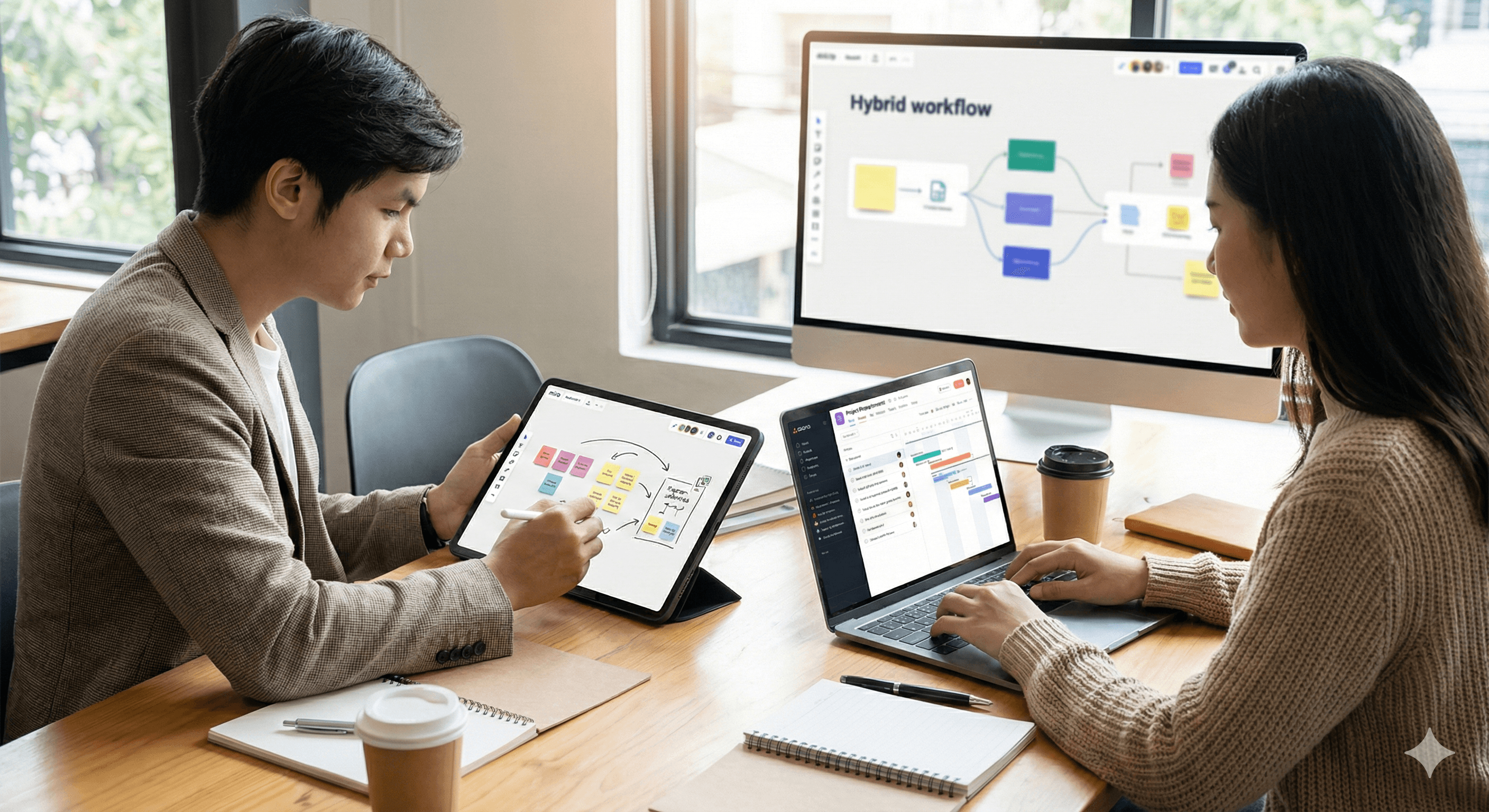
Two colleagues are working together in an office, using Asana and Miro on their devices, with a large screen showing a workflow diagram.

Uncertain about how to get started with AI?
Evaluate your readiness, potential risks, and key priorities in less than an hour.

Uncertain about how to get started with AI?
Evaluate your readiness, potential risks, and key priorities in less than an hour.

➔ Download Our Free AI Preparedness Pack

Asana is your central place for work details: owners, dates, dependencies, status. Miro is your space for understanding: discovery, mapping, and decision-making. They both help with planning, but are most effective together. Use Miro to create shared understanding, then push prioritized work into Asana for execution, governance, reporting, and scaling.

Who this guide is for

Leaders selecting tools for cross-functional delivery (Product, PMO, Operations, Engineering, Marketing). We partner with both platforms; this is our honest perspective on when each excels, where they might fall short, and how to manage them as a unified system.

Summary: If one visual stands out

  • Think: Miro = a limitless space for ideas, organization, and decisions.

  • Do: Asana = tracked tasks, responsible parties, dependencies, and results.

  • Connect: Integrations keep evidence ↔ execution aligned (Miro frames link to Asana projects; Asana updates reappear on the board).

Key strengths (comparison)

Area

Asana strengths

Miro strengths

Main function

Work coordination, portfolios, approvals, dependencies, SLAs, audit trails

Collaborative brainstorming: discovery, shaping scopes, mapping, workshops

AI benefits

Draft updates, status summaries, grooming, AI assistants for routine follow-ups

Analyze insights, summarize frames, draft scope, check diagrams

Planning

Roadmaps, capacities, dependencies, milestones

Brainstorm → themes → scope; visual timelines & dependency maps

Execution

Epic stories, workflows, rules, forms, dashboards

Co-creation areas for designs, research, live rituals

Governance

Permissions, approvals, change history, reports

Decision logs, visual verification of evidence

Where it doesn't work

Too many templates cause clutter; Asana is awkward for whiteboarding

Running projects on the board can lead to chaos & outdated status

Honest opinion: You can plan in Asana and can log actions in Miro—but forcing one to do the other's job leads to friction and weak signals.

When to choose which (decision guide)

Choose Miro when you need to: explore problems, visually align stakeholders, cluster research, map dependencies, conduct workshops, capture decisions with context.
Choose Asana when you need to: assign owners, set dates, model dependencies, automate workflows, report progress, and scale execution across teams.

Handoff point: Once scope/decisions stabilize on Miro, convert work streams → Asana epics/stories with links back to frames. From there, use Miro as context and Asana as reality for delivery.

Key integration (minimum effective process)

  1. Define in Miro: Discovery → Insights → Work streams (frame links + decision log).

  2. Send to Asana: Create epics/stories with acceptance criteria and links back to Miro frames.

  3. Sync status: A simple script/rule posts weekly Asana updates to a “Status” frame on the Miro board.

  4. Complete the loop: During showcases, jump from Asana tasks to relevant Miro frames for evidence; update decisions if scope changes.

Governance advice: Share contribution rules on the board (“Miro for ideas & decisions; Asana for status & dates”).

Immediate playbooks available

1) Brainstorm → workable plan in 90 minutes

  • Collect sticky notes, organize with Miro AI, draft scope & acceptance criteria.

  • Convert work streams into Asana epics with sub-tasks; assign owners & dates.

  • Create a ‘Decision’ record connecting both sides.

2) Quarterly planning: one board, multiple teams

  • Import team backlogs (links).

  • Map cross-team dependencies in Miro; identify critical path.

  • Create/adjust Asana roadmaps and portfolio views from agreed work streams.

3) Beta feedback → roadmap updates

  • Public Miro board gathers feedback; summarize weekly with AI.

  • Convert prioritized items to Asana tasks; relate them to roadmap goals.

  • Showcase progress by linking delivered tasks back to the public frame.

Avoid these patterns

  • Executing in Miro: boards become outdated; owners/dates get mixed up; reporting suffers. Move to Asana once scope is confirmed.

  • Conducting discovery in Asana: list-based ideas miss nuances; lacks spatial reasoning; weak alignment. Start in Miro.

  • Two sources of truth: if status exists in both, neither is trusted. Choose Asana for status.

  • No decision log: repetitive debates occur. Maintain a Miro Decisions frame linking to affected Asana items.

Roles & responsibilities for the stack

  • Product/PM: Facilitates Miro discovery; maintains decision log; creates Asana epics.

  • Engineering/Delivery: Breaks epics into stories/tasks; updates status in Asana.

  • Design/Research: Collects evidence in Miro; links artifacts to Asana tasks.

  • PMO/Leadership: Reviews Miro summary frames; checks Asana portfolio dashboards.

Key metrics

  • Discovery→scope lead time

  • % tasks with Miro evidence links

  • Rework after sign-off

  • Decision latency

  • Current status in Asana

  • Dependency-related delays

Seat strategy & cost efficiency

  • Miro: assign creator seats to facilitators/design/PMs; viewer/commenter roles for stakeholders; consider public boards for feedback with oversight.

  • Asana: full access for owners/assignees; guest access for external partners; automate repetitive admin tasks using rules instead of additional human resources.

Security & compliance

  • Keep sensitive data in your document management system; link instead of copying.

  • Use minimum necessary access on both platforms; separate environments for testing integrations.

  • Consider Miro frames as evidence, Asana as the definitive change log.

FAQs

Can we replace Miro with Asana whiteboards?
You’ll sacrifice depth for brainstorming and consensus. Use Asana whiteboards for simple sketches, but retain Miro for comprehensive discovery.

Can we manage projects solely in Miro?
It's not feasible at scale. Use Miro to conceptualize and Asana to execute.

Where should we keep specifications?
Where your team captures long-form content (Confluence/Docs/Notion). Link from both Miro and Asana.

How do we maintain link currency?
Follow a single integration path: Miro frame ↔ Asana epic/story; avoid linking to random board areas.

SEO Metadata (draft)

  • Title (57 chars): Asana vs Miro in 2026 — and why you need both

  • Meta description (156 chars): Optimize your project management by combining the strengths of both Asana and Miro. Together, they enhance planning, execution, and reporting.

  • Slug: asana-miro

Schema recommendations

  • FAQPage for common questions.

  • HowTo for the integration flow (Miro → Asana transfer).

Action invitation

Interested in a joint stack review?
We’ll examine your Miro boards and Asana projects, design the transition, connect integration, and provide a 90-day roadmap with key metrics and governance.

Asana is your central place for work details: owners, dates, dependencies, status. Miro is your space for understanding: discovery, mapping, and decision-making. They both help with planning, but are most effective together. Use Miro to create shared understanding, then push prioritized work into Asana for execution, governance, reporting, and scaling.

Who this guide is for

Leaders selecting tools for cross-functional delivery (Product, PMO, Operations, Engineering, Marketing). We partner with both platforms; this is our honest perspective on when each excels, where they might fall short, and how to manage them as a unified system.

Summary: If one visual stands out

  • Think: Miro = a limitless space for ideas, organization, and decisions.

  • Do: Asana = tracked tasks, responsible parties, dependencies, and results.

  • Connect: Integrations keep evidence ↔ execution aligned (Miro frames link to Asana projects; Asana updates reappear on the board).

Key strengths (comparison)

Area

Asana strengths

Miro strengths

Main function

Work coordination, portfolios, approvals, dependencies, SLAs, audit trails

Collaborative brainstorming: discovery, shaping scopes, mapping, workshops

AI benefits

Draft updates, status summaries, grooming, AI assistants for routine follow-ups

Analyze insights, summarize frames, draft scope, check diagrams

Planning

Roadmaps, capacities, dependencies, milestones

Brainstorm → themes → scope; visual timelines & dependency maps

Execution

Epic stories, workflows, rules, forms, dashboards

Co-creation areas for designs, research, live rituals

Governance

Permissions, approvals, change history, reports

Decision logs, visual verification of evidence

Where it doesn't work

Too many templates cause clutter; Asana is awkward for whiteboarding

Running projects on the board can lead to chaos & outdated status

Honest opinion: You can plan in Asana and can log actions in Miro—but forcing one to do the other's job leads to friction and weak signals.

When to choose which (decision guide)

Choose Miro when you need to: explore problems, visually align stakeholders, cluster research, map dependencies, conduct workshops, capture decisions with context.
Choose Asana when you need to: assign owners, set dates, model dependencies, automate workflows, report progress, and scale execution across teams.

Handoff point: Once scope/decisions stabilize on Miro, convert work streams → Asana epics/stories with links back to frames. From there, use Miro as context and Asana as reality for delivery.

Key integration (minimum effective process)

  1. Define in Miro: Discovery → Insights → Work streams (frame links + decision log).

  2. Send to Asana: Create epics/stories with acceptance criteria and links back to Miro frames.

  3. Sync status: A simple script/rule posts weekly Asana updates to a “Status” frame on the Miro board.

  4. Complete the loop: During showcases, jump from Asana tasks to relevant Miro frames for evidence; update decisions if scope changes.

Governance advice: Share contribution rules on the board (“Miro for ideas & decisions; Asana for status & dates”).

Immediate playbooks available

1) Brainstorm → workable plan in 90 minutes

  • Collect sticky notes, organize with Miro AI, draft scope & acceptance criteria.

  • Convert work streams into Asana epics with sub-tasks; assign owners & dates.

  • Create a ‘Decision’ record connecting both sides.

2) Quarterly planning: one board, multiple teams

  • Import team backlogs (links).

  • Map cross-team dependencies in Miro; identify critical path.

  • Create/adjust Asana roadmaps and portfolio views from agreed work streams.

3) Beta feedback → roadmap updates

  • Public Miro board gathers feedback; summarize weekly with AI.

  • Convert prioritized items to Asana tasks; relate them to roadmap goals.

  • Showcase progress by linking delivered tasks back to the public frame.

Avoid these patterns

  • Executing in Miro: boards become outdated; owners/dates get mixed up; reporting suffers. Move to Asana once scope is confirmed.

  • Conducting discovery in Asana: list-based ideas miss nuances; lacks spatial reasoning; weak alignment. Start in Miro.

  • Two sources of truth: if status exists in both, neither is trusted. Choose Asana for status.

  • No decision log: repetitive debates occur. Maintain a Miro Decisions frame linking to affected Asana items.

Roles & responsibilities for the stack

  • Product/PM: Facilitates Miro discovery; maintains decision log; creates Asana epics.

  • Engineering/Delivery: Breaks epics into stories/tasks; updates status in Asana.

  • Design/Research: Collects evidence in Miro; links artifacts to Asana tasks.

  • PMO/Leadership: Reviews Miro summary frames; checks Asana portfolio dashboards.

Key metrics

  • Discovery→scope lead time

  • % tasks with Miro evidence links

  • Rework after sign-off

  • Decision latency

  • Current status in Asana

  • Dependency-related delays

Seat strategy & cost efficiency

  • Miro: assign creator seats to facilitators/design/PMs; viewer/commenter roles for stakeholders; consider public boards for feedback with oversight.

  • Asana: full access for owners/assignees; guest access for external partners; automate repetitive admin tasks using rules instead of additional human resources.

Security & compliance

  • Keep sensitive data in your document management system; link instead of copying.

  • Use minimum necessary access on both platforms; separate environments for testing integrations.

  • Consider Miro frames as evidence, Asana as the definitive change log.

FAQs

Can we replace Miro with Asana whiteboards?
You’ll sacrifice depth for brainstorming and consensus. Use Asana whiteboards for simple sketches, but retain Miro for comprehensive discovery.

Can we manage projects solely in Miro?
It's not feasible at scale. Use Miro to conceptualize and Asana to execute.

Where should we keep specifications?
Where your team captures long-form content (Confluence/Docs/Notion). Link from both Miro and Asana.

How do we maintain link currency?
Follow a single integration path: Miro frame ↔ Asana epic/story; avoid linking to random board areas.

SEO Metadata (draft)

  • Title (57 chars): Asana vs Miro in 2026 — and why you need both

  • Meta description (156 chars): Optimize your project management by combining the strengths of both Asana and Miro. Together, they enhance planning, execution, and reporting.

  • Slug: asana-miro

Schema recommendations

  • FAQPage for common questions.

  • HowTo for the integration flow (Miro → Asana transfer).

Action invitation

Interested in a joint stack review?
We’ll examine your Miro boards and Asana projects, design the transition, connect integration, and provide a 90-day roadmap with key metrics and governance.

Receive weekly AI news and advice straight to your inbox

By subscribing, you agree to allow Generation Digital to store and process your information according to our privacy policy. You can review the full policy at gend.co/privacy.


Upcoming Workshops and Webinars

A diverse group of professionals collaborating around a table in a bright, modern office setting.

Streamlined Operations for Canadian Businesses - Asana

Virtual Webinar
Wednesday, February 25, 2026
Online

A diverse group of professionals collaborating around a table in a bright, modern office setting.

Collaborate with AI Team Members - Asana

In-Person Workshop
Thursday, February 26, 2026
Toronto, Canada

A diverse group of professionals collaborating around a table in a bright, modern office setting.

From Concept to Prototype - AI in Miro

Online Webinar
Wednesday, February 18, 2026
Online

Generation
Digital

Canadian Office
33 Queen St,
Toronto
M5H 2N2
Canada

Canadian Office
1 University Ave,
Toronto,
ON M5J 1T1,
Canada

NAMER Office
77 Sands St,
Brooklyn,
NY 11201,
USA

Head Office
Charlemont St, Saint Kevin's, Dublin,
D02 VN88,
Ireland

Middle East Office
6994 Alsharq 3890,
An Narjis,
Riyadh 13343,
Saudi Arabia

UK Fast Growth Index UBS Logo
Financial Times FT 1000 Logo
Febe Growth 100 Logo (Background Removed)

Business Number: 256 9431 77 | Copyright 2026 | Terms and Conditions | Privacy Policy

Generation
Digital

Canadian Office
33 Queen St,
Toronto
M5H 2N2
Canada

Canadian Office
1 University Ave,
Toronto,
ON M5J 1T1,
Canada

NAMER Office
77 Sands St,
Brooklyn,
NY 11201,
USA

Head Office
Charlemont St, Saint Kevin's, Dublin,
D02 VN88,
Ireland

Middle East Office
6994 Alsharq 3890,
An Narjis,
Riyadh 13343,
Saudi Arabia

UK Fast Growth Index UBS Logo
Financial Times FT 1000 Logo
Febe Growth 100 Logo (Background Removed)


Business No: 256 9431 77
Terms and Conditions
Privacy Policy
© 2026





