El Manual de Estrategias de IA de Zapier: Tácticas Comprobadas para 2026
Inteligencia Artificial
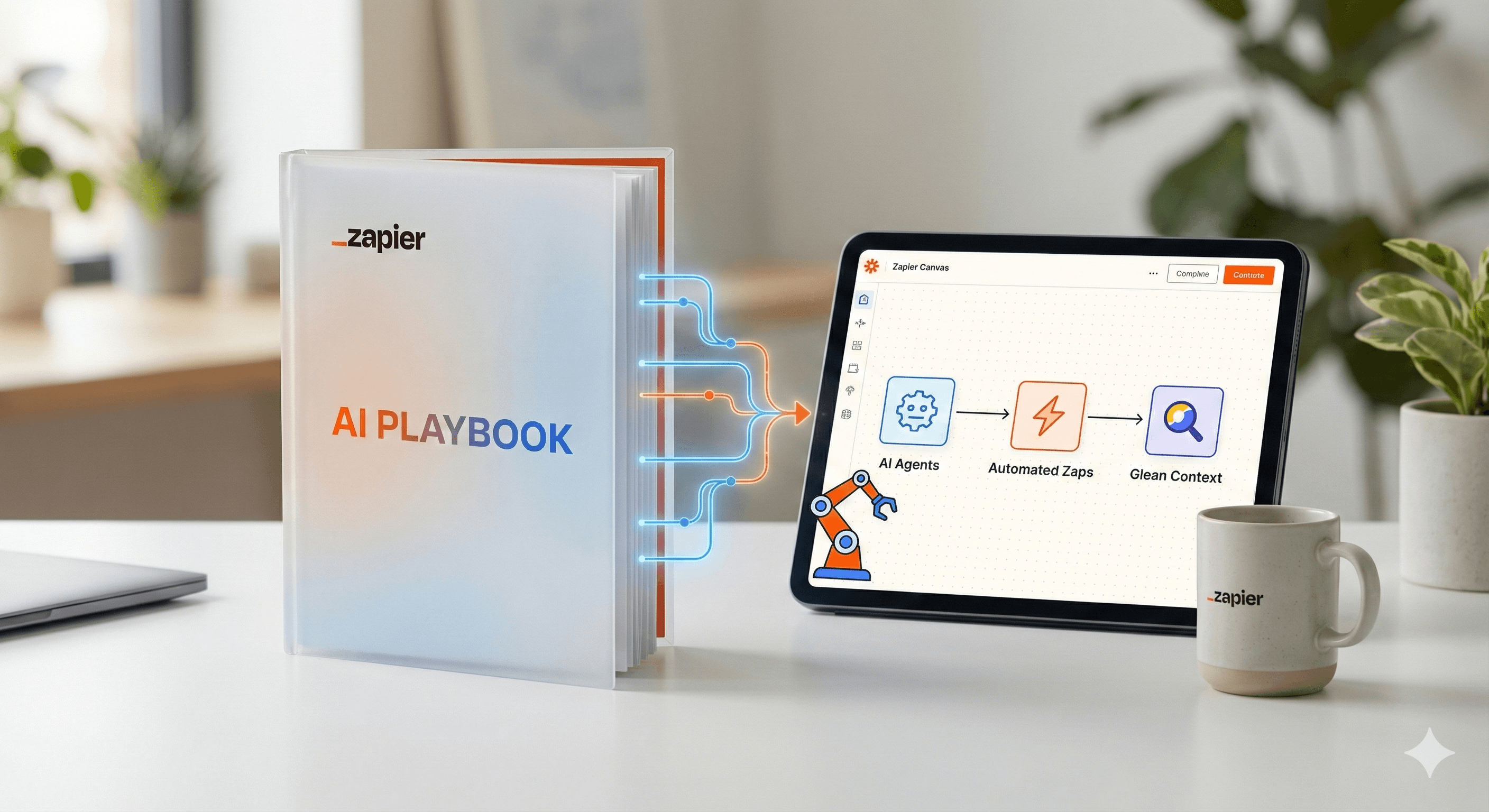
¿No sabes por dónde empezar con la IA?Evalúa preparación, riesgos y prioridades en menos de una hora.
➔ Descarga nuestro paquete gratuito de preparación para IA
Explora las ideas más accionables del Playbook de IA de Zapier, presentado en colaboración con Glean, y aprende cómo pasar de experimentos a impactos empresariales medibles. Verás cómo Zapier escaló la adopción de IA a nivel organizacional y cómo aplicar esas tácticas con Agents, Canvas y patrones de orquestación en tu propio equipo.
Por qué esto es importante en 2026
Zapier compartió públicamente cómo impulsó la adopción de IA en toda la empresa, alcanzando un 89% de uso activo para la primavera de 2025, y desde entonces ha hecho código abierto tácticas adicionales, reportando un 97% de uso semanal en la empresa. Su playbook enfatiza la urgencia (“Código Rojo”), fundamentos (límites, habilitación) y la creación de hábitos (hackatones, promotores). Usa el mismo enfoque para convertir pilotos en resultados de producción.
Puntos clave / beneficios
Descubre nuevas eficiencias. Orquesta la IA donde ya ocurre el trabajo: flujos de trabajo, agentes y chatbots, en lugar de mantener la IA en silo.
Mejora la colaboración. Planifica y comunica sistemas de principio a fin en Canvas, luego implementa automatizaciones y agentes que cumplan con el plan.
Estandariza y luego escala. Usa plantillas repetibles, sprints de fluidez en IA y hackatones para difundir la capacidad más allá de un solo equipo.
Qué hay de nuevo o cómo funciona
Zapier como plataforma de orquestación de IA. Puedes agregar IA en tres niveles: Pasos de IA en Zaps, Agentes y chatbots de clientes, y conectarlo a miles de herramientas que tu equipo ya usa. Esto unifica indicaciones, datos y acciones en un solo lugar.
Canvas para estrategia → construcción. Canvas es una herramienta gratuita, potenciada por IA, para diagramar procesos, mapear dependencias y convertir ideas en automatizaciones con sugerencias de IA. Úsalo para alinear a las partes interesadas antes de crear Zaps o Agentes.
Agentes para realizar trabajos de varios pasos. Con Agentes de Zapier, puedes crear compañeros de equipo de IA que utilizan el conocimiento de la empresa y actúan en más de 8,000 aplicaciones, haciendo pausas para revisión humana en los puntos de decisión y registrando lo que sucedió.
Pasos prácticos
Crea urgencia y una pista segura
Anuncia un impulso acotado en tiempo (el momento “Código Rojo” de Zapier), publica directrices de uso de IA y nombra promotores. Esto genera impulso mientras mantiene seguro el uso de los datos.Ejecuta un sprint de fluidez en IA y un hackatón
Ofrece alrededor de 25 horas de aprendizaje autodirigido, luego lleva a cabo un hackatón de la empresa para convertir el aprendizaje en prototipos funcionales. Celebra los éxitos y documenta patrones para su reutilización.Diseña en Canvas, implementa con Zaps y Agentes
Perfecciona el flujo de trabajo en Canvas; acuerda disparadores, sistemas y aprobaciones. Luego, implementa con Zaps (para flujos lineales) o Agentes (para trabajos de varios pasos dirigidos a un objetivo).Comienza con 2–3 casos de uso de alto impacto
Ejemplos que se generalizan bien:
Triángulo de bandeja de entrada y programación: redacta respuestas, enruta correos electrónicos y agenda reuniones.
Gestión de leads: enriquecimiento, calificación y notificación a SDRs con resúmenes.
Desviación de soporte: sugiere respuestas con citas, crea/actualiza tickets.
Utiliza Glean para destacar conocimiento interno y citas en estos flujos.
Gobernar y medir
Activa la retroalimentación humana donde sea necesario, requiere trazabilidad y rastrea el tiempo de completado, precisión, desviaciones y % de aprobaciones humanas. Convierte los éxitos en plantillas compartidas y extiéndelo a equipos adyacentes.
Ejemplos que puedes seguir
Concierge de bandeja de entrada AI
Canva el flujo → Agente redacta respuestas, propone los próximos pasos y se agenda con tu aplicación de calendario; un Zap registra los resultados en CRM y Slack/Teams.Fábrica de contenido de marketing
Usa patrones de orquestación para convertir notas de llamadas y seminarios online en publicaciones, informes y correos electrónicos a través de canales, automáticamente.Bucle de conocimiento de soporte
El agente busca conocimiento interno (p. ej., Glean) con citas, redacta respuestas y actualiza ServiceNow/Zendesk. Un Zap captura casos no resueltos para revisión semanal.
Preguntas frecuentes
P1: ¿Qué es el Playbook de IA de Zapier?
R: Es un conjunto de prácticas que Zapier utilizó para impulsar la adopción de IA en toda la empresa, logrando un 89% para la primavera de 2025, incluyendo la urgencia “Código Rojo”, límites, habilitación, hackatones y promotores. Desde entonces, Zapier ha hecho código abierto tácticas adicionales (97% de uso semanal). Zapier+1
P2: ¿Cómo mejora la eficiencia del flujo de trabajo la IA con Zapier?
R: Agrega IA donde encaje: como un paso en un Zap, como un Agente dirigido por objetivos o como un chatbot para clientes. Canvas ayuda a diseñar el sistema; Zaps/Agentes ejecutan; todo se conecta con las aplicaciones que utiliza tu equipo. Zapier+1
P3: ¿Qué herramientas se recomiendan para comenzar?
R: Canvas para el mapeo, Zaps para automatizaciones lineales, Agentes para trabajo de múltiples pasos que se beneficien del contexto y los puntos de pausa, además de herramientas de conocimiento como Glean para citas y respuestas internas. Zapier+1
Resumen
El Playbook de IA de Zapier ofrece una ruta práctica para escalar: crea urgencia, construye seguridad y fluidez, diseña en Canvas, luego automatiza con Zaps y Agentes a través de más de 8,000 aplicaciones, con Glean proporcionando contexto empresarial y citas. ¿Quieres una implementación guiada para 2026? Generation Digital puede ayudar a diseñar tu programa, plantillas y gobernanza.
Recibe noticias y consejos sobre IA cada semana en tu bandeja de entrada
Al suscribirte, das tu consentimiento para que Generation Digital almacene y procese tus datos de acuerdo con nuestra política de privacidad. Puedes leer la política completa en gend.co/privacy.



Generación
Digital

Oficina en Reino Unido
Generation Digital Ltd
33 Queen St,
Londres
EC4R 1AP
Reino Unido
Oficina en Canadá
Generation Digital Americas Inc
181 Bay St., Suite 1800
Toronto, ON, M5J 2T9
Canadá
Oficina en EE. UU.
Generation Digital Américas Inc
77 Sands St,
Brooklyn, NY 11201,
Estados Unidos
Oficina de la UE
Software Generación Digital
Edificio Elgee
Dundalk
A91 X2R3
Irlanda
Oficina en Medio Oriente
6994 Alsharq 3890,
An Narjis,
Riad 13343,
Arabia Saudita







Número de la empresa: 256 9431 77 | Derechos de autor 2026 | Términos y Condiciones | Política de Privacidad