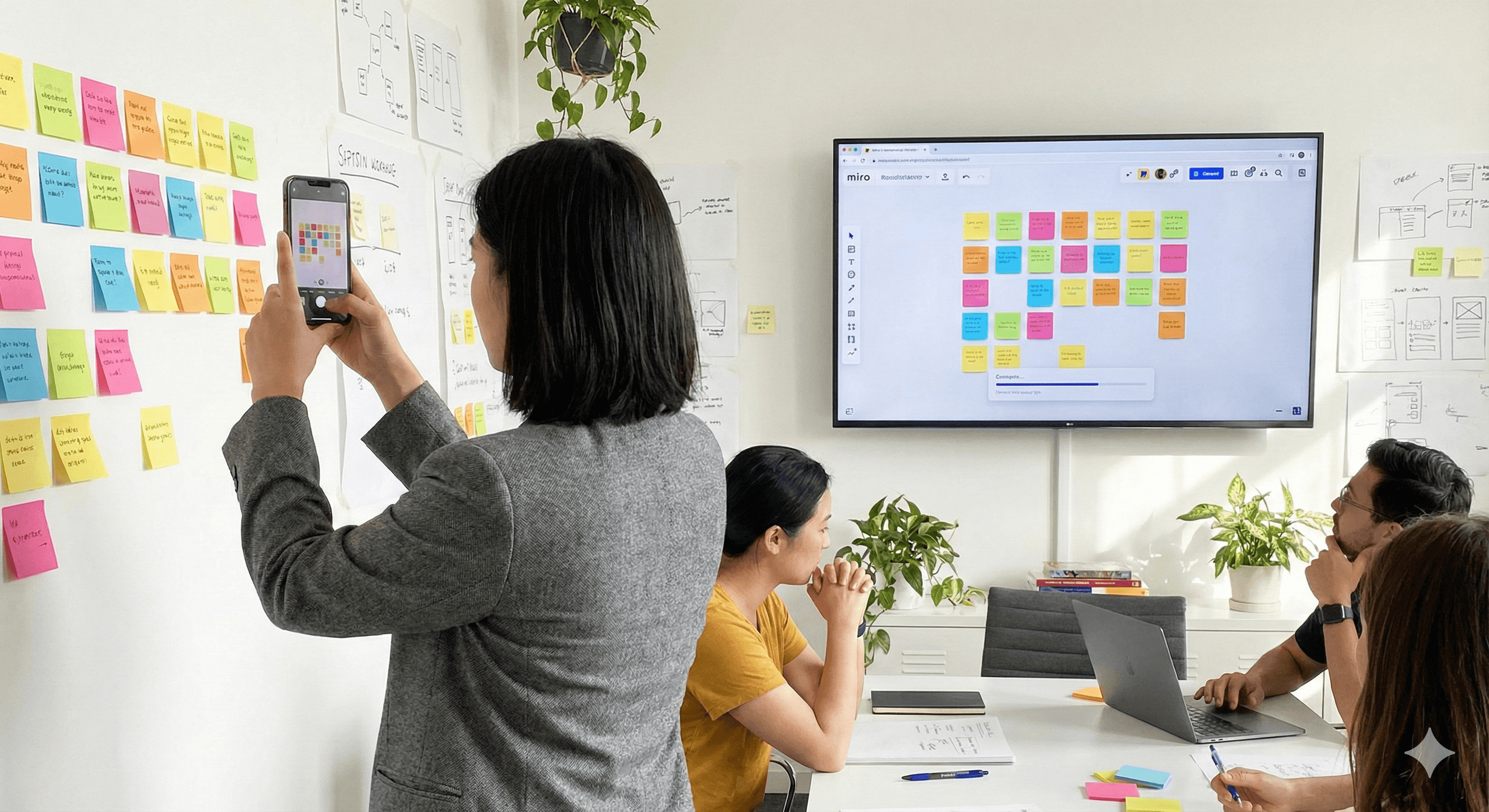
Workshops often end with walls covered in ideas. With Miro’s Stickies Capture, you can quickly bring those physical notes onto a board as fully editable digital stickies—ready to organise, share and act on.
Key benefits
Organise ideas faster: Convert photos of paper stickies directly into digital sticky notes on a Miro board. Miro
Access anywhere: Your captured notes live in Miro, available on web, desktop and mobile. help.miro.com
Collaborate in real time: Edit, comment and arrange with teammates immediately after capture. help.miro.com
How it works?
Stickies Capture lets you upload a photo of physical notes and automatically converts them into editable Miro stickies. It’s available across plans when Miro AI is enabled. You can capture via mobile (camera → upload) or add images from your device and convert on the board.
Practical steps
Open Miro and add your photo
On mobile: use the app to upload a photo to your board (the mobile app supports Stickies Capture).
On desktop/web: drag an image onto the board or use Upload.
Run Stickies Capture
Select the image of your notes and choose Stickies Capture to convert to editable sticky notes.
Tidy and organise
Edit text on the new stickies as needed and arrange them into groups or frames. (They behave like normal Miro sticky notes.)
Optional: Summarise or cluster with Miro AI
After capture, use Miro AI with sticky notes to cluster, summarise, or create a Doc from the selection to speed up synthesis.
Tip: If you originally used the Post-it® App, you can export text-based Post-it notes directly to Miro as stickies.
Ready to take the next step? Generation Digital helps teams with Miro rollout, training and licensing.
FAQs
Q1: Why use Miro for digital notes?
A: Miro turns photos of paper stickies into editable notes on a shared board, so teams can organise, search, and collaborate in real time. help.miro.com
Q2: Can I share my digital sticky notes?
A: Yes—invite collaborators to your board to edit, comment, and arrange notes together from any device. help.miro.com
Q3: Is there a cost to using this feature?
A: Stickies Capture works across plans when Miro AI is enabled. Check your plan’s AI availability in Miro’s help centre. help.miro.com
Summary
Bring your wall of ideas into Miro in minutes: capture, convert, and collaborate. Want a robust workflow for synthesis and prioritisation? Contact Generation Digital—we’ll help you design a lightweight capture-to-insight process.
Next Steps: Ready to standardise capture and synthesis across workshops? Talk to Generation Digital.
Put this into practice
Rolling out Claude or AI across your organisation?
Generation Digital is a certified partner in Anthropic’s Claude Partner Network. Talk to one of our Claude specialists about rollout, training and adoption.
Get weekly AI news and advice delivered to your inbox
By subscribing you consent to Generation Digital storing and processing your details in line with our privacy policy. You can read the full policy at gend.co/privacy.


