Transform Feedback into Actionable Insights Fast

Transform Feedback into Actionable Insights Fast

Miro

Asana

Glean

Notion

AI
Jan 5, 2026

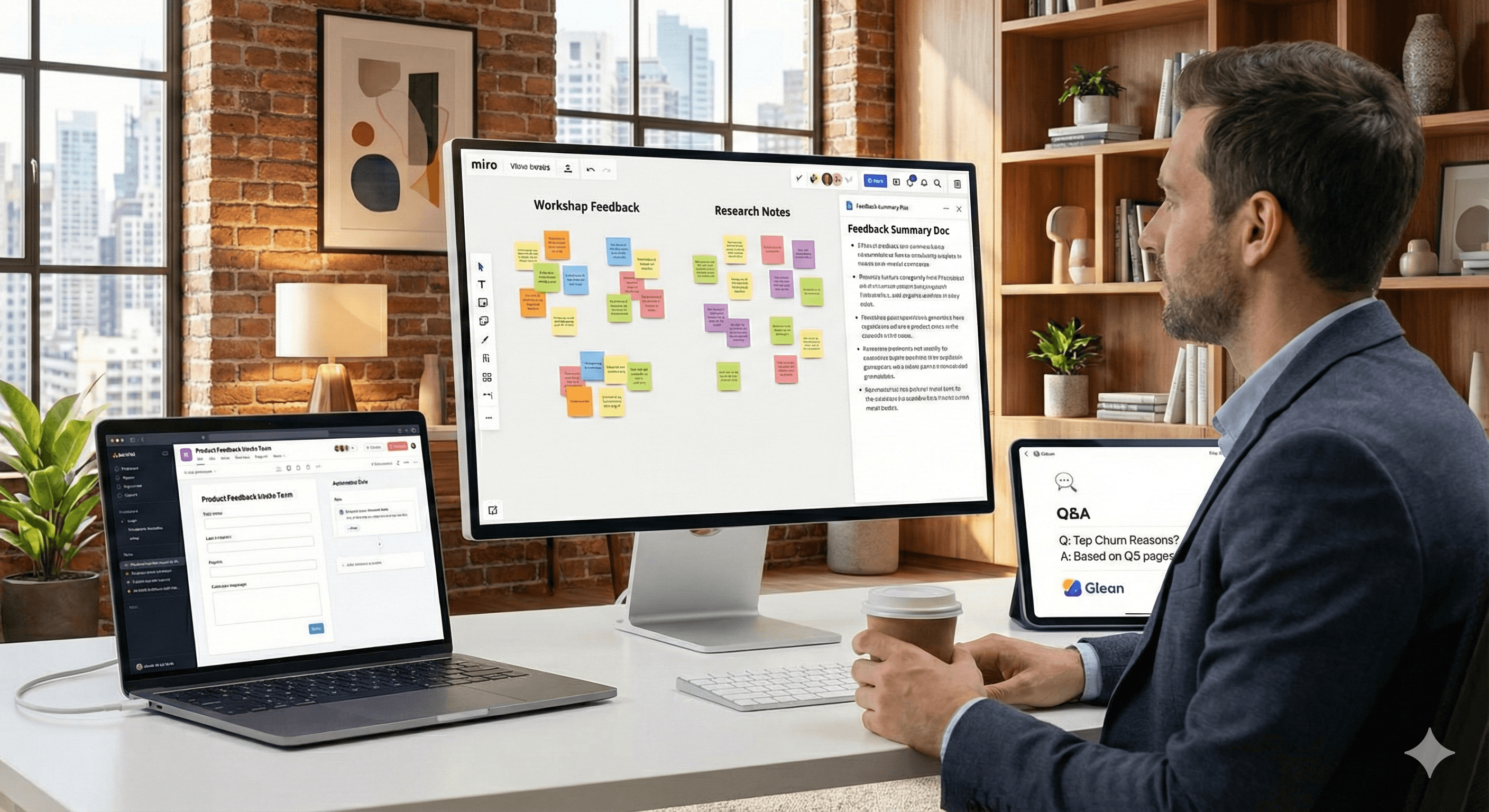
A person sits at a desk in a modern office with a laptop and a large monitor displaying colorful sticky notes and feedback tools, illustrating the process of turning feedback into actionable insights.

When feedback piles up, from workshops, tickets, or research, it’s easy to stall. The fastest path to clarity combines three motions: summarise what you’ve collected, standardise how it arrives, and query what you already know. Official guidance from Miro, Asana, Notion and Glean shows how to do this without reinventing your stack.

Key points

  • Faster synthesis: Cluster sticky notes and generate concise Docs directly on the canvas with Miro AI.

  • Clean intake → quicker action: Asana Forms standardise requests; Rules automate triage and assignments.

  • Instant answers from your knowledge: Notion Q&A and Glean return context-aware answers from existing content.

How it works

  • Miro AI (on-canvas synthesis): Select stickies → Miro AI → Document → Summary to produce a digest or create a Doc from selected notes—ideal after workshops or research share-outs.

  • Asana intake & automation: Forms capture the right data up front; Rules trigger actions (assign, set fields, notify) so nothing falls through the cracks.

  • Knowledge answers where you work: Notion’s Q&A answers questions from workspace pages; Glean searches 100+ tools and returns permission-aware results.

Practical steps or examples

  1. Synthesis in Miro

    • Select a group of sticky notes after a workshop.

    • Run Miro AI → Document → Summary to create a digest you can share immediately.

  2. Standardise intake in Asana

    • Create an Asana Form for feedback or requests, ensuring required fields (e.g., product area, impact, urgency).

    • Add Rules to auto-assign reviewers, set priority, and notify stakeholders on submission.

  3. Answer questions from existing knowledge

    • In Notion, use Q&A to ask natural-language questions (“What were the top churn reasons last quarter?”) and pull answers from your pages.

    • In Glean, search across your connected tools (e.g., Google Workspace, Microsoft 365, Slack, Salesforce) for an instant, permission-aware view.

FAQs

Q1: How do I summarise workshop notes quickly?

A: In Miro, select the sticky notes and choose Miro AI → Document → Summary to generate a concise write-up directly on the board. Miro Help Centre

Q2: How can we prevent low-quality or incomplete feedback?

A: Use Asana Forms to standardise intake, then attach Rules to auto-route, assign, and add fields—so every submission is actionable. help.asana.com

Q3: We already have answers somewhere. How do we find them faster?

A: Use Notion Q&A to query your workspace pages, or Glean to search across 100+ tools with permission-aware results for instant context. notion.com

Summary

Transforming feedback into decisions is a repeatable flow. If you’d like help tailoring this to your team’s stack and governance, contact Generation Digital.

Ready to operationalise this flow? Contact Generation Digital to design a lightweight, governed feedback-to-insight pipeline.

When feedback piles up, from workshops, tickets, or research, it’s easy to stall. The fastest path to clarity combines three motions: summarise what you’ve collected, standardise how it arrives, and query what you already know. Official guidance from Miro, Asana, Notion and Glean shows how to do this without reinventing your stack.

Key points

  • Faster synthesis: Cluster sticky notes and generate concise Docs directly on the canvas with Miro AI.

  • Clean intake → quicker action: Asana Forms standardise requests; Rules automate triage and assignments.

  • Instant answers from your knowledge: Notion Q&A and Glean return context-aware answers from existing content.

How it works

  • Miro AI (on-canvas synthesis): Select stickies → Miro AI → Document → Summary to produce a digest or create a Doc from selected notes—ideal after workshops or research share-outs.

  • Asana intake & automation: Forms capture the right data up front; Rules trigger actions (assign, set fields, notify) so nothing falls through the cracks.

  • Knowledge answers where you work: Notion’s Q&A answers questions from workspace pages; Glean searches 100+ tools and returns permission-aware results.

Practical steps or examples

  1. Synthesis in Miro

    • Select a group of sticky notes after a workshop.

    • Run Miro AI → Document → Summary to create a digest you can share immediately.

  2. Standardise intake in Asana

    • Create an Asana Form for feedback or requests, ensuring required fields (e.g., product area, impact, urgency).

    • Add Rules to auto-assign reviewers, set priority, and notify stakeholders on submission.

  3. Answer questions from existing knowledge

    • In Notion, use Q&A to ask natural-language questions (“What were the top churn reasons last quarter?”) and pull answers from your pages.

    • In Glean, search across your connected tools (e.g., Google Workspace, Microsoft 365, Slack, Salesforce) for an instant, permission-aware view.

FAQs

Q1: How do I summarise workshop notes quickly?

A: In Miro, select the sticky notes and choose Miro AI → Document → Summary to generate a concise write-up directly on the board. Miro Help Centre

Q2: How can we prevent low-quality or incomplete feedback?

A: Use Asana Forms to standardise intake, then attach Rules to auto-route, assign, and add fields—so every submission is actionable. help.asana.com

Q3: We already have answers somewhere. How do we find them faster?

A: Use Notion Q&A to query your workspace pages, or Glean to search across 100+ tools with permission-aware results for instant context. notion.com

Summary

Transforming feedback into decisions is a repeatable flow. If you’d like help tailoring this to your team’s stack and governance, contact Generation Digital.

Ready to operationalise this flow? Contact Generation Digital to design a lightweight, governed feedback-to-insight pipeline.

Get practical advice delivered to your inbox

By subscribing you consent to Generation Digital storing and processing your details in line with our privacy policy. You can read the full policy at gend.co/privacy.


Ready to get the support your organisation needs to successfully use AI?

Miro Solutions Partner
Asana Platinum Solutions Partner
Notion Platinum Solutions Partner
Glean Certified Partner

Ready to get the support your organisation needs to successfully use AI?

Miro Solutions Partner
Asana Platinum Solutions Partner
Notion Platinum Solutions Partner
Glean Certified Partner

Generation
Digital

UK Office
33 Queen St,
London
EC4R 1AP
United Kingdom

Canada Office
1 University Ave,
Toronto,
ON M5J 1T1,
Canada

NAMER Office
77 Sands St,
Brooklyn,
NY 11201,
United States

EMEA Office
Charlemont St, Saint Kevin's, Dublin,
D02 VN88,
Ireland

Middle East Office
6994 Alsharq 3890,
An Narjis,
Riyadh 13343,
Saudi Arabia

UK Fast Growth Index UBS Logo
Financial Times FT 1000 Logo
Febe Growth 100 Logo (Background Removed)

Company No: 256 9431 77 | Copyright 2026 | Terms and Conditions | Privacy Policy

Generation
Digital

UK Office
33 Queen St,
London
EC4R 1AP
United Kingdom

Canada Office
1 University Ave,
Toronto,
ON M5J 1T1,
Canada

NAMER Office
77 Sands St,
Brooklyn,
NY 11201,
United States

EMEA Office
Charlemont St, Saint Kevin's, Dublin,
D02 VN88,
Ireland

Middle East Office
6994 Alsharq 3890,
An Narjis,
Riyadh 13343,
Saudi Arabia

UK Fast Growth Index UBS Logo
Financial Times FT 1000 Logo
Febe Growth 100 Logo (Background Removed)


Company No: 256 9431 77
Terms and Conditions
Privacy Policy
Copyright 2026





