Free ChatGPT for Teachers to June 2027
ChatGPT
Free AI at Work Playbook for managers using ChatGPT, Claude and Gemini.
➔ Download the Playbook
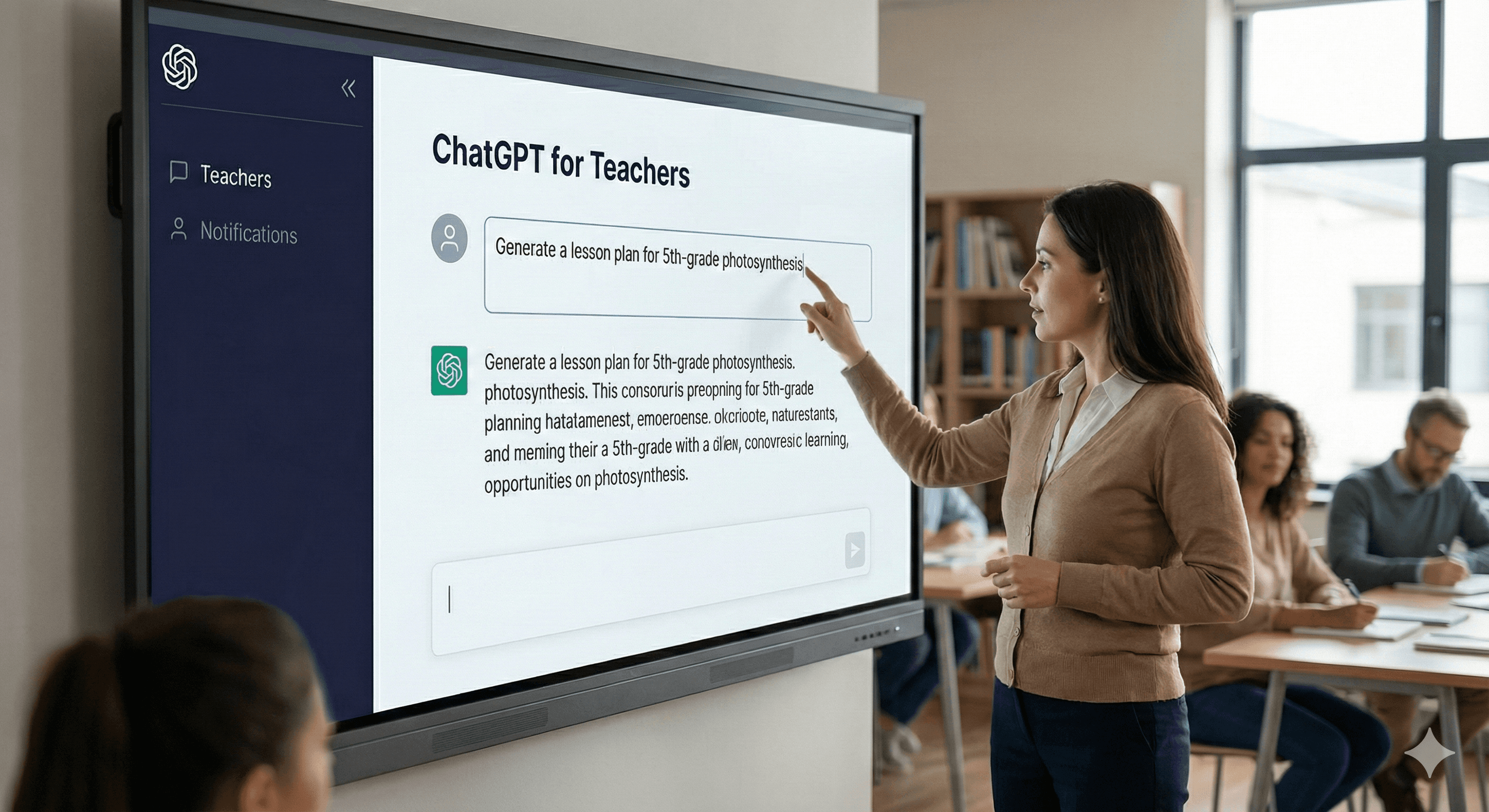
OpenAI has introduced ChatGPT for Teachers — a secure, self‑serve workspace designed for U.S. K–12 educators — and made it free through June 2027 for verified teachers and school staff. It gives educators a private space to plan, adapt materials, and collaborate with colleagues under education‑grade protections and admin controls.
Why this matters
Teachers are among the earliest and most active AI users, but many districts have paused adoption over privacy and governance concerns. ChatGPT for Teachers addresses those issues head‑on: data from this workspace is not used to train OpenAI models by default, FERPA‑aligned safeguards apply, and school/district leaders get controls such as domain claiming, SSO, and role‑based access. In short, it’s a practical route to save prep time and reduce admin workload without compromising compliance.
What’s included
ChatGPT for Teachers brings the most useful ChatGPT capabilities into a school‑ready environment: unlimited messages with modern GPT‑5.1 modes, file uploads and connectors, voice and image tools, web/search where available, data analysis for structured files, and collaboration features like shared workspaces and custom GPTs. Memory can personalise support to your year group and curriculum, and leaders can view analytics to understand adoption (no student accounts yet).
Who qualifies & key dates
The plan is free through June 2027 for verified U.S. K–12 educators — including teachers, staff, school leaders, and district admins — who are employed by an accredited school or district. Workspaces are limited to verified users within the same district domain. Student accounts and student‑facing features are not included at launch.
How to apply (step‑by‑step)
1) Start verification. Visit the educator verification page and begin the SheerID check using your school/district email.
2) Create or join a workspace. After approval, either create a new workspace for your school/district or join an existing one linked to your domain.
3) Set your role and subjects. Follow onboarding to pick subjects/grades and enable helpful presets (e.g., standards, rubrics).
4) Bring colleagues. Owners/admins can invite other verified educators in the same district, configure SAML SSO, assign roles (RBAC), and claim the district domain to keep sign‑ups organised.
5) Teach, measure, iterate. Use templates and examples from real teachers, and review workspace analytics to understand impact. If you’re a large district or need data residency/EKM, contact sales for enterprise options.
Classroom‑level examples
A history teacher asks for three differentiated lesson outlines aligned to state standards, with primary‑source excerpts and reading‑age adjustments — then generates a rubric and formative quiz. A bilingual coordinator drafts family communications in English and Spanish with consistent tone and formatting. A maths department uploads past papers, creating practice sets with worked solutions and common‑error feedback.
FAQs
Who can access the free version?
Verified U.S. K–12 educators — teachers, staff, school leaders, and district admins employed by accredited schools/districts — through June 2027.
How is data handled?
Like other business plans, information shared in ChatGPT for Teachers is not used to train models by default. The workspace is designed to help schools meet FERPA obligations, with safety and quality systems in place.
What makes this different from a regular ChatGPT account?
It’s built for schools: a secure workspace with collaboration, education‑grade protections, admin features (SSO, RBAC, domain claiming, analytics), and teacher‑specific onboarding and prompts.
Can students use it?
Not currently. Student accounts and student‑facing features may come later.
What happens after June 2027?
OpenAI may introduce or adjust pricing; the stated goal is to keep it affordable for educators, with advance notice before any change.
Summary
ChatGPT for Teachers gives educators a governed workspace that respects privacy while saving valuable prep time. If you’re planning a district‑wide rollout, start with verification and domain claiming, enable SSO and RBAC, and create a small library of shared prompts and templates.
Need help with policy, training, and roll‑out? Generation Digital can provide playbooks and workshops aligned to district and state requirements.
Get weekly AI news and advice delivered to your inbox
By subscribing you consent to Generation Digital storing and processing your details in line with our privacy policy. You can read the full policy at gend.co/privacy.



Generation
Digital

UK Office
Generation Digital Ltd
33 Queen St,
London
EC4R 1AP
United Kingdom
Canada Office
Generation Digital Americas Inc
181 Bay St., Suite 1800
Toronto, ON, M5J 2T9
Canada
USA Office
Generation Digital Americas Inc
77 Sands St,
Brooklyn, NY 11201,
United States
EU Office
Generation Digital Software
Elgee Building
Dundalk
A91 X2R3
Ireland
Middle East Office
6994 Alsharq 3890,
An Narjis,
Riyadh 13343,
Saudi Arabia






Company No: 256 9431 77 | Copyright 2026 | Terms and Conditions | Privacy Policy