Notion Page Design Update: What’s Changed and Why
Notion
Free AI at Work Playbook for managers using ChatGPT, Claude and Gemini.
➔ Download the Playbook
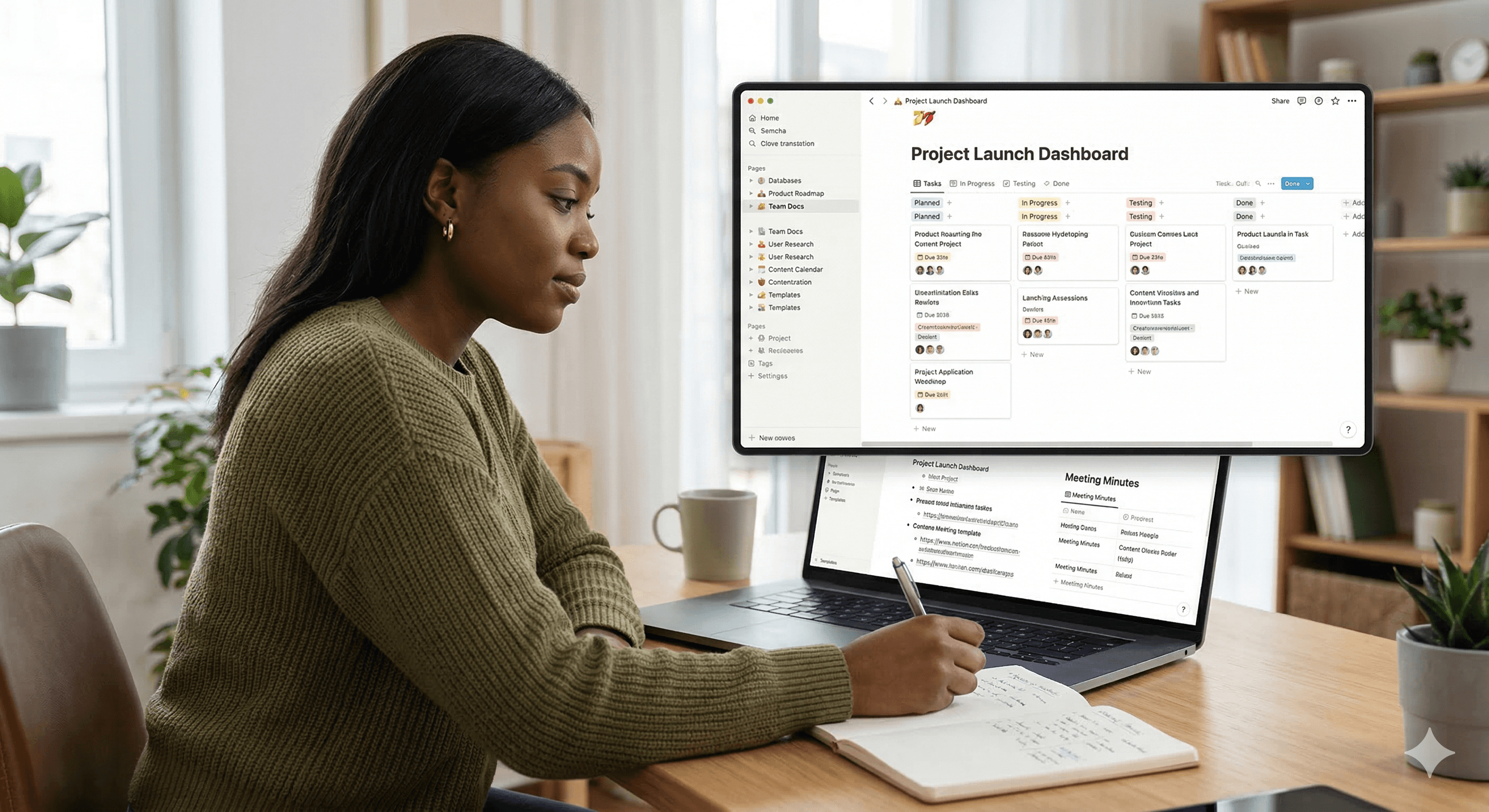
Notion’s page design update applies design rules more consistently across pages, improving navigation, readability and visual clarity. Most workspaces will see the updated layout automatically, while teams can still customise pages using templates and database layouts to fit different workflows.
Notion pages are where work actually happens — meeting notes, project plans, decision logs, and documentation that someone will need months later. When pages look and behave consistently, people spend less time searching and formatting, and more time doing the work.
Notion recently revisited its page designs to apply its design rules more consistently. The aim is straightforward: a more unified experience that’s easier to navigate, quicker to scan, and more accessible across different types of content.
This guide explains what’s changed, what it means for your existing pages, and how to use the update to strengthen your workflow.
What changed in Notion’s page design?
Notion’s update is less about introducing a brand-new feature and more about making the page experience feel consistent across the product. In practice, users are likely to notice improvements in:
Visual consistency (spacing, alignment, and hierarchy feel more predictable)
Navigation clarity (pages are easier to skim and move through)
Accessibility and readability (cleaner layouts reduce “visual noise”)
If your workspace is used by more than a handful of people, this kind of consistency has a real productivity impact: it reduces the mental load of switching between different docs, databases, and team spaces.
Why consistent page design improves workflow
A consistent design isn’t just aesthetic. It changes how reliably people can:
find key information,
understand what’s most important on a page,
and contribute without needing a personal formatting style guide.
For teams, it also makes knowledge management easier: when the “shape” of a page is predictable, documentation becomes reusable — and onboarding becomes faster.
How the update affects your existing pages
Most existing pages adopt the updated design automatically. Your content stays the same, but the page may appear cleaner or more structured depending on what you already have in place.
If you have older pages that rely on heavy manual formatting (for example, lots of nested callouts or inconsistent heading use), this is a good moment to refactor them into a simpler, more repeatable pattern.
Practical steps to make the most of the update
1) Run a quick “page health check”
Pick three common page types in your workspace (for example: project pages, meeting notes, and team documentation). For each one, check:
Can someone new understand the page in 30 seconds?
Is there a clear summary at the top?
Are headings used consistently?
Are links to key resources easy to find?
A small amount of structural editing often produces a big improvement.
2) Standardise with templates
If you want consistency without policing people’s formatting, templates are the cleanest approach. Create templates for:
project kick-offs,
weekly updates,
incident reviews,
decisions,
and team docs.
A good template makes “the right way” the easiest way.
3) Use database page layouts for role-specific views
When a database is powering your workflow (projects, tasks, CRM, content pipelines), the page itself matters. Notion’s page layouts let you organise properties so different databases have pages that fit their purpose.
For example:
A project page can prioritise status, milestones, and owners.
A content page can surface deadline, channel, and approvals.
A customer page can prioritise account health, renewal dates, and open actions.
4) Improve accessibility as you clean up
Small choices make pages easier to read:
Use headings to create structure (and reduce long walls of text)
Keep pages scannable with short paragraphs
Use icons and covers sparingly (signal meaning, don’t add clutter)
Prefer clear links over “click here”
These changes help everyone — and they’re essential for larger organisations.
Can you still customise the new design?
Yes. Notion still gives you control over your pages — especially through templates, page styling, and database layouts. The difference is that the default experience is now more consistent, which makes your customisation feel more intentional.
Summary
Notion’s page design update focuses on consistency — making pages easier to scan, navigate, and maintain as your workspace grows. Existing pages adopt the update automatically, and teams can get even more value by standardising templates and refining database page layouts.
If you’d like help designing a Notion workspace that supports scale — governance, documentation standards, and reliable delivery — Generation Digital can help.
Next steps
Explore Notion: /notion/
Tighten your operating system: create templates for your most common page types
For teams: agree simple documentation standards (what belongs on a page, what belongs in a database)
FAQs
What are the benefits of Notion’s new design?
It improves consistency across pages, making workspaces easier to navigate and reducing the time spent formatting and searching for information.
How does the design update affect my existing pages?
Most pages update automatically. Your content stays intact, but you may notice cleaner spacing, hierarchy and a more consistent look across the workspace.
Can I customise the new design?
Yes. You can customise pages using templates, styling options, and database page layouts so different workflows still look and behave the way your team needs.
Get weekly AI news and advice delivered to your inbox
By subscribing you consent to Generation Digital storing and processing your details in line with our privacy policy. You can read the full policy at gend.co/privacy.



Generation
Digital

UK Office
Generation Digital Ltd
33 Queen St,
London
EC4R 1AP
United Kingdom
Canada Office
Generation Digital Americas Inc
181 Bay St., Suite 1800
Toronto, ON, M5J 2T9
Canada
USA Office
Generation Digital Americas Inc
77 Sands St,
Brooklyn, NY 11201,
United States
EU Office
Generation Digital Software
Elgee Building
Dundalk
A91 X2R3
Ireland
Middle East Office
6994 Alsharq 3890,
An Narjis,
Riyadh 13343,
Saudi Arabia







Company No: 256 9431 77 | Copyright 2026 | Terms and Conditions | Privacy Policy