Notion Agents: Customizable AI Teammates in Notion

Notion Agents: Customizable AI Teammates in Notion

Conceptual
Nov 12, 2025

Introduction

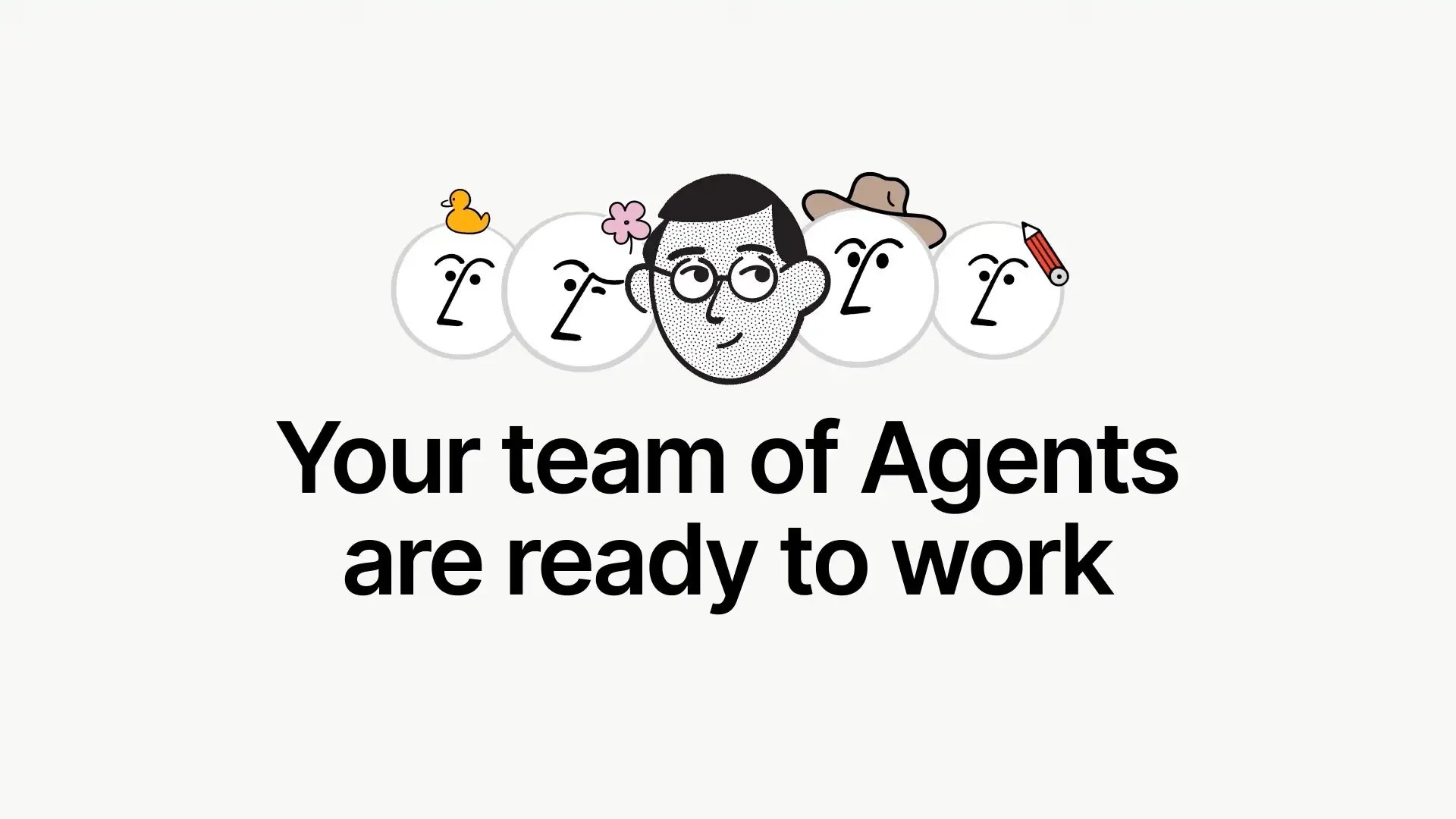
Notion Agents bring an AI teammate into the environment where your teams already write, plan, and deliver. The personal Agent is a part of your workspace and handles multi-step tasks using page and database context. Notion has also introduced Custom Agents that can operate autonomously and be shared with the entire team.

What is a Notion Agent

A Notion Agent is an integrated AI assistant that can interpret your pages and databases, then perform actions to meet objectives, such as reorganizing a page, updating properties, or generating new entries. You get access to the Agent with any plan that incorporates Notion AI, and it's available from the circular AI icon within your workspace.

About Custom Agents

Notion 3.0 brings Custom Agents that you can create, customize, and share with your team. Custom Agents are designed to run automatically, utilize memory, and undertake extended tasks. As of now, Notion positions Custom Agents as an upcoming feature associated with the 3.0 update.

How Agents work

Agents function within Notion utilizing the same foundational elements that users do. You define a result, the Agent plans and carries out the steps, using the workspace context you’re permitted to see. You can customize how an Agent behaves and looks, and you can add guidance for it to act as a specialist teammate.

Key capabilities

  • Multi-step actions with memory: Agents can perform tasks across pages and databases for extended durations, maintaining context for further actions.

  • Customization: Assign your Agent a name, look, and directions so it aligns with your working style.

  • Team-sharable agents: Notion 3.0 highlights Custom Agents that can be utilized by your entire team for consistent workflows.

Why this matters

Since AI operates within Notion, teams can efficiently transition from requests to results without changing contexts. Agents utilize the exact pages, tasks, tables, and properties your team already administers, enhancing precision and ensuring changes are trackable within your workspace.

Who benefits

  • Product and Engineering: Transform meeting notes into organized tasks, update backlogs, and manage properties broadly.

  • Marketing and CX: Reconfigure briefs, label content, and establish campaign trackers using existing pages and databases.

  • Operations and PMO: Standardize regular updates, ensure data integrity, and publish status pages originating from a single trustworthy source.

Practical ways to start

  • Tidy and standardize: Request the Agent to adjust task names to a consistent format, fill in missing fields, or archive outdated pages.

  • Summarize and brief: Produce summaries from lengthy notes, then construct a checklist or project with linked tasks.

  • Database upkeep: Perform bulk edits on properties and relations to get ready for reporting.

Plans and availability

Notion offers four plans: Free, Plus, Business, and Enterprise. The personal Agent is accessible on plans that encompass Notion AI. Notion 3.0 positions Agents as a central feature, with Custom Agents anticipated and being implemented with version 3.0. Verify your plan for current AI inclusion and any additional requirements.

Governance and safety notes

Agents can sequence actions across pages and connectors, which increases the risk of unintended data exposure if permissions are overly broad. Keep scopes limited, test in non-production environments, and examine policies before allowing access to external tools.

How this relates to Notion Q&A

Q&A lets users ask questions in natural language and receive answers rooted in workspace content. It complements Agents by providing quick answers and references, while Agents perform multi-step tasks. Many teams start with Q&A, then incorporate Agents for automated workflows.

Rollout approach

  1. Start small: Select one clear workflow with defined inputs and outputs. Use the personal Agent and document the prompts that yield reliable results.

  2. Strengthen governance: Limit permissions, enable logging, and establish review checkpoints for any Agent that modifies shared databases.

  3. Scale with patterns: Once Custom Agents are available in your workspace, develop the effective workflow into a team-shareable Agent with clear guidelines.

How Generation Digital can help

Generation Digital assists teams in designing and deploying Agent use cases that save time without compromising data. We identify high-value patterns, refine Agent instructions, set permission models, and create a brief guide to enable other teams to adopt securely.

Call to action: Interested in implementing Notion Agents as your initial AI teammates, with appropriate safeguards and results? Contact Generation Digital for a structured rollout plan.

FAQs

Is Notion Agent available today
Yes, the personal Agent is available on plans that feature Notion AI. Access it from the AI icon within your workspace. Notion

What are Custom Agents
Custom Agents are team-sharable agents introduced with Notion 3.0. They’re described as forthcoming with the 3.0 release and intended for automated workflows. Notion

Does the Agent respect permissions
Agents engage with content the initiating user can access. Employ least-privilege principles and test thoroughly, as lengthy multi-step operations can interact with numerous objects. Notion+1

How is this different from Q&A
Q&A responds to queries with citations from your workspace. Agents perform tasks to achieve objectives. Utilize both for optimal results. Notion+1

Introduction

Notion Agents bring an AI teammate into the environment where your teams already write, plan, and deliver. The personal Agent is a part of your workspace and handles multi-step tasks using page and database context. Notion has also introduced Custom Agents that can operate autonomously and be shared with the entire team.

What is a Notion Agent

A Notion Agent is an integrated AI assistant that can interpret your pages and databases, then perform actions to meet objectives, such as reorganizing a page, updating properties, or generating new entries. You get access to the Agent with any plan that incorporates Notion AI, and it's available from the circular AI icon within your workspace.

About Custom Agents

Notion 3.0 brings Custom Agents that you can create, customize, and share with your team. Custom Agents are designed to run automatically, utilize memory, and undertake extended tasks. As of now, Notion positions Custom Agents as an upcoming feature associated with the 3.0 update.

How Agents work

Agents function within Notion utilizing the same foundational elements that users do. You define a result, the Agent plans and carries out the steps, using the workspace context you’re permitted to see. You can customize how an Agent behaves and looks, and you can add guidance for it to act as a specialist teammate.

Key capabilities

  • Multi-step actions with memory: Agents can perform tasks across pages and databases for extended durations, maintaining context for further actions.

  • Customization: Assign your Agent a name, look, and directions so it aligns with your working style.

  • Team-sharable agents: Notion 3.0 highlights Custom Agents that can be utilized by your entire team for consistent workflows.

Why this matters

Since AI operates within Notion, teams can efficiently transition from requests to results without changing contexts. Agents utilize the exact pages, tasks, tables, and properties your team already administers, enhancing precision and ensuring changes are trackable within your workspace.

Who benefits

  • Product and Engineering: Transform meeting notes into organized tasks, update backlogs, and manage properties broadly.

  • Marketing and CX: Reconfigure briefs, label content, and establish campaign trackers using existing pages and databases.

  • Operations and PMO: Standardize regular updates, ensure data integrity, and publish status pages originating from a single trustworthy source.

Practical ways to start

  • Tidy and standardize: Request the Agent to adjust task names to a consistent format, fill in missing fields, or archive outdated pages.

  • Summarize and brief: Produce summaries from lengthy notes, then construct a checklist or project with linked tasks.

  • Database upkeep: Perform bulk edits on properties and relations to get ready for reporting.

Plans and availability

Notion offers four plans: Free, Plus, Business, and Enterprise. The personal Agent is accessible on plans that encompass Notion AI. Notion 3.0 positions Agents as a central feature, with Custom Agents anticipated and being implemented with version 3.0. Verify your plan for current AI inclusion and any additional requirements.

Governance and safety notes

Agents can sequence actions across pages and connectors, which increases the risk of unintended data exposure if permissions are overly broad. Keep scopes limited, test in non-production environments, and examine policies before allowing access to external tools.

How this relates to Notion Q&A

Q&A lets users ask questions in natural language and receive answers rooted in workspace content. It complements Agents by providing quick answers and references, while Agents perform multi-step tasks. Many teams start with Q&A, then incorporate Agents for automated workflows.

Rollout approach

  1. Start small: Select one clear workflow with defined inputs and outputs. Use the personal Agent and document the prompts that yield reliable results.

  2. Strengthen governance: Limit permissions, enable logging, and establish review checkpoints for any Agent that modifies shared databases.

  3. Scale with patterns: Once Custom Agents are available in your workspace, develop the effective workflow into a team-shareable Agent with clear guidelines.

How Generation Digital can help

Generation Digital assists teams in designing and deploying Agent use cases that save time without compromising data. We identify high-value patterns, refine Agent instructions, set permission models, and create a brief guide to enable other teams to adopt securely.

Call to action: Interested in implementing Notion Agents as your initial AI teammates, with appropriate safeguards and results? Contact Generation Digital for a structured rollout plan.

FAQs

Is Notion Agent available today
Yes, the personal Agent is available on plans that feature Notion AI. Access it from the AI icon within your workspace. Notion

What are Custom Agents
Custom Agents are team-sharable agents introduced with Notion 3.0. They’re described as forthcoming with the 3.0 release and intended for automated workflows. Notion

Does the Agent respect permissions
Agents engage with content the initiating user can access. Employ least-privilege principles and test thoroughly, as lengthy multi-step operations can interact with numerous objects. Notion+1

How is this different from Q&A
Q&A responds to queries with citations from your workspace. Agents perform tasks to achieve objectives. Utilize both for optimal results. Notion+1

Receive practical advice directly in your inbox

By subscribing, you agree to allow Generation Digital to store and process your information according to our privacy policy. You can review the full policy at gend.co/privacy.


Are you ready to get the support your organization needs to successfully leverage AI?

Miro Solutions Partner
Asana Platinum Solutions Partner
Notion Platinum Solutions Partner
Glean Certified Partner

Ready to get the support your organization needs to successfully use AI?

Miro Solutions Partner
Asana Platinum Solutions Partner
Notion Platinum Solutions Partner
Glean Certified Partner

Generation
Digital

Canadian Office
33 Queen St,
Toronto
M5H 2N2
Canada

Canadian Office
1 University Ave,
Toronto,
ON M5J 1T1,
Canada

NAMER Office
77 Sands St,
Brooklyn,
NY 11201,
USA

Head Office
Charlemont St, Saint Kevin's, Dublin,
D02 VN88,
Ireland

Middle East Office
6994 Alsharq 3890,
An Narjis,
Riyadh 13343,
Saudi Arabia

UK Fast Growth Index UBS Logo
Financial Times FT 1000 Logo
Febe Growth 100 Logo (Background Removed)

Business Number: 256 9431 77 | Copyright 2026 | Terms and Conditions | Privacy Policy

Generation
Digital

Canadian Office
33 Queen St,
Toronto
M5H 2N2
Canada

Canadian Office
1 University Ave,
Toronto,
ON M5J 1T1,
Canada

NAMER Office
77 Sands St,
Brooklyn,
NY 11201,
USA

Head Office
Charlemont St, Saint Kevin's, Dublin,
D02 VN88,
Ireland

Middle East Office
6994 Alsharq 3890,
An Narjis,
Riyadh 13343,
Saudi Arabia

UK Fast Growth Index UBS Logo
Financial Times FT 1000 Logo
Febe Growth 100 Logo (Background Removed)


Business No: 256 9431 77
Terms and Conditions
Privacy Policy
© 2026





