Boost Accessibility Testing with Asana’s New Methods

Boost Accessibility Testing with Asana’s New Methods

Asana
Dec 6, 2025

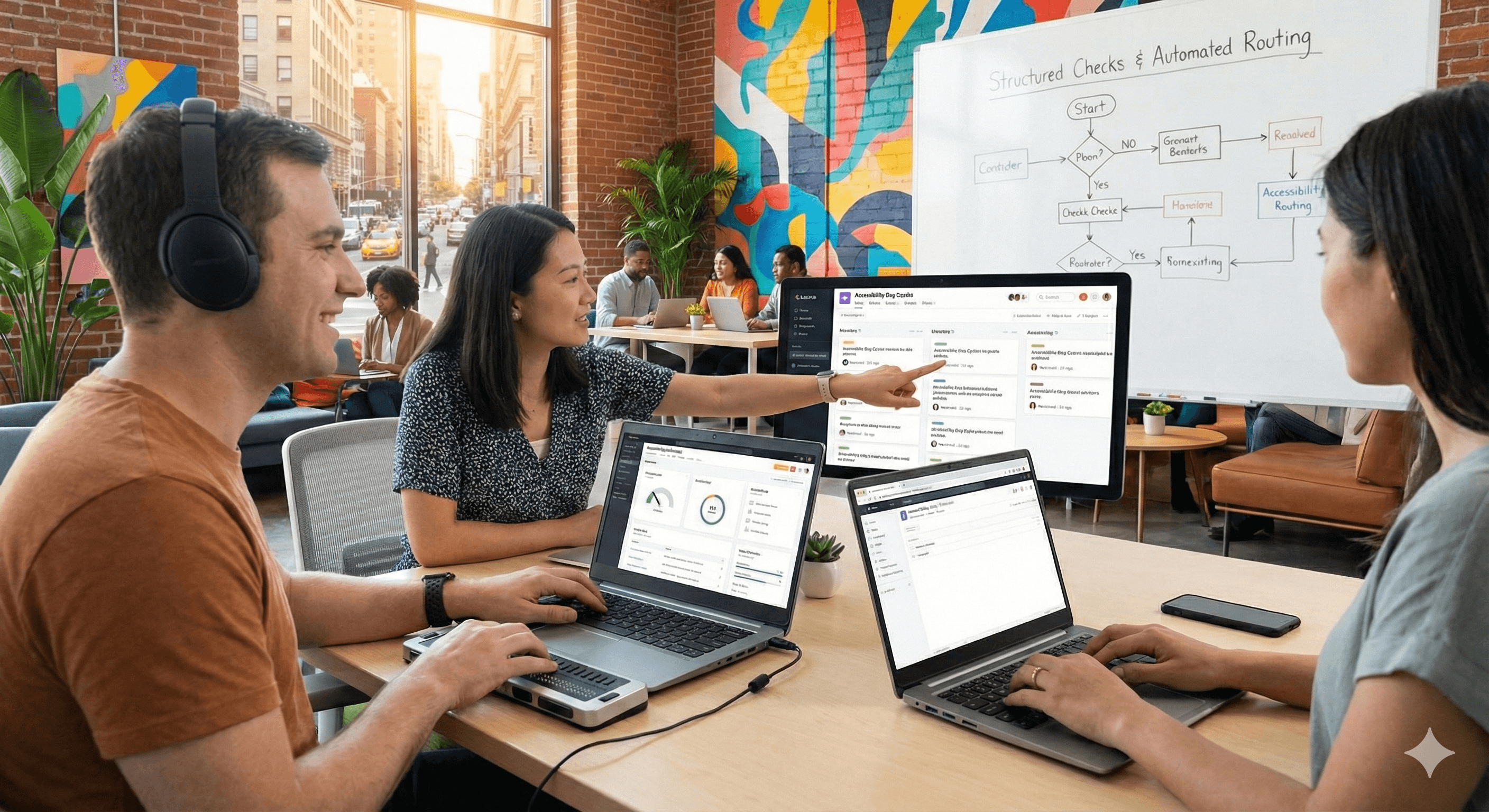
Asana shortened accessibility bug cycles from weeks to hours by structuring checks, automating prioritisation, and routing issues directly to the right teams who typically resolve them within days. The approach pairs lightweight automation with disciplined triage and verification, making clear, easy-to-fix issues surface early and close faster.

Why this matters now

Accessibility issues often languish because they’re found late, lack clear owners, or arrive without actionable context. Asana redesigned its testing workflow so obvious, high-impact fixes surface fast, reach the right team, and close quickly—shifting resolution from weeks to hours in many cases.

What’s new in Asana’s approach

  • Structured checks → actionable tasks. Accessibility checks map to task templates and custom fields so findings are specific, reproducible, and immediately assignable.

  • Automatic urgency + smart routing. New processes prioritise findings and send them to the correct product team with clear next steps and SLAs; most are resolved within days.

  • Programme, not a project. This builds on Asana’s ongoing investment: dedicated accessibility team, improved design system guidance, and embedded practices across design and engineering.

Key benefits

  • Faster time-to-fix. Clear, easy-to-fix issues get resolved quickly thanks to better triage and ownership.

  • Higher signal, less noise. Structured reports reduce back-and-forth and help teams act on the most impactful items first.

  • Cultural shift. Engineers receive feedback earlier and think about accessibility throughout the lifecycle, not just at the end.

Practical steps to replicate in your organisation

  1. Create a standard checklist. Base it on WCAG success criteria relevant to your product. Convert each check into a task template with fields for context (URL/screen, AT used, steps, expected vs. actual).

  2. Automate the front door. Add lightweight automated checks to CI to catch obvious regressions; pipe results into your tracker with labels for severity, component and assistive tech. (Asana emphasises pairing automation with clear human review for nuance.)

  3. Triage with SLAs. Establish severity definitions and service levels (e.g., critical: 48 hours). Route items to owning teams automatically based on component/area.

  4. Make ownership unambiguous. Use templates that pre-assign owner, reviewer, and due date; include reproduction steps and screenshots/recordings so fixes start immediately.

  5. Verify and learn. Add a verification sub-task and a brief post-fix note (root cause, prevention). Review weekly to refine patterns and update your design system guidance.

Next Steps

Want this playbook tailored to your stack? Contact Generation Digital for an accessibility testing workflow you can run inside Asana from day one.

FAQs

Q1: How does Asana’s new method improve testing?
It structures checks, automates prioritisation, and routes issues to the right team—so clear issues are found earlier and fixed faster, often shifting from weeks to hours with typical resolution in days. Asana

Q2: What are the benefits of faster accessibility testing?
Users get improvements sooner, teams reduce rework, and accessibility becomes a habit across design and engineering rather than a late-stage hurdle. Asana

Q3: Can these methods be applied elsewhere?
Yes. The principles—standardised checklists, CI checks, triage with SLAs, clear ownership, and a verification loop—are portable to any product team. Asana’s public commitment shows how to embed these practices at scale. Asana

Asana shortened accessibility bug cycles from weeks to hours by structuring checks, automating prioritisation, and routing issues directly to the right teams who typically resolve them within days. The approach pairs lightweight automation with disciplined triage and verification, making clear, easy-to-fix issues surface early and close faster.

Why this matters now

Accessibility issues often languish because they’re found late, lack clear owners, or arrive without actionable context. Asana redesigned its testing workflow so obvious, high-impact fixes surface fast, reach the right team, and close quickly—shifting resolution from weeks to hours in many cases.

What’s new in Asana’s approach

  • Structured checks → actionable tasks. Accessibility checks map to task templates and custom fields so findings are specific, reproducible, and immediately assignable.

  • Automatic urgency + smart routing. New processes prioritise findings and send them to the correct product team with clear next steps and SLAs; most are resolved within days.

  • Programme, not a project. This builds on Asana’s ongoing investment: dedicated accessibility team, improved design system guidance, and embedded practices across design and engineering.

Key benefits

  • Faster time-to-fix. Clear, easy-to-fix issues get resolved quickly thanks to better triage and ownership.

  • Higher signal, less noise. Structured reports reduce back-and-forth and help teams act on the most impactful items first.

  • Cultural shift. Engineers receive feedback earlier and think about accessibility throughout the lifecycle, not just at the end.

Practical steps to replicate in your organisation

  1. Create a standard checklist. Base it on WCAG success criteria relevant to your product. Convert each check into a task template with fields for context (URL/screen, AT used, steps, expected vs. actual).

  2. Automate the front door. Add lightweight automated checks to CI to catch obvious regressions; pipe results into your tracker with labels for severity, component and assistive tech. (Asana emphasises pairing automation with clear human review for nuance.)

  3. Triage with SLAs. Establish severity definitions and service levels (e.g., critical: 48 hours). Route items to owning teams automatically based on component/area.

  4. Make ownership unambiguous. Use templates that pre-assign owner, reviewer, and due date; include reproduction steps and screenshots/recordings so fixes start immediately.

  5. Verify and learn. Add a verification sub-task and a brief post-fix note (root cause, prevention). Review weekly to refine patterns and update your design system guidance.

Next Steps

Want this playbook tailored to your stack? Contact Generation Digital for an accessibility testing workflow you can run inside Asana from day one.

FAQs

Q1: How does Asana’s new method improve testing?
It structures checks, automates prioritisation, and routes issues to the right team—so clear issues are found earlier and fixed faster, often shifting from weeks to hours with typical resolution in days. Asana

Q2: What are the benefits of faster accessibility testing?
Users get improvements sooner, teams reduce rework, and accessibility becomes a habit across design and engineering rather than a late-stage hurdle. Asana

Q3: Can these methods be applied elsewhere?
Yes. The principles—standardised checklists, CI checks, triage with SLAs, clear ownership, and a verification loop—are portable to any product team. Asana’s public commitment shows how to embed these practices at scale. Asana

Get practical advice delivered to your inbox

By subscribing you consent to Generation Digital storing and processing your details in line with our privacy policy. You can read the full policy at gend.co/privacy.


Ready to get the support your organisation needs to successfully use AI?

Miro Solutions Partner
Asana Platinum Solutions Partner
Notion Platinum Solutions Partner
Glean Certified Partner

Ready to get the support your organisation needs to successfully use AI?

Miro Solutions Partner
Asana Platinum Solutions Partner
Notion Platinum Solutions Partner
Glean Certified Partner

Generation
Digital

UK Office
33 Queen St,
London
EC4R 1AP
United Kingdom

Canada Office
1 University Ave,
Toronto,
ON M5J 1T1,
Canada

NAMER Office
77 Sands St,
Brooklyn,
NY 11201,
United States

EMEA Office
Charlemont St, Saint Kevin's, Dublin,
D02 VN88,
Ireland

Middle East Office
6994 Alsharq 3890,
An Narjis,
Riyadh 13343,
Saudi Arabia

UK Fast Growth Index UBS Logo
Financial Times FT 1000 Logo
Febe Growth 100 Logo (Background Removed)

Company No: 256 9431 77 | Copyright 2026 | Terms and Conditions | Privacy Policy

Generation
Digital

UK Office
33 Queen St,
London
EC4R 1AP
United Kingdom

Canada Office
1 University Ave,
Toronto,
ON M5J 1T1,
Canada

NAMER Office
77 Sands St,
Brooklyn,
NY 11201,
United States

EMEA Office
Charlemont St, Saint Kevin's, Dublin,
D02 VN88,
Ireland

Middle East Office
6994 Alsharq 3890,
An Narjis,
Riyadh 13343,
Saudi Arabia

UK Fast Growth Index UBS Logo
Financial Times FT 1000 Logo
Febe Growth 100 Logo (Background Removed)


Company No: 256 9431 77
Terms and Conditions
Privacy Policy
Copyright 2026





