Notion Agents: configurable AI teammates inside Notion
Notion
Free AI at Work Playbook for managers using ChatGPT, Claude and Gemini.
➔ Download the Playbook
Introduction
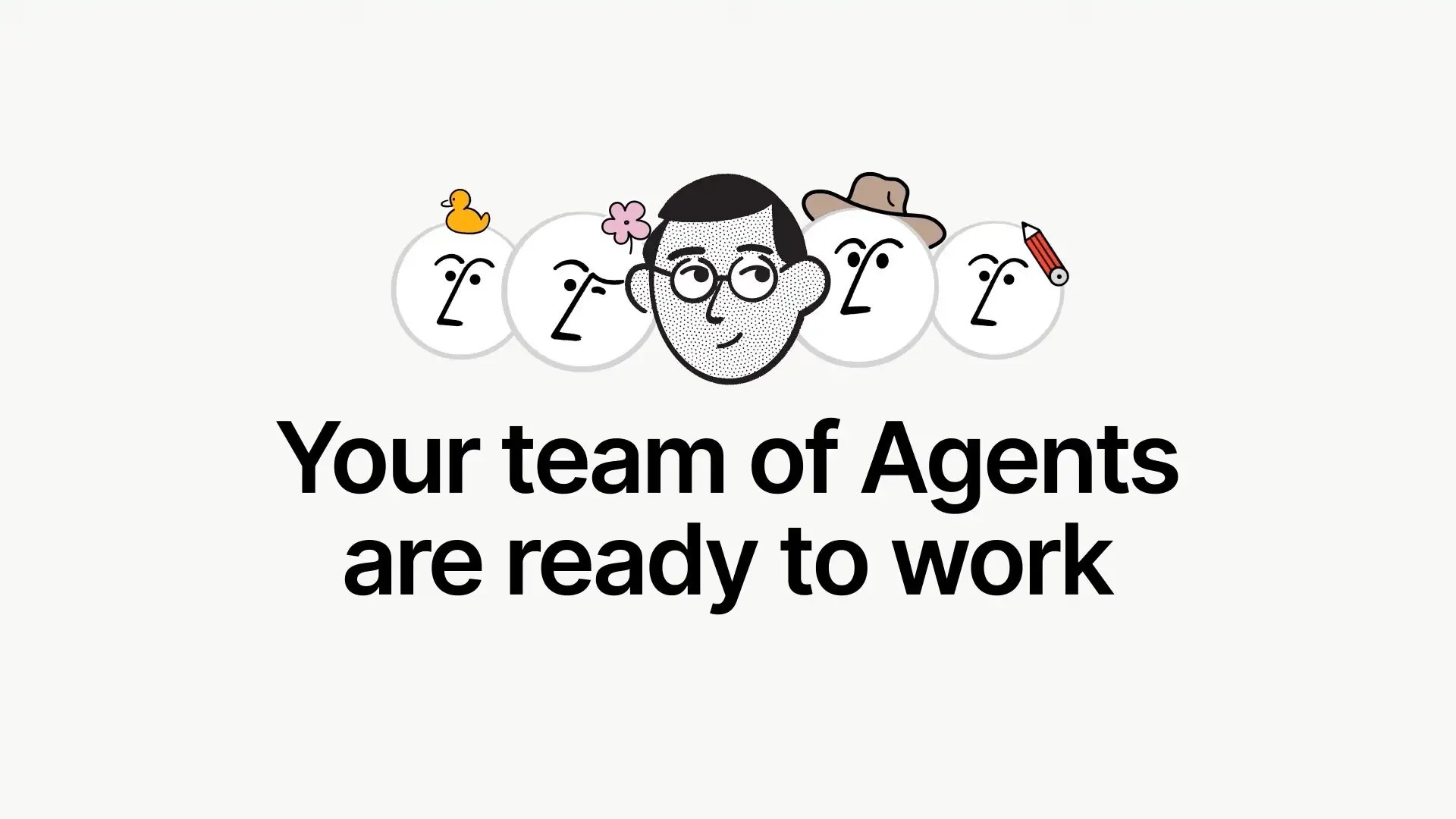
Notion Agents bring an AI teammate into the place where your teams already write, plan, and ship. The personal Agent lives in your workspace and completes multi-step tasks using page and database context. Notion has also announced Custom Agents that can run on autopilot and be shared across a team.
What is a Notion Agent
A Notion Agent is a built-in AI helper that can read your pages and databases, then take actions to achieve a goal, for example restructuring a page, updating properties, or creating new items. You unlock the Agent with any plan that includes Notion AI, and you access it from the circular AI icon in your workspace.
About Custom Agents
Notion 3.0 introduces Custom Agents that you can create, personalise, and share with your team. Custom Agents are positioned to run on autopilot, use memory, and execute longer tasks. At the time of writing, Notion presents Custom Agents as a coming capability linked to the 3.0 release.
How Agents work
Agents operate inside Notion with the same building blocks that users do. You describe an outcome, the Agent plans and executes steps, and it uses your workspace context that you have permission to see. You can personalise an Agent’s behaviour and style, and you can add guidance so it behaves like a specialist teammate.
Key capabilities
Multi-step actions with memory: Agents can work across pages and databases for extended runs, then continue later with context intact.
Personalisation: Give your Agent a name, appearance, and instructions so it adapts to your working style.
Team-shareable agents: Notion 3.0 flags Custom Agents that your whole team can use for repeatable workflows.
Why this matters
Because the AI sits inside Notion, teams can move from request to result without context switching. Agents use the exact pages, tasks, tables, and properties your team already maintains, which improves accuracy and keeps changes auditable inside your workspace.
Who benefits
Product and Engineering: Turn meeting notes into structured tasks, update backlogs, and clean properties at scale.
Marketing and CX: Reshape briefs, tag content, and create campaign trackers from existing pages and databases.
Operations and PMO: Standardise recurring updates, enforce data hygiene, and publish status pages from a single source of truth.
Practical ways to start
Tidy and standardise: Ask the Agent to rename tasks to a naming convention, fill missing fields, or archive stale pages.
Summarise and brief: Generate summaries from long notes, then create a checklist or project with linked tasks.
Database upkeep: Bulk-edit properties and relations to prepare for reporting.
Plans and availability
Notion lists four plans: Free, Plus, Business, and Enterprise. The personal Agent is available on plans that include Notion AI. Notion 3.0 introduces Agents as a core direction, with Custom Agents announced as coming and being rolled out with 3.0. Check your plan for current AI inclusion and any add-on requirements.
Governance and safety notes
Agents can chain actions across pages and connectors, which expands the surface for accidental data exposure if permissions are broad. Keep scopes tight, test against non-production spaces, and review policies before enabling access to external tools.
How this relates to Notion Q&A
Q&A lets users ask natural language questions and get answers grounded in workspace content. It complements Agents by giving fast answers and citations, while Agents execute multi-step actions. Many teams start with Q&A, then add Agents for automated work.
Rollout approach
Start small: Pick one workflow with clear inputs and outputs. Use the personal Agent and document the prompts that produce reliable results.
Harden governance: Restrict permissions, enable logging, and set review points for any Agent that edits shared databases.
Scale with patterns: When Custom Agents are available in your workspace, convert the working pattern into a team-shareable Agent with clear guardrails.
How Generation Digital can help
Generation Digital helps teams design and roll out Agent use cases that save time without risking data. We identify high-value patterns, tune Agent instructions, set permission models, and produce a short runbook so other teams can adopt safely.
Call to action: Ready to pilot Notion Agents as your first AI teammates, with the right guardrails and outcomes? Speak to Generation Digital for a structured rollout plan.
FAQs
Is Notion Agent available today
Yes, the personal Agent is available on plans that include Notion AI. Access it from the AI icon inside your workspace. Notion
What are Custom Agents
Custom Agents are team-shareable agents announced with Notion 3.0. They are presented as coming with the 3.0 release and are designed for autopilot workflows. Availability can vary by workspace. Notion
Does the Agent respect permissions
Agents work with content that the invoking user can access. Use least-privilege principles and test carefully, since long multi-step runs can touch many objects. Notion+1
How is this different from Q&A
Q&A answers questions with citations from your workspace. Agents carry out actions to reach an outcome. Use both for the best effect. Notion+1
Get weekly AI news and advice delivered to your inbox
By subscribing you consent to Generation Digital storing and processing your details in line with our privacy policy. You can read the full policy at gend.co/privacy.



Generation
Digital

UK Office
Generation Digital Ltd
33 Queen St,
London
EC4R 1AP
United Kingdom
Canada Office
Generation Digital Americas Inc
181 Bay St., Suite 1800
Toronto, ON, M5J 2T9
Canada
USA Office
Generation Digital Americas Inc
77 Sands St,
Brooklyn, NY 11201,
United States
EU Office
Generation Digital Software
Elgee Building
Dundalk
A91 X2R3
Ireland
Middle East Office
6994 Alsharq 3890,
An Narjis,
Riyadh 13343,
Saudi Arabia







Company No: 256 9431 77 | Copyright 2026 | Terms and Conditions | Privacy Policy